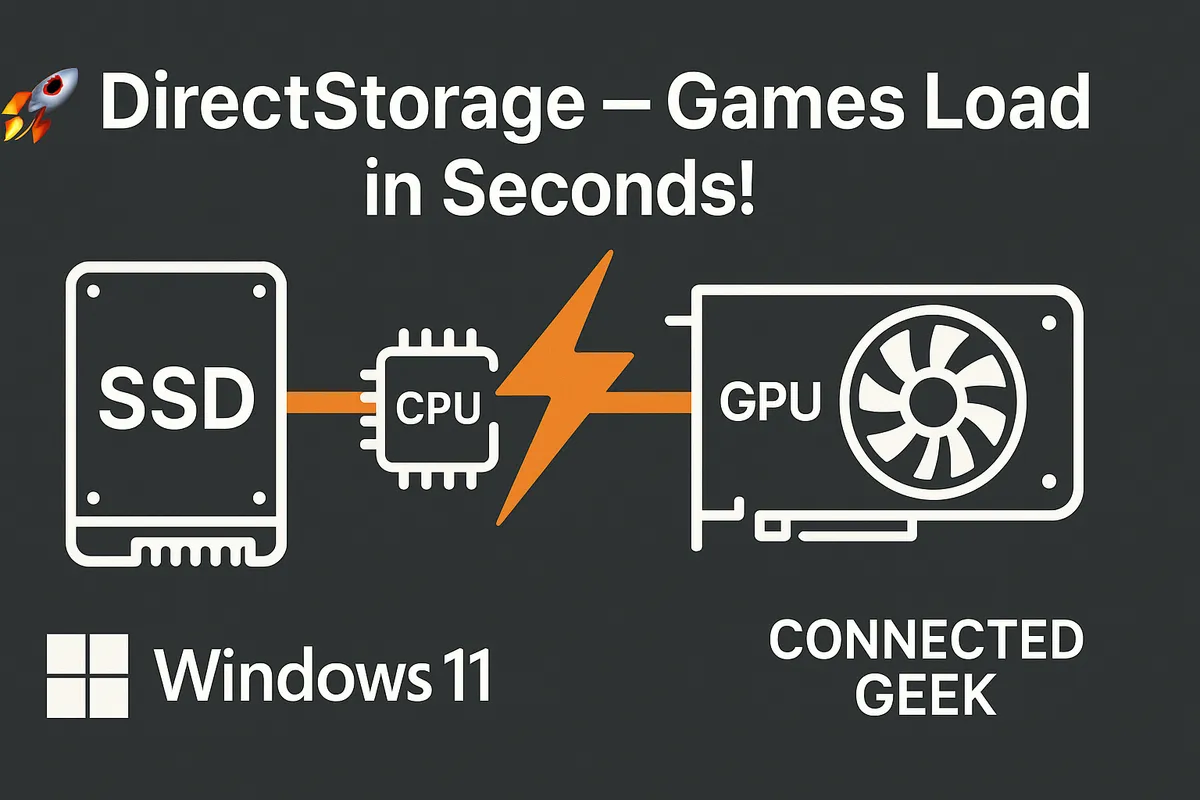
Windows 11 DirectStorage: Why Your Games Load Faster on NVMe
Published on: 18/05/2026
DirectStorage lets your GPU load game data directly from your NVMe SSD — bypassing the CPU bottleneck for dramatically faster load times and seamless open-world streaming.
Windows 11DirectStoragegamingnext-gengame loadingMicrosoftSSD
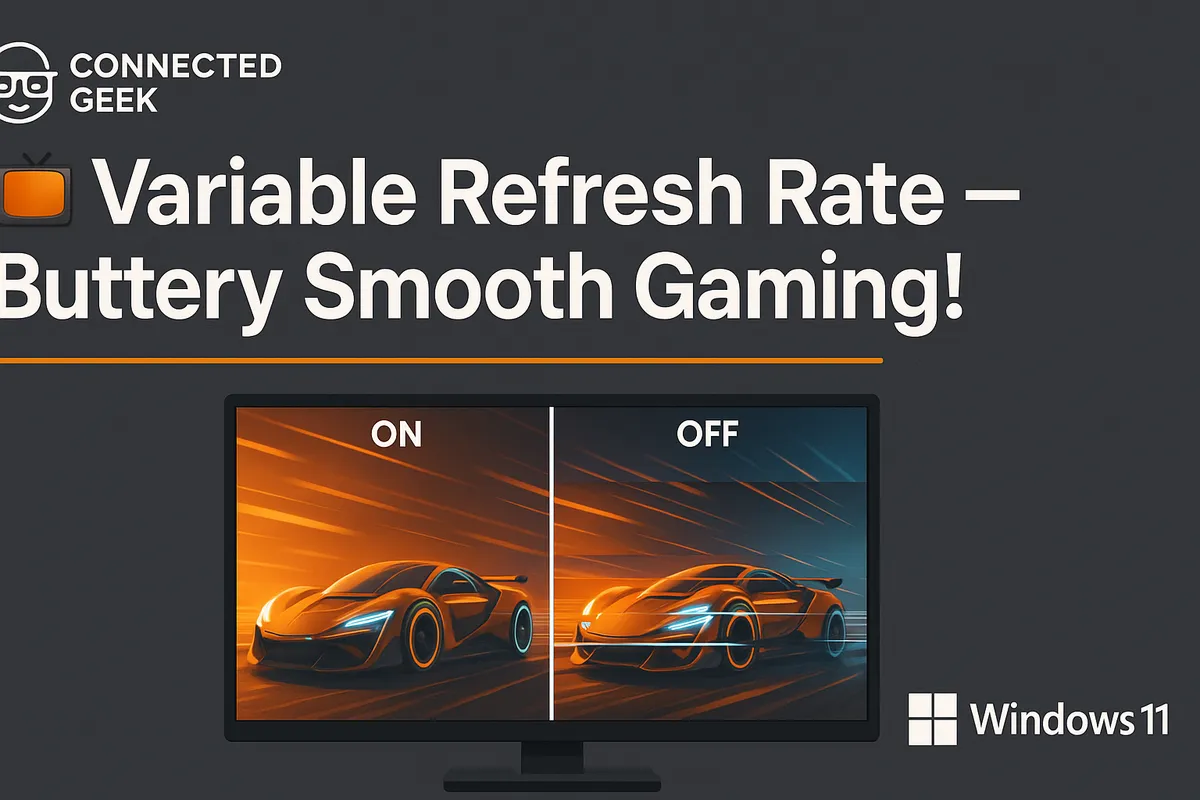
Windows 11 Variable Refresh Rate: Stop Screen Tearing for Good
Published on: 18/05/2026
Enable Variable Refresh Rate in Windows 11 to sync your monitor's refresh rate to your GPU output — eliminating screen tearing for a smooth, tear-free gaming experience.
Windows 11Variable Refresh RateVRRgamingscreen tearingsmooth gameplay
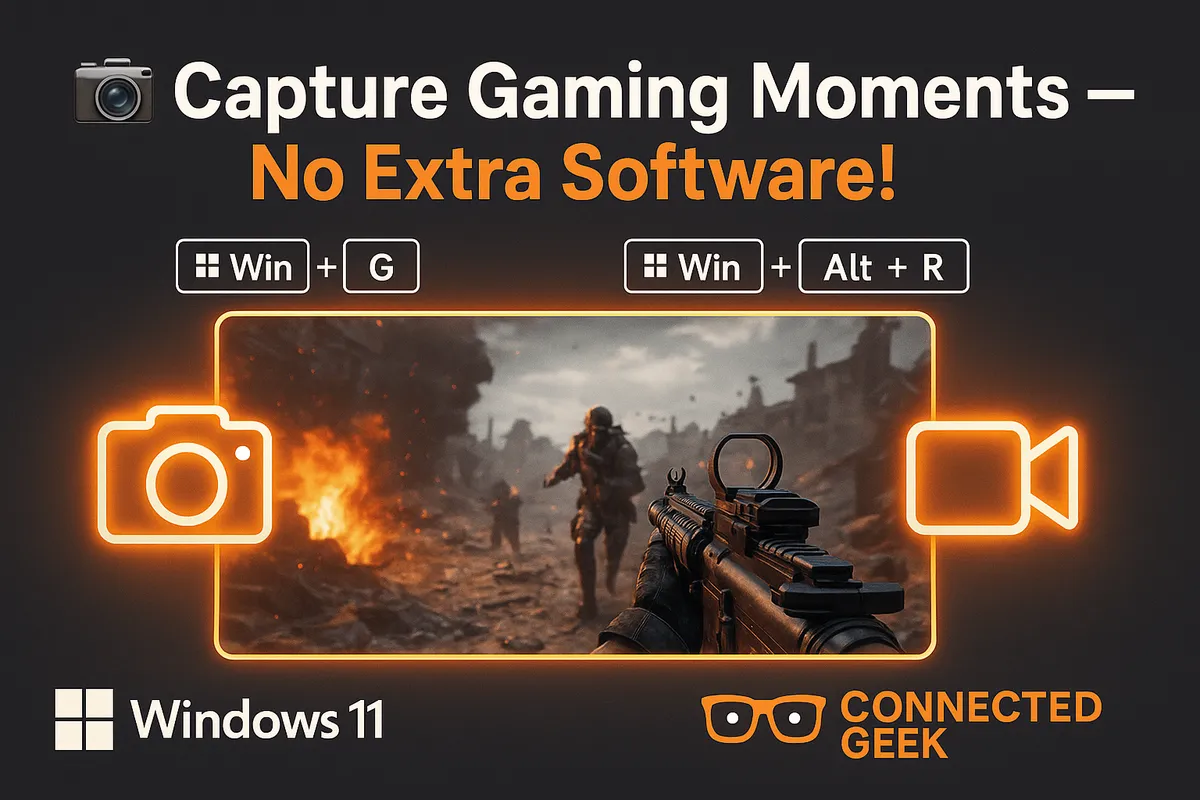
Windows 11 Game Bar: Capture Screenshots and Record Clips Without Third-Party Apps
Published on: 18/05/2026
Win+Alt+PrtSc for screenshots, Win+Alt+R to record, Win+Alt+G to save the last 30 seconds — Game Bar handles all your gaming captures natively in Windows 11.
Windows 11Game Bargamingrecord gameplayscreenshotvideo capture
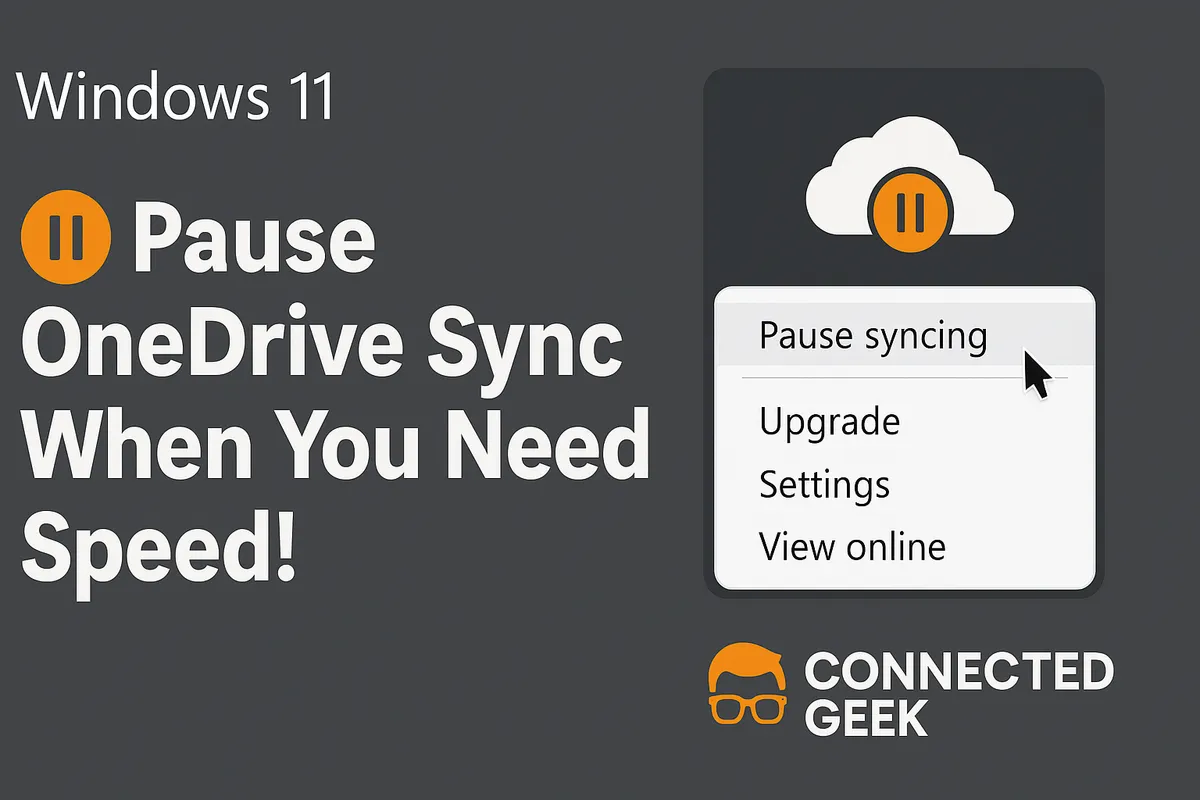
How to Pause or Throttle OneDrive Sync for Better Bandwidth
Published on: 16/05/2026
OneDrive hogging your bandwidth during video calls or gaming? Learn how to pause syncing or set upload and download speed limits in just a few clicks.
Windows 11OneDrivebandwidthsyncgamingremote workthrottle