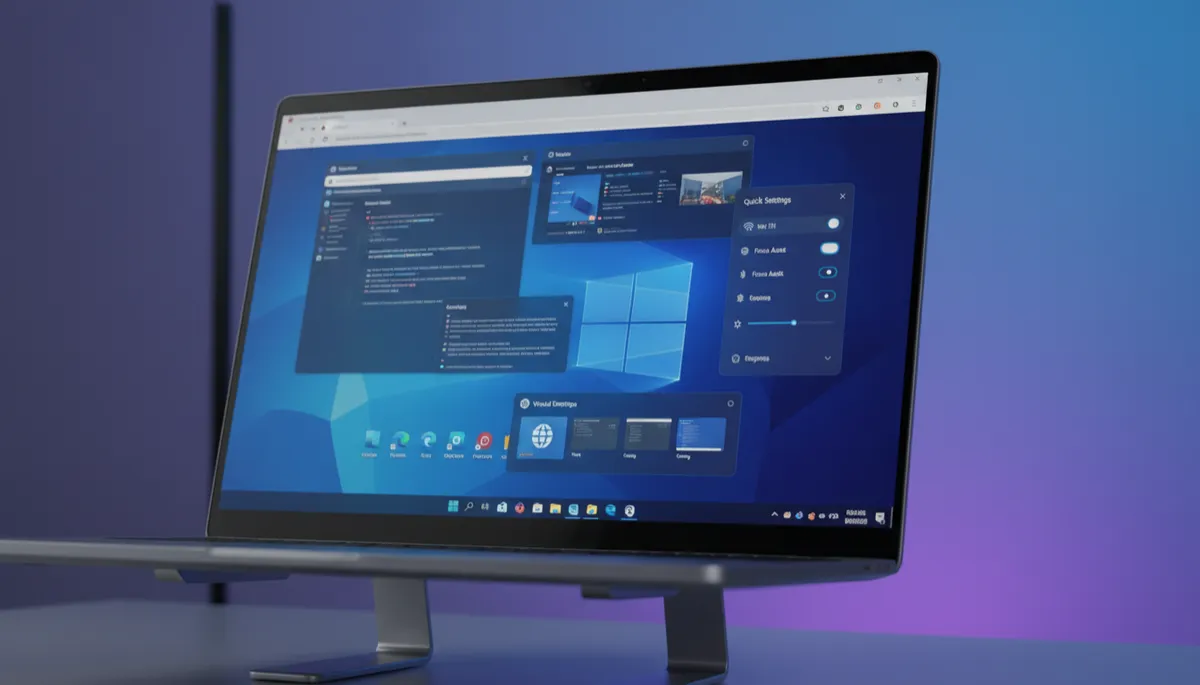
Windows 11 Start Menu Folders: Group Apps for Faster Access
Published on: 12/05/2026
You can group pinned apps into folders right inside the Windows 11 Start Menu — just like your phone. Here is how to create, name, and manage them.
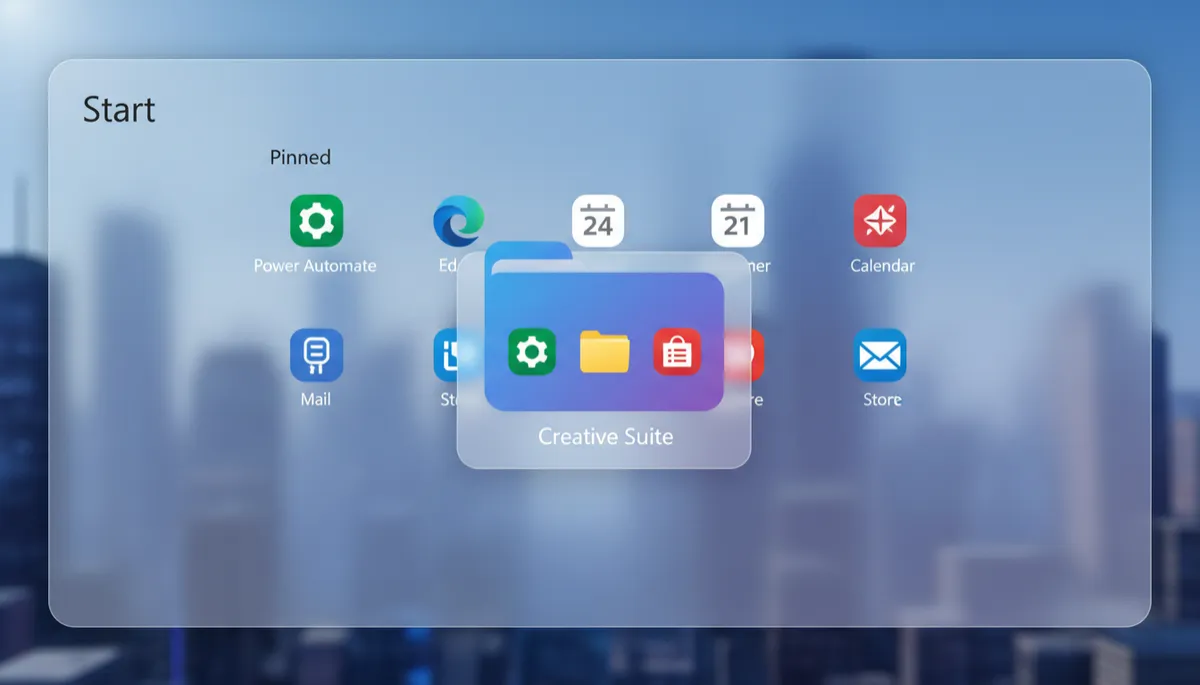
How to Show All Apps in the Windows 11 Start Menu
Published on: 12/05/2026
The Windows 11 Start Menu shows pinned apps by default. Here is how to see every installed app in one alphabetical list — and get the most out of it.
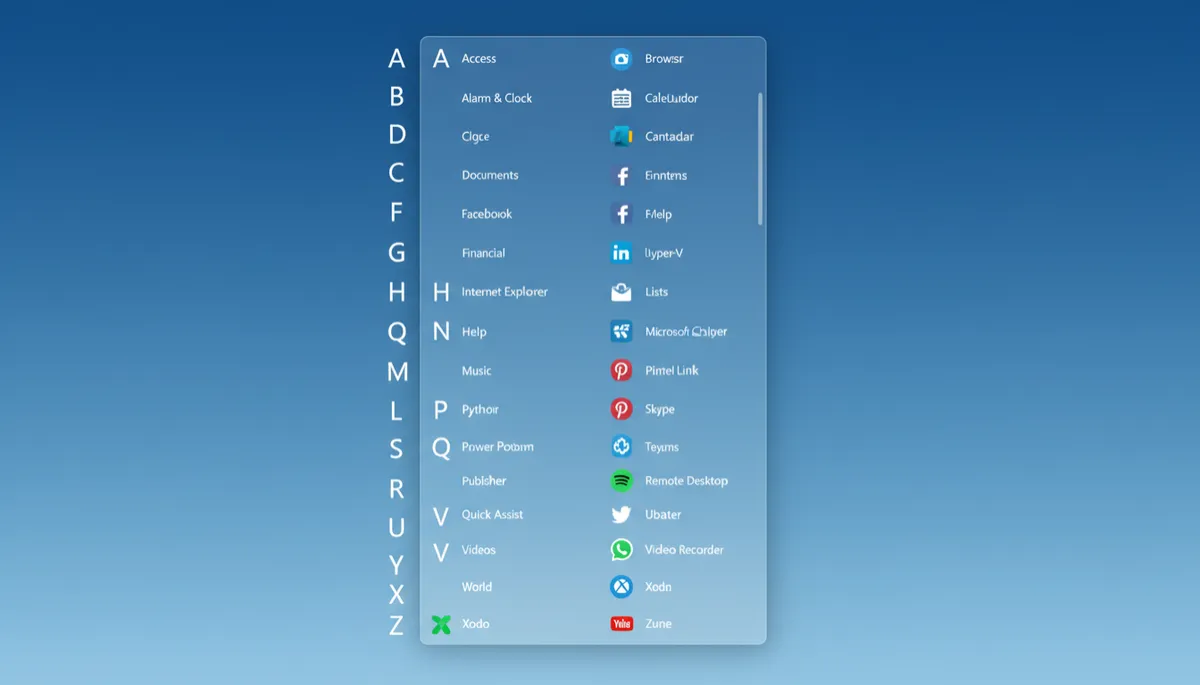
Windows 11 Start Menu: How to Pin, Unpin, and Organize Your Apps
Published on: 12/05/2026
The Windows 11 Start Menu is fully customizable. Here is how to pin your favorite apps, remove the ones you never use, and organize everything your way.
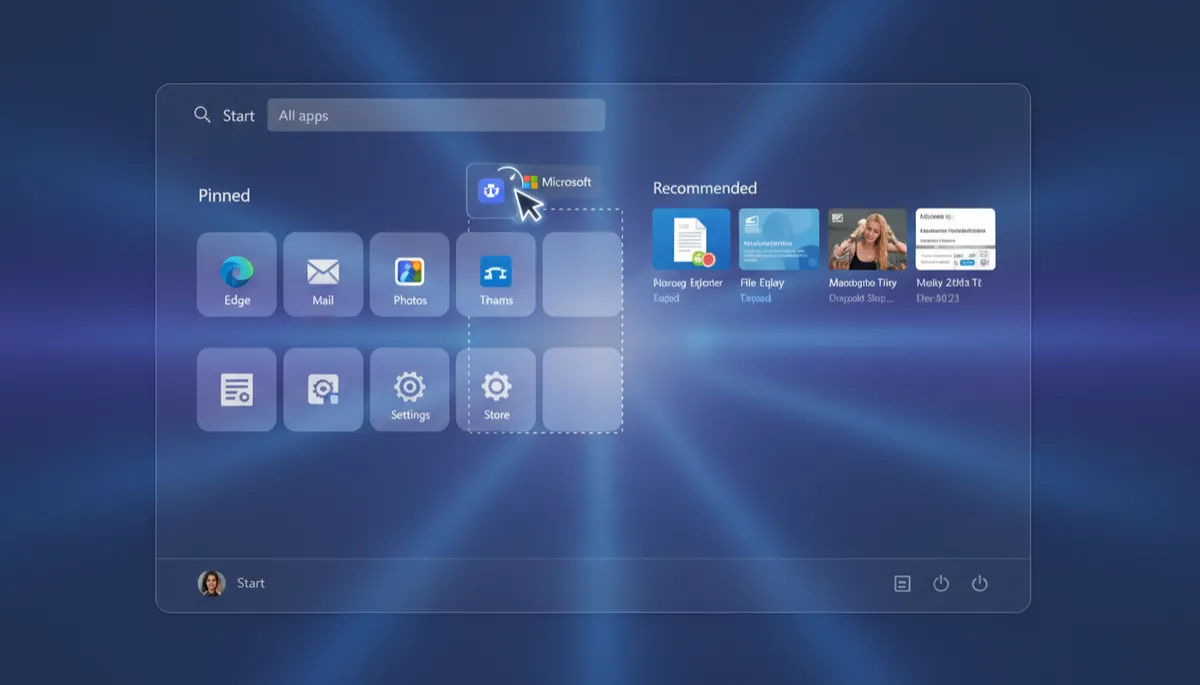
How to Pin Apps and Websites to the Windows 11 Taskbar
Published on: 11/05/2026
The Windows 11 Taskbar keeps your most-used apps one click away. Here's how to pin apps, websites, and even folders directly to the Taskbar for instant access.