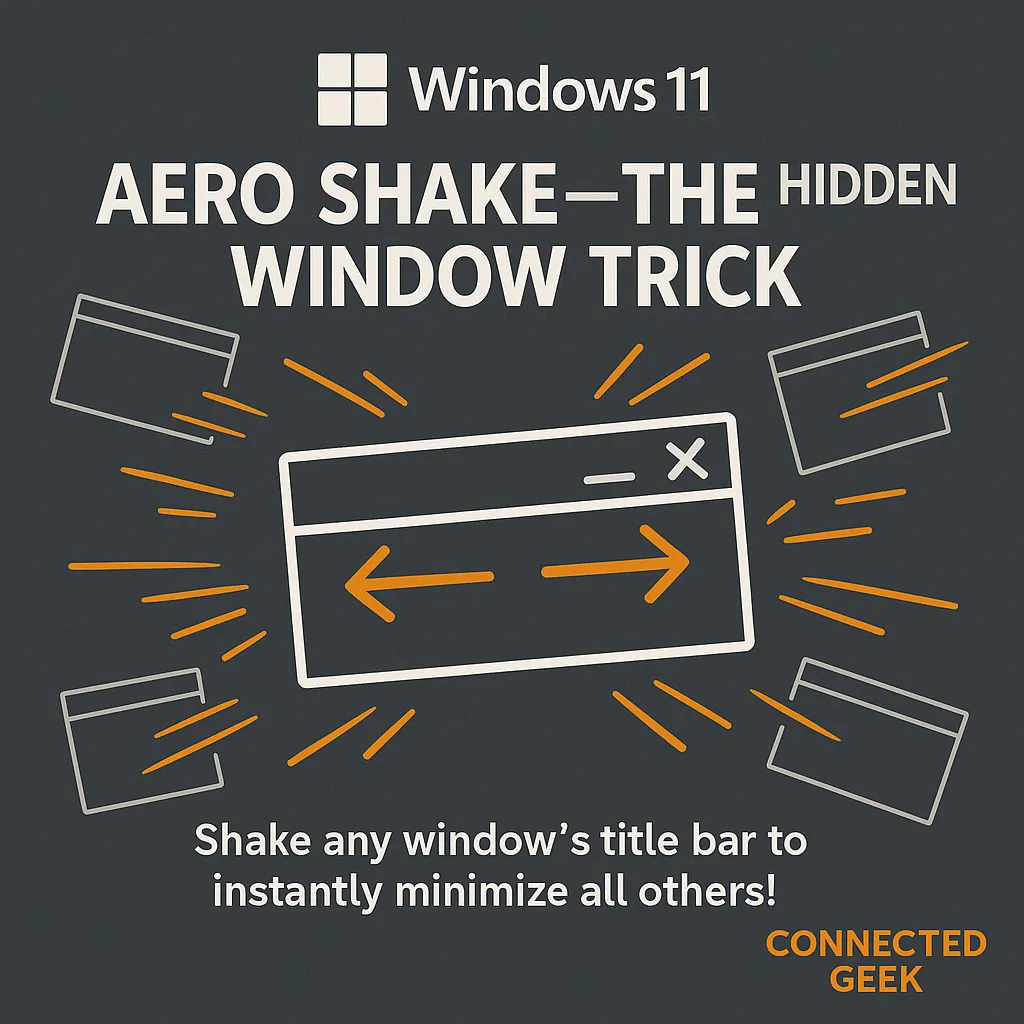
Windows 11 Snap Layouts: Organize Multiple Windows Side by Side
Published on: 11/05/2026
Snap Layouts let you tile two, three, or four windows perfectly on your screen with a single hover. Here's how to use them and work faster in Windows 11.
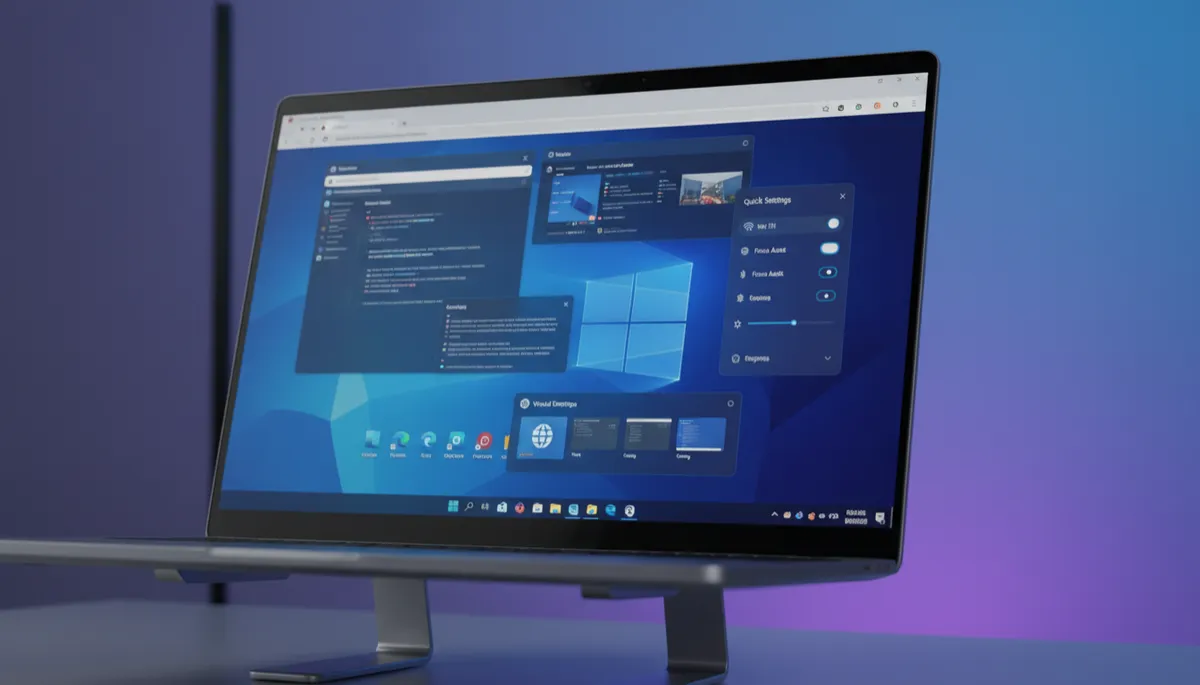
Alt+Tab vs Win+Tab: Windows 11 Shortcuts Explained
Published on: 09/05/2026
Discover the differences between Alt+Tab and Win+Tab in Windows 11. Learn when and how to use these shortcuts effectively.
Windows 11keyboard shortcutsAlt+TabWin+TabPC navigation
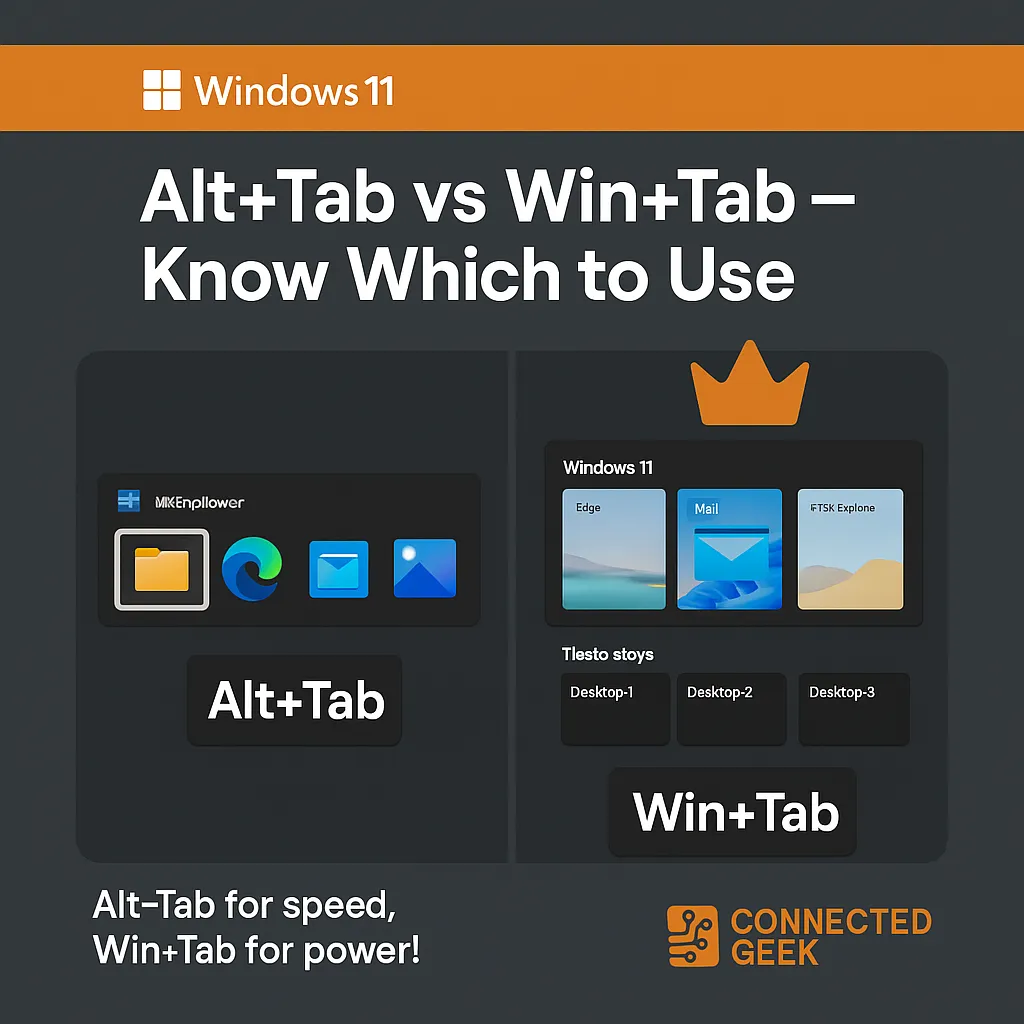
Windows 11 Multi-Monitor Tips for Productivity
Published on: 09/05/2026
Boost productivity with Windows 11 multi-monitor tips. Learn to multitask efficiently.
Windows 11multi-monitorproductivitymultitaskingworkspace tips
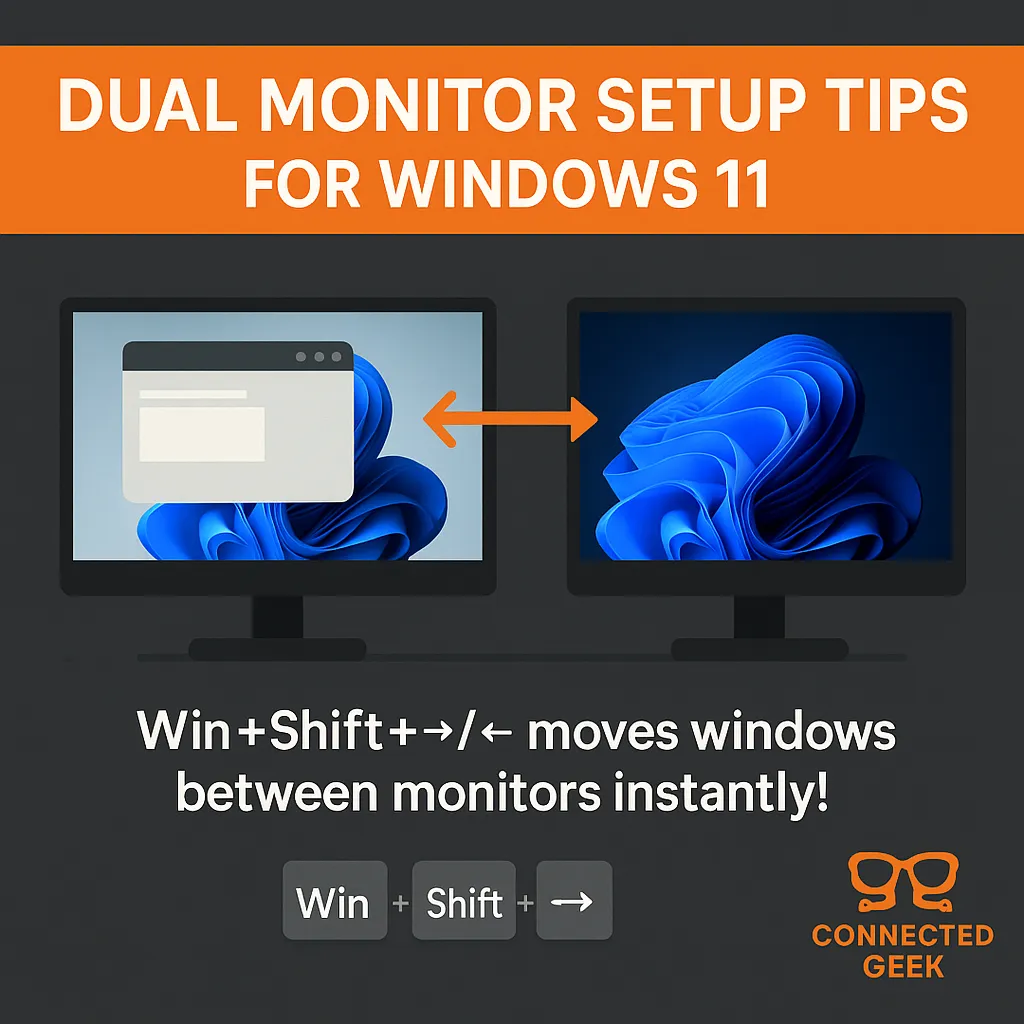
Aero Shake in Windows 11: Boost Productivity Effortlessly
Published on: 09/05/2026
Discover how Aero Shake in Windows 11 helps you manage open windows efficiently and enhance your productivity with a simple mouse gesture.
Windows 11Aero Shakeproductivity tipswindow managementWindows tricks