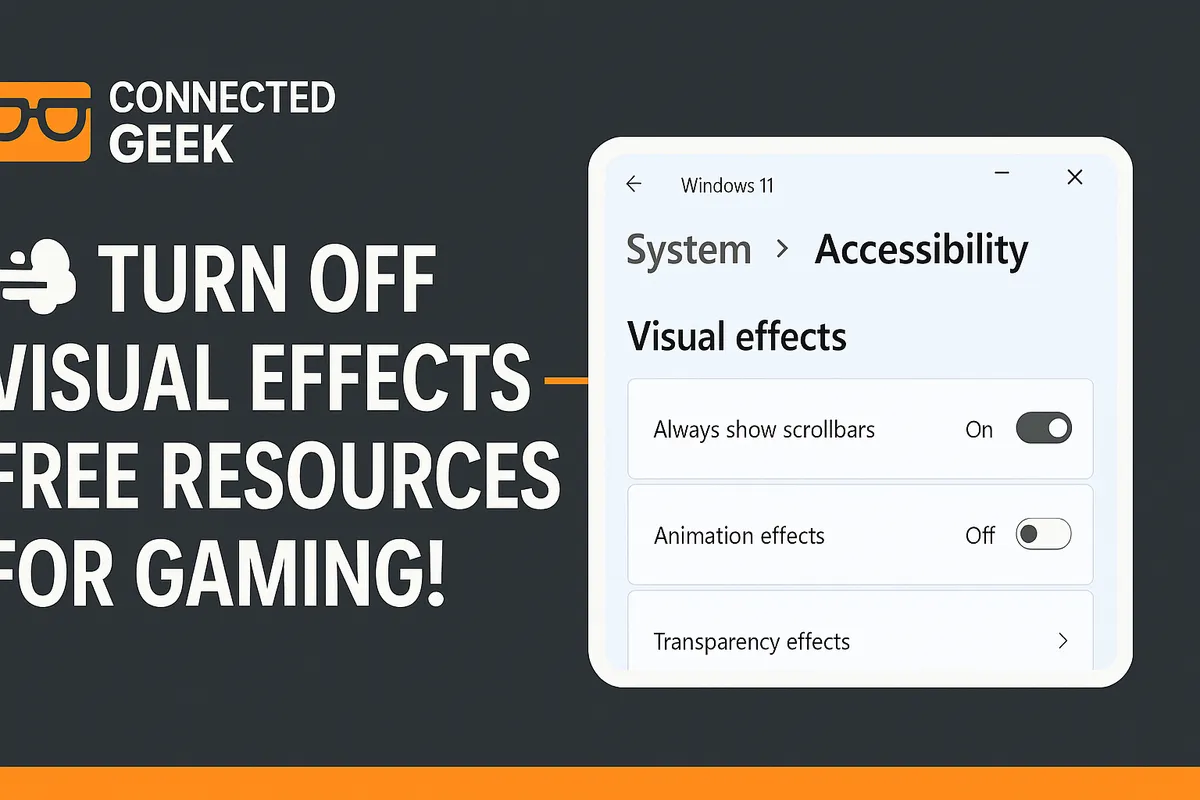
Windows 11 DirectStorage: Why Your Games Load Faster on NVMe
Published on: 18/05/2026
DirectStorage lets your GPU load game data directly from your NVMe SSD — bypassing the CPU bottleneck for dramatically faster load times and seamless open-world streaming.
Windows 11DirectStoragegamingnext-gengame loadingMicrosoftSSD
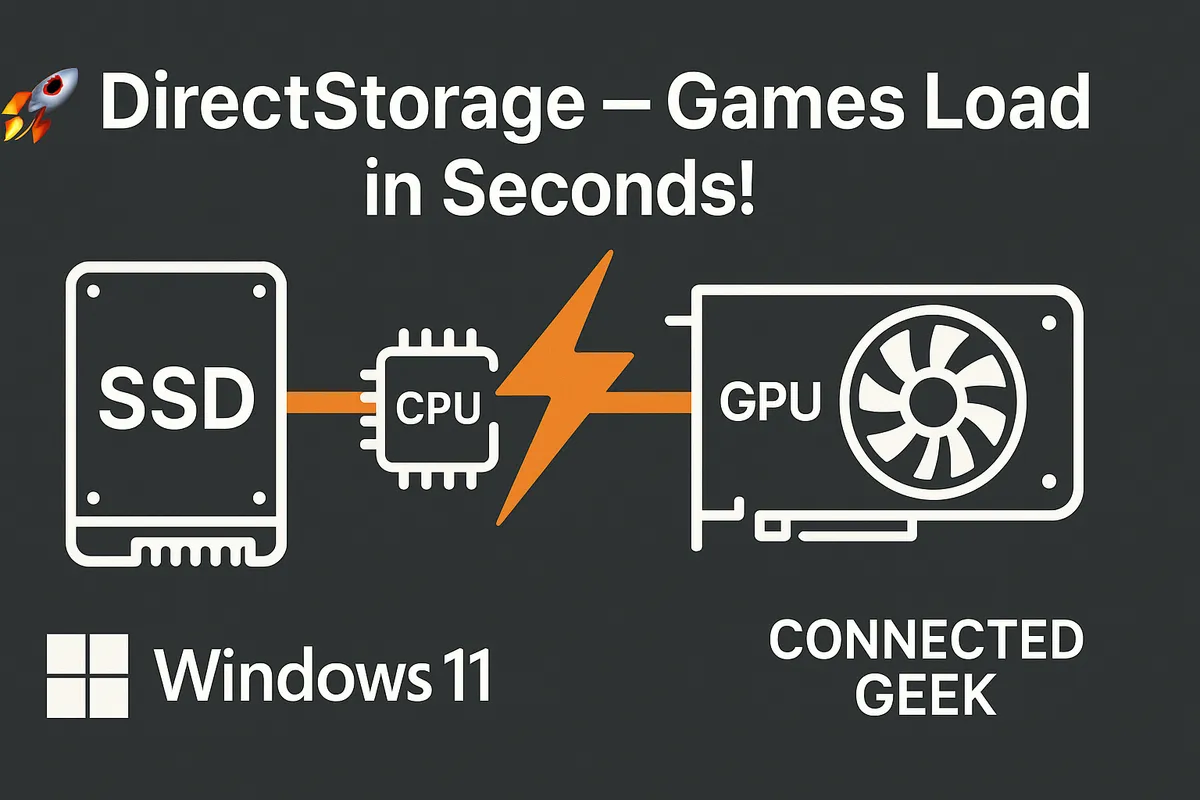
Windows 11 Variable Refresh Rate: Stop Screen Tearing for Good
Published on: 18/05/2026
Enable Variable Refresh Rate in Windows 11 to sync your monitor's refresh rate to your GPU output — eliminating screen tearing for a smooth, tear-free gaming experience.
Windows 11Variable Refresh RateVRRgamingscreen tearingsmooth gameplay
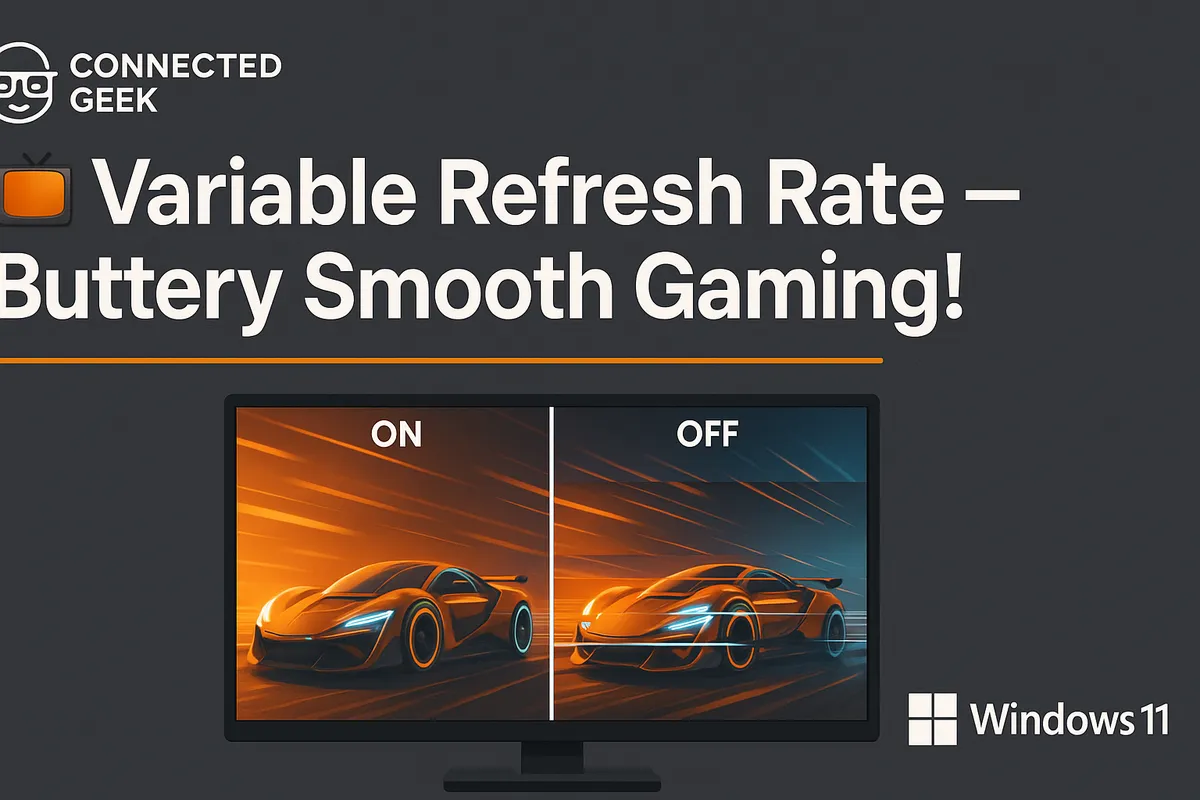
Windows 11 Gaming Captures: How to Organise and Share Your Clips
Published on: 18/05/2026
All your Game Bar recordings and screenshots are saved to Videos → Captures — learn how to find, organise, rename and share your gaming clips from Windows 11.
gaming clipsWindows 11content creationvideo sharingPC gaming
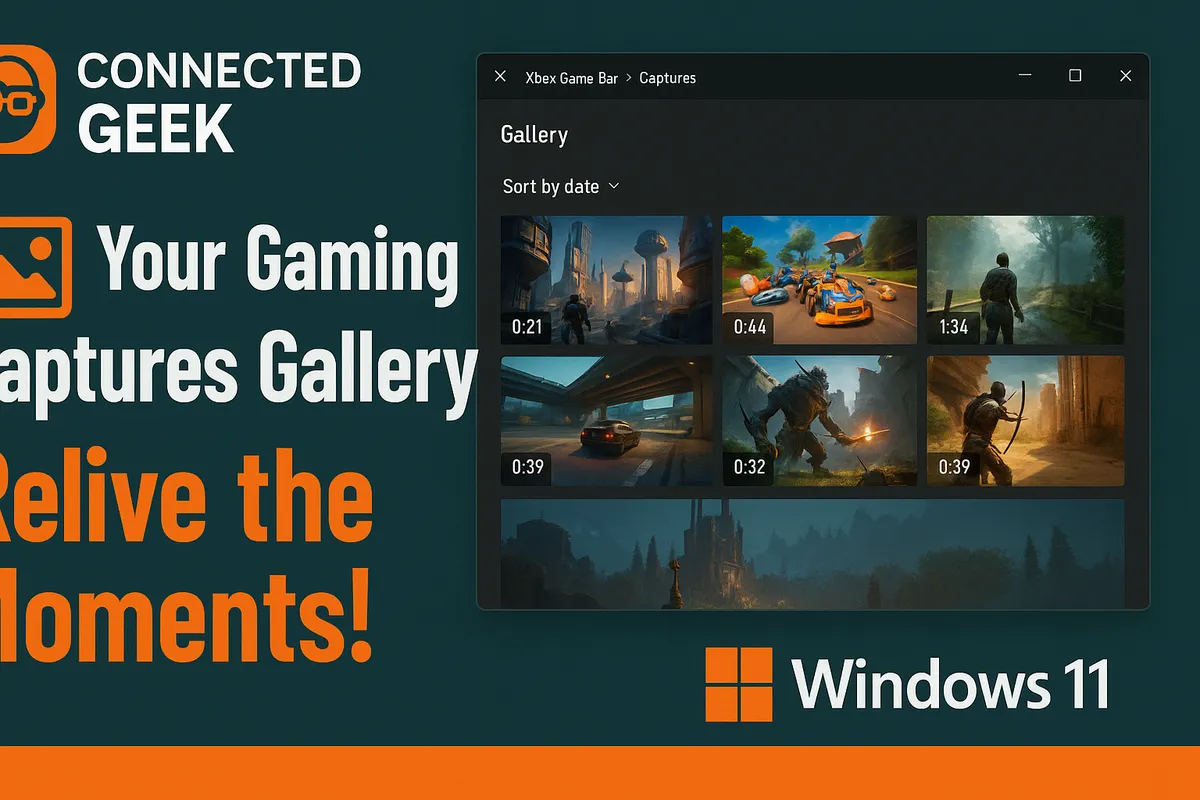
Windows 11 Gaming Performance: 4 Free Ways to Boost FPS Right Now
Published on: 18/05/2026
Squeeze more performance from your PC with four free Windows 11 tweaks — Best performance power mode, visual effects optimisation, Game Mode, and closing background apps.
Windows 11 gamingboost performancefree tweaksgaming optimizationimprove frame rates