Sleep vs. Lock vs. Hibernate on Windows 11: What's the Difference?
Published on: 25/06/2026
Lock, Sleep, and Hibernate all 'pause' your PC — but they work very differently. Here's exactly when to use each one on Windows 11.
Windows 11 Screen Saver Settings: Set Up, Change, or Turn Off
Published on: 25/06/2026
Screen savers are mostly decorative today — but they still have one useful role: locking your PC after idle time. Here's how to configure them in Windows 11.
How to Prevent Your Screen from Turning Off During Presentations on Windows 11
Published on: 25/06/2026
Nothing kills a presentation like a screen going dark mid-slide. Here are five ways to keep your Windows 11 display on during presentations — from settings to apps.
Set Different Screen Timeouts for Battery vs. Plugged In on Windows 11
Published on: 25/06/2026
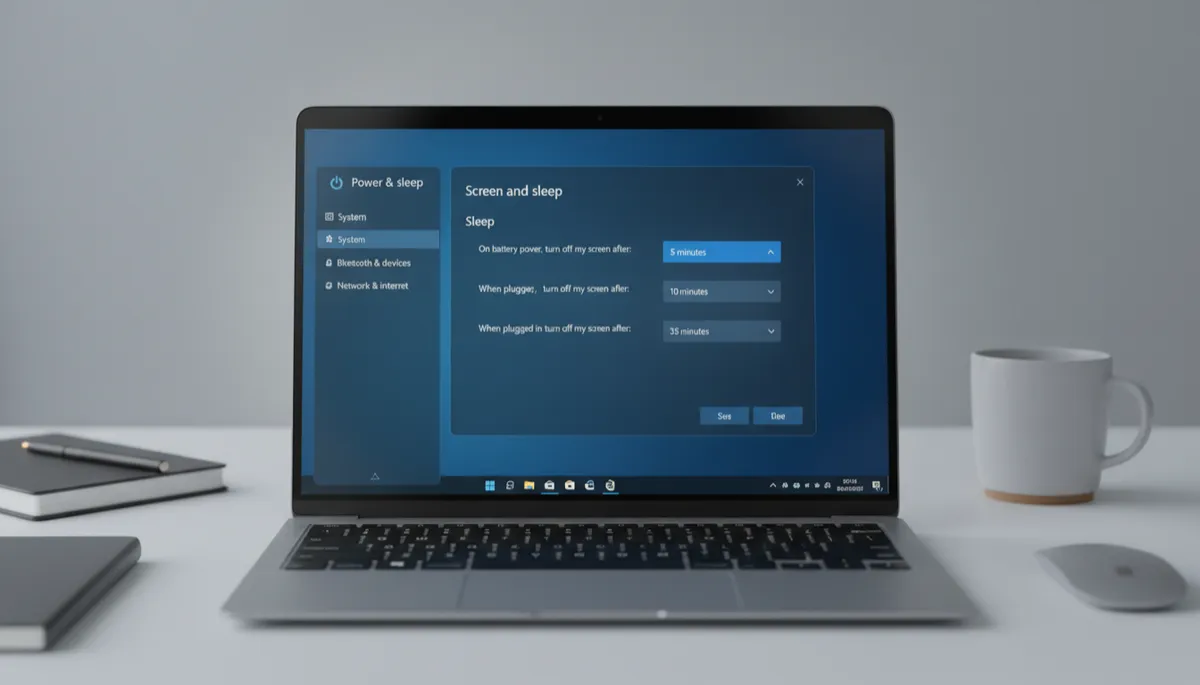
Windows 11 lets you set separate screen timeout settings for battery and plugged-in modes. Here's the recommended configuration and how to set it up.