Windows 11 Ease of Access: The Complete Settings Guide
Published on: 18/06/2026
A full map of every accessibility setting in Windows 11 — vision, hearing, and interaction — and what each one does. Plus the Win+U shortcut to get there fast.
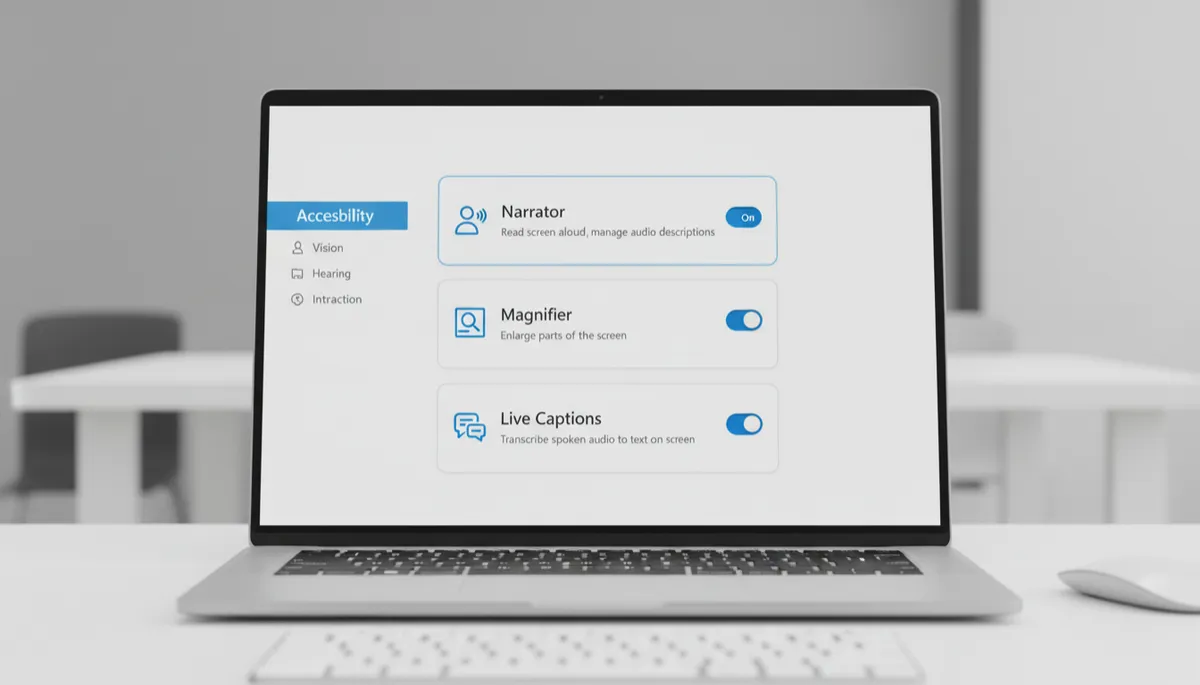
Live Captions in Windows 11: Real-Time Captions for Any Audio
Published on: 18/06/2026
Windows 11 Live Captions transcribes any audio playing on your PC into real-time on-screen text — videos, calls, podcasts, anything. And it works offline.
Windows 11 Magnifier: Zoom In on Any Part of Your Screen
Published on: 18/06/2026
Windows 11 Magnifier lets you zoom into any part of your screen — text, images, menus, anything. Here's how to use it in Full Screen, Lens, and Docked modes.
Windows 11 Narrator: How to Use the Built-In Screen Reader
Published on: 18/06/2026
Narrator is Windows 11's built-in screen reader — it reads on-screen text aloud and lets you navigate entirely by keyboard. Here's how to turn it on and use it.