Print to PDF in Windows 11 Easily
Published on: 30/05/2026
Learn to use Windows 11's 'Print to PDF' feature to save documents without a printer.
Windows 11Print to PDFProductivityPDFMicrosoftDigital Documents
Pin Apps to Your Windows 11 Taskbar for One-Click Access
Published on: 19/05/2026
Pin your most-used apps to the Windows 11 Taskbar, drag to reorder them, and use right-click jump-lists for quick access to recent files — your personal launchpad.
Windows 11Taskbar tipsProductivityWindows tipsTaskbar customization
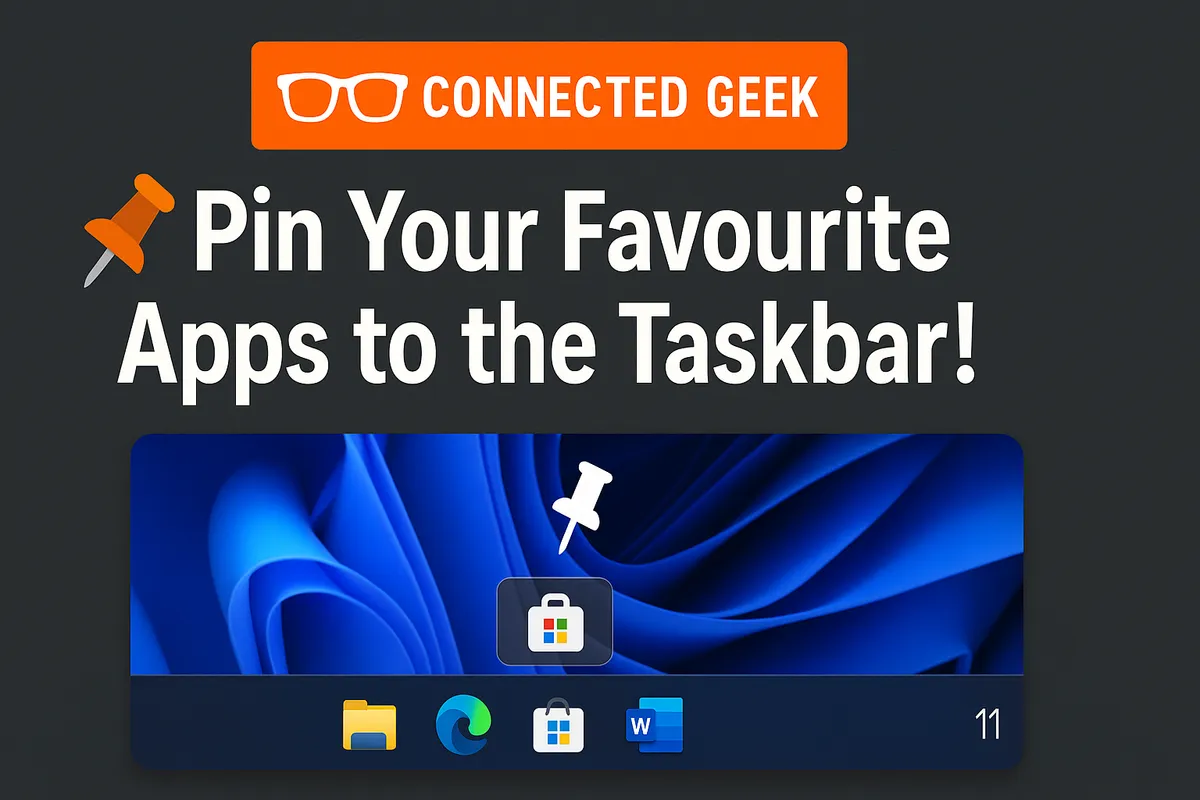
Microsoft Store Wishlist: Save Apps for Later in Windows 11
Published on: 19/05/2026
Found an interesting app but not ready to install? Add it to your Microsoft Store Wishlist — it syncs across all your Windows devices so you never forget.
Windows 11Microsoft StoreWishlistProductivityAppsOrganization
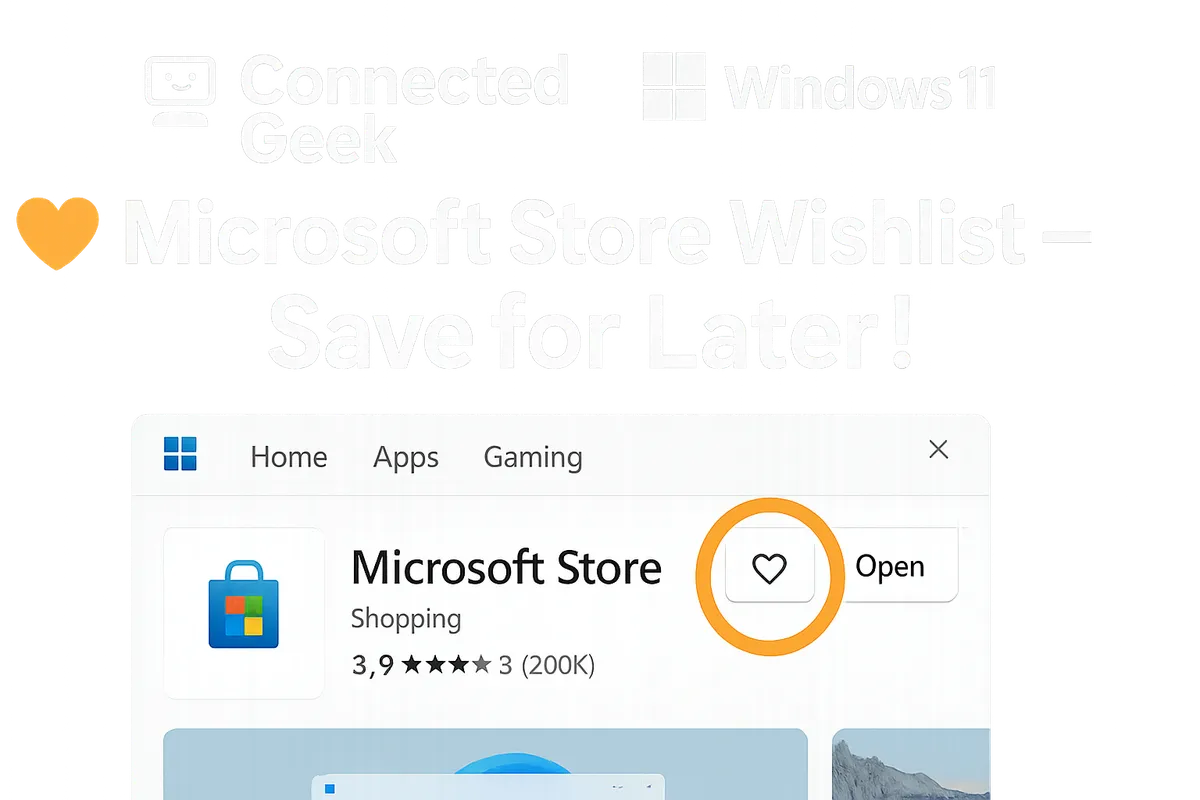
Windows 11 Start Menu Recommended: Take Control of What You See
Published on: 15/05/2026
Learn how to take control of the Windows 11 Start Menu Recommended section — toggle off recent apps, files, and usage history for a clean, distraction-free Start Menu.
Windows 11Start MenuPrivacyProductivityRecommended SectionPC settings