Microsoft Family Safety Spending Limits: Stop Surprise Purchases on Your Child's Account
Published on: 23/05/2026
Add a spending limit to your child's Microsoft account — they can only spend what you've allowed. No surprise charges, no unauthorised app purchases.
Microsoft Family Safetyspending limitsonline safetyparentingfamily finance
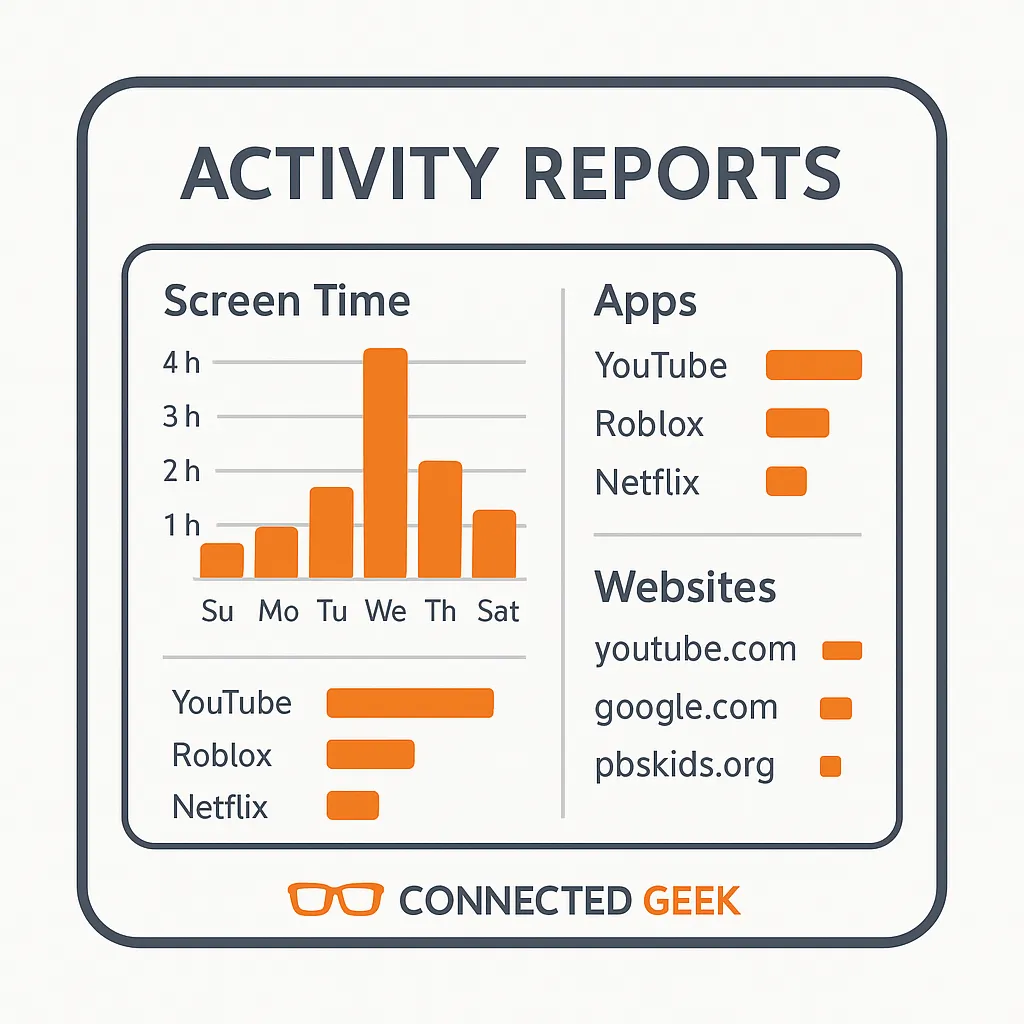
Microsoft Family Safety Activity Reports: See Exactly What Your Kids Are Doing Online
Published on: 23/05/2026
Weekly activity reports in Microsoft Family Safety show screen time totals, which apps were used, and websites visited — stay informed without hovering.
Microsoft Family SafetyActivity Reportsparentingdigital safetyhealthy digital habitsprivacytrust
Web Filtering in Windows 11: Block Inappropriate Sites for Kids with Microsoft Family Safety
Published on: 23/05/2026
Block adult content, allow only specific websites, or limit browsing to a safe list — Microsoft Family Safety's web filter works across all devices in your family group.
parentingonline safetyMicrosoft Family Safetyweb filteringWindows 11internet safetychild protection
Control Game Age Ratings for Kids in Windows 11 with Microsoft Family Safety
Published on: 23/05/2026
Microsoft Family Safety lets you restrict games by PEGI or ESRB age rating — so your kids can only install games appropriate for their age group.
parentingonline safetyWindows 11Microsoft Family Safetygame age ratingsPEGIESRB