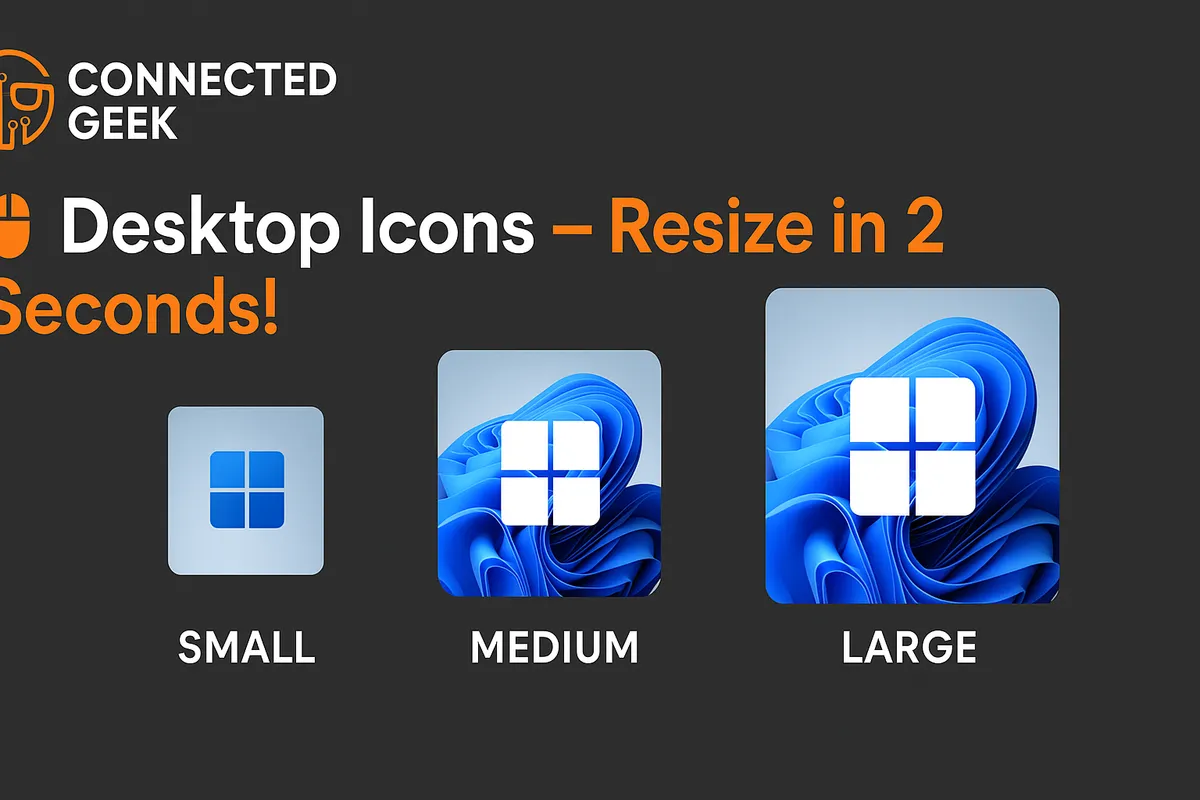
Windows 11 Desktop Icon Size: Resize Icons Instantly with Ctrl + Scroll
Published on: 15/05/2026
Resize Windows 11 desktop icons instantly by holding Ctrl and scrolling your mouse wheel — or right-click for Small, Medium, or Large presets.
Windows 11desktop customizationresize iconsaccessibilityFile Explorer
Windows 11 Accessibility: Built-In Ease-of-Use Toolkit
Published on: 14/05/2026
Explore Windows 11's free accessibility features for a more comfortable PC experience.
Windows 11accessibilityease-of-usebuilt-in toolsPC comfort
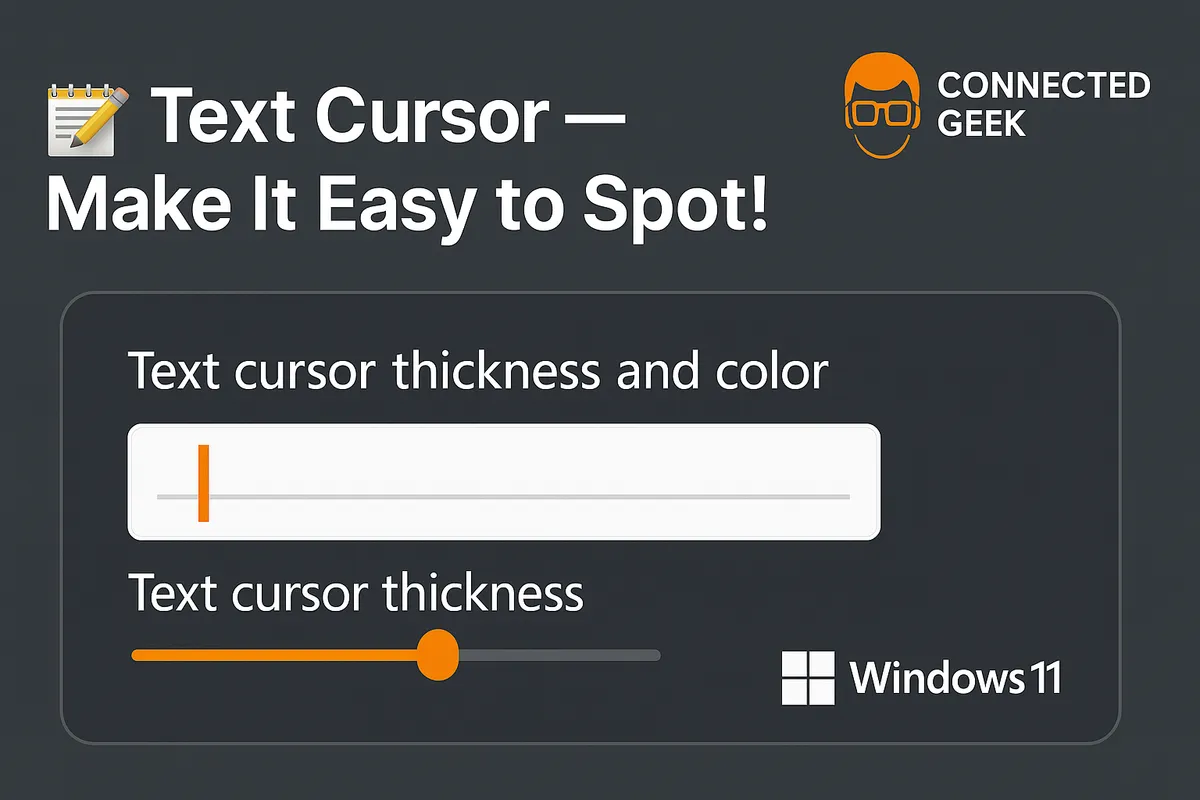
Customize Text Cursor in Windows 11 for Visibility
Published on: 14/05/2026
Learn how to customize your text cursor in Windows 11 for better visibility and accessibility.
Windows 11text cursoraccessibilitycustomizevisibilitysettingsmultitasking
Master Do Not Disturb in Windows 11 for Focus
Published on: 13/05/2026
Discover how to use Windows 11's Do Not Disturb for improved focus and accessibility with priority apps and automatic rules.
Windows 11Do Not DisturbfocusaccessibilitynotificationsQuick Settings