Top 5 Windows 11 Nearby Sharing Tips for Geeks
Published on: 27/05/2026
Discover 5 essential tips to enhance Windows 11 Nearby Sharing for seamless file transfers between PCs.
Windows 11Nearby Sharingfile transferPC tipsConnected Geek
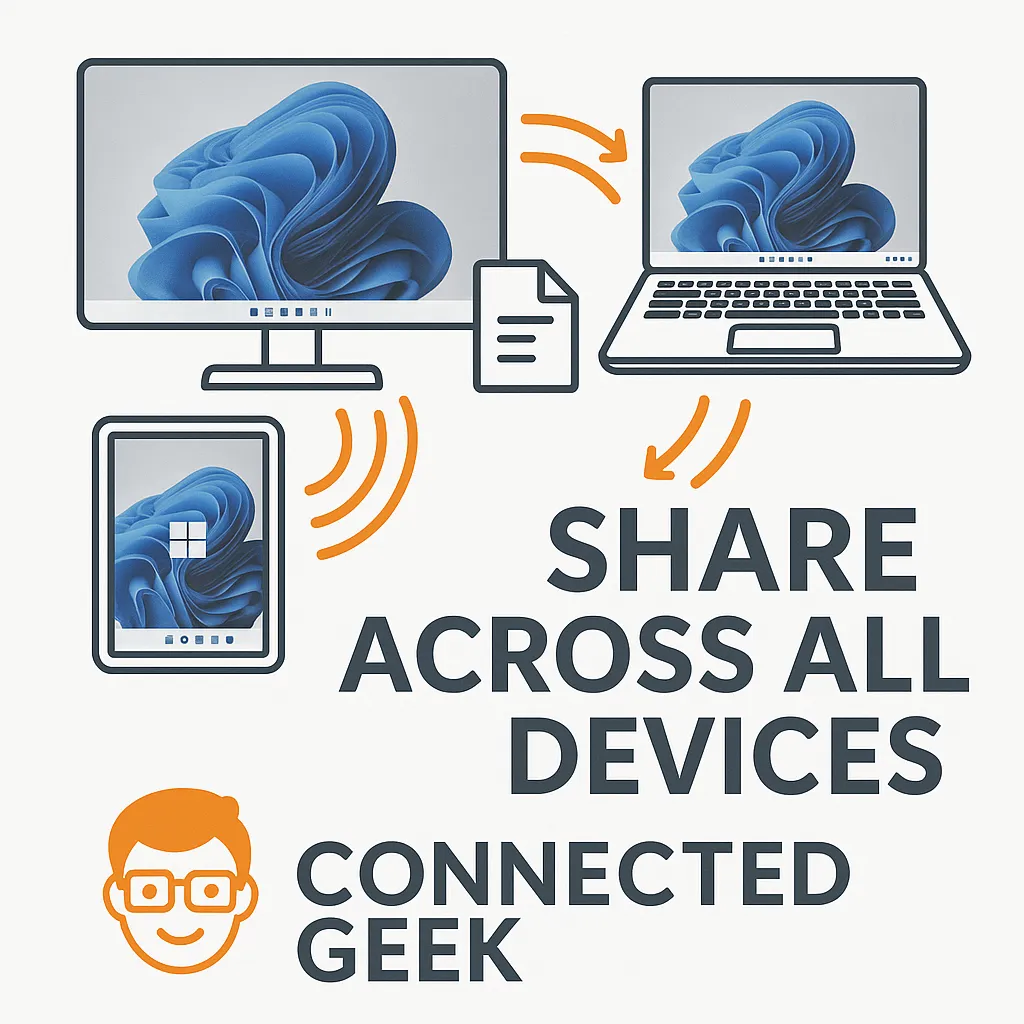
How to Connect to Wi-Fi in Windows 11 and Auto-Connect Every Time
Published on: 21/05/2026
Click the network icon in the taskbar, choose your network, enter the password, and tick Connect automatically — so you never have to do it again.
Windows 11Wi-Fi setupconnect to Wi-FiWindows 11 guideWi-Fi tutorial
Windows 11 Wi-Fi Not Working? Quick Fixes That Work
Published on: 21/05/2026
Toggle Wi-Fi off then on, run the built-in troubleshooter, restart your router, forget and rejoin the network — most Wi-Fi issues in Windows 11 fixed in under 2 minutes.
Windows 11Wi-Fi troubleshootingfix Wi-FiWindows 11 Wi-Fi issuesWi-Fi problemsnetwork troubleshootingWindows 11 guide
Windows 11 Mobile Hotspot: Share Your PC's Internet with Any Device
Published on: 21/05/2026
Turn your Windows 11 PC into a Wi-Fi hotspot and share your internet connection with phones, tablets, and other devices — no router required.
Windows 11Mobile HotspotnetworkingPC routerbandwidth management