How to Pin Folders to Quick Access in Windows 11 File Explorer
Published on: 04/05/2026
Stop navigating to the same folders over and over — right-click any folder and pin it to Quick Access for instant one-click access every time.
Windows 11Quick AccessFile Explorerpin folderConnectedGeek
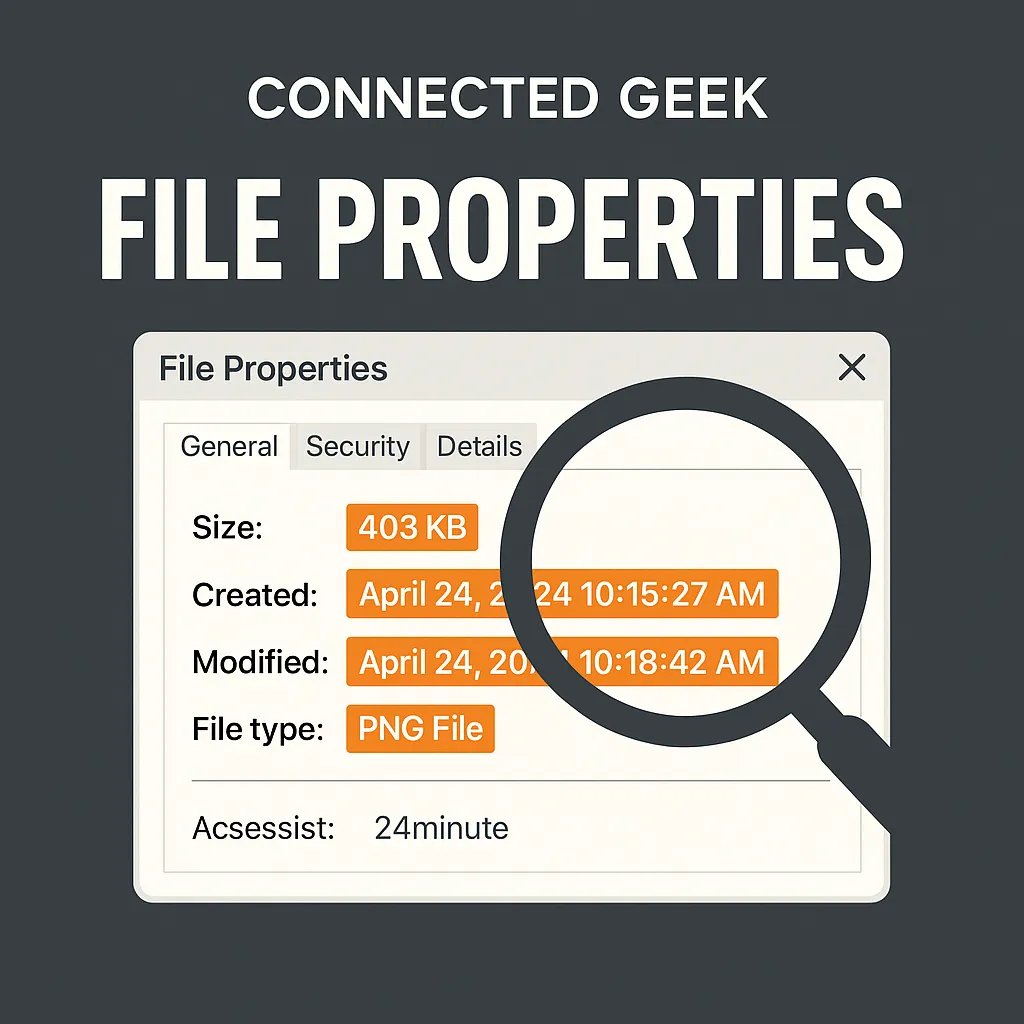
File Properties in Windows 11: What Right-Click Really Shows You
Published on: 03/05/2026
Right-click any file and choose Properties to uncover hidden details — file size, creation date, resolution, version, and more.
Windows 11file propertiesright-clickFile ExplorerConnectedGeek
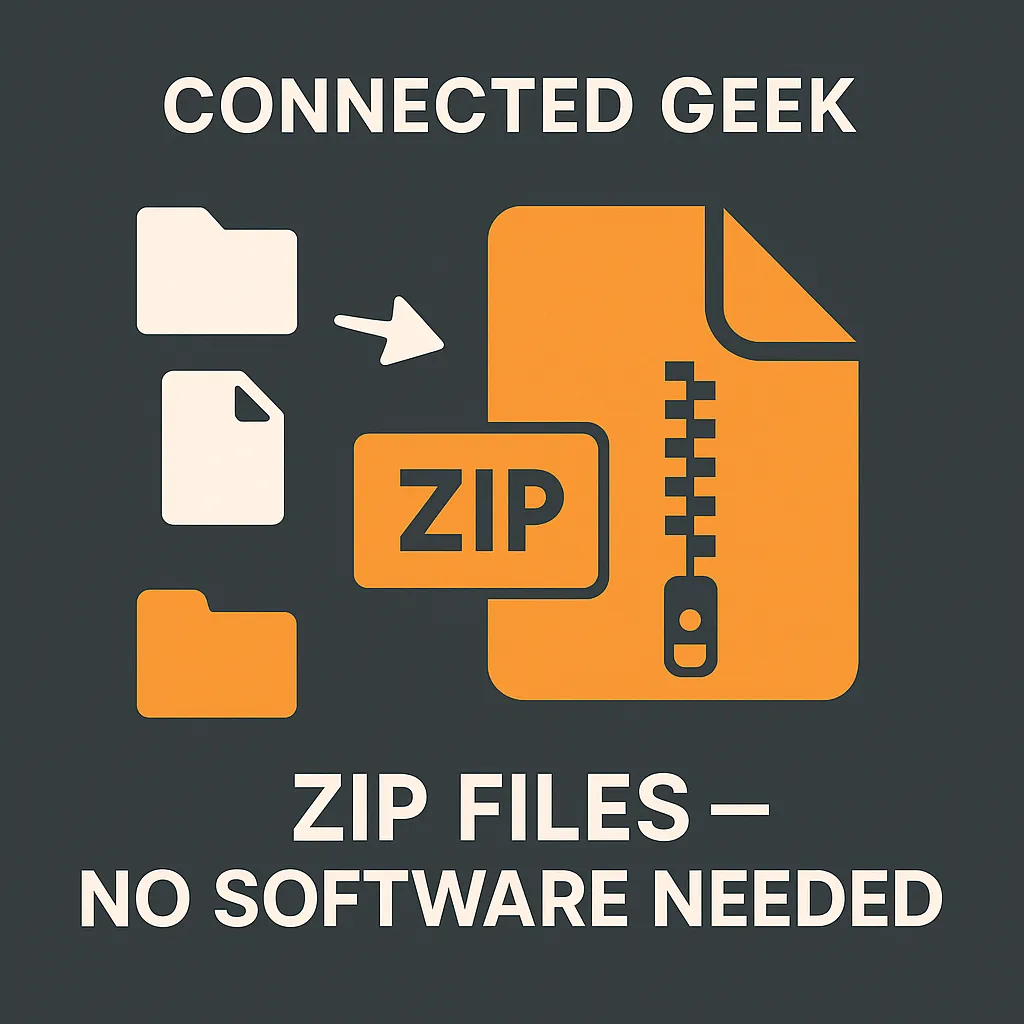
How to Zip and Unzip Files in Windows 11 — No Extra Software Needed
Published on: 03/05/2026
Windows 11 has built-in ZIP support. Right-click any file or folder to compress it, and extract with one click — no third-party tools required.
Windows 11zip filescompressextractFile ExplorerConnectedGeek
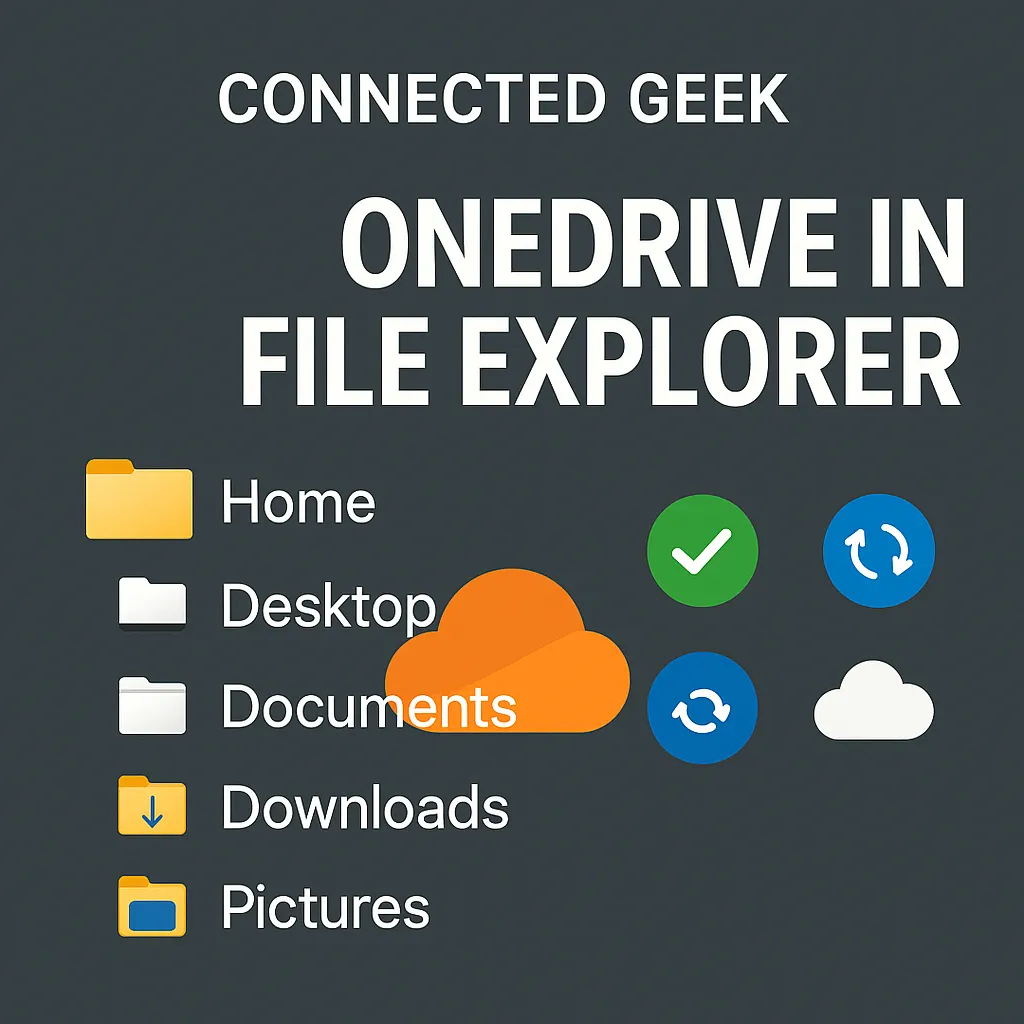
OneDrive in File Explorer: Understanding the Sync Icons in Windows 11
Published on: 03/05/2026
OneDrive is built right into File Explorer. Learn what the sync status icons mean and how to make files available offline.
Windows 11OneDriveFile Explorercloud storagesync iconsoffline accessConnectedGeek