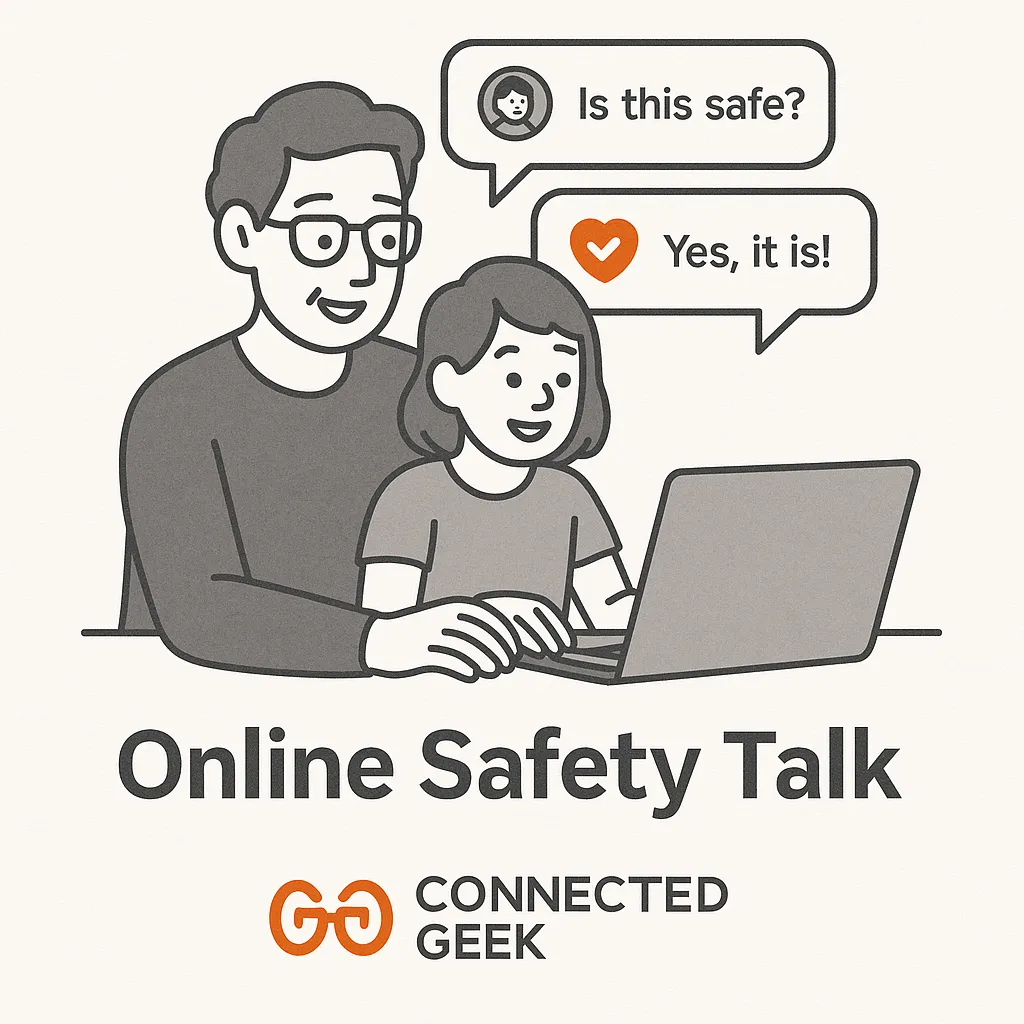
Online Safety for Kids: Why Open Conversations Matter More Than Tech Tools
Parenting, Online Safety, Family Technology
Why Open Conversations About Online Safety Matter More Than Tech Tools Alone
Many parents quietly worry about what their children might see, share, or experience online. It is tempting to believe that if we just install the right apps and filters, our kids will be safe. While technology can help, the most powerful protection your child has is not a setting or a password. It is an ongoing, honest relationship with you.
Start With What They Do Online, Who They Talk To, and What Feels Wrong
Open conversations begin with curiosity, not interrogation. Instead of asking, “You are not going anywhere weird online, right?” try gentle, specific questions:
- What they do online: “What apps or games are your favorites right now? What do you like most about them?”
- Who they talk to: “When you are online, are you mostly chatting with school friends, people you know from games, or new people you meet there?”
- What to do if something feels wrong: “If you ever see something that makes you uncomfortable, or someone says something that feels off, what do you think you could do? How can I help in those moments?”
These questions invite your child to share their world rather than defend it. You are not just gathering information; you are teaching them to notice their own feelings, name when something feels unsafe, and remember that they can always come to you without fear of instant punishment.
How to Talk Without Sounding Like a Lecture
Children quickly tune out when a conversation turns into a one sided speech. To keep things warm and collaborative, focus on connection over correction. You might start by acknowledging their perspective: “I know being online is a big part of how you relax and stay in touch with friends. I am not trying to take that away. I just want us to figure out how to keep it safe and fair.”
Share your own learning, too. For example: “When I was a kid, we did not have this kind of technology, so I am learning as I go. I might not get everything right, but I want us to talk about it together.” This levels the playing field and shows that you are not speaking from a place of superiority, but from genuine care.
Invite their input: “What feels fair to you for screen time on school nights?” or “What rules would you put in place if you were the parent?” Their answers may surprise you, and even when you cannot agree to everything, simply being heard makes your child far more willing to meet you in the middle.
The Trust Plus Tools Formula
Tech tools alone create an illusion of control. Trust alone, without any boundaries, can leave kids exposed to risks they are not ready to manage. The sweet spot is a simple formula: trust + tools.
Trust means you believe your child wants to do the right thing, and you show that by listening, explaining your reasoning, and adjusting rules as they grow. Tools are the practical supports you put in place: screen time limits, content filters, app approvals, and activity reports. When you explain that these tools exist to support, not to spy, kids are more likely to accept them as part of a shared safety plan rather than a punishment.
Making Conversations Age Appropriate
The way you talk about online safety will naturally change as your child grows. For younger children, keep it simple and concrete. You might say, “If a game asks for your real name or where you live, that is a grown up question, and you should come get me.” Focus on clear rules and reassurance that they will not be in trouble for asking for help.
With preteens, you can introduce more nuance: talk about privacy, kindness online, and how quickly screenshots can travel. Ask them what they have already heard from friends or at school, and gently correct myths without shaming them for not knowing. This is also a good stage to talk about peer pressure and how hard it can be to say no in a group chat.
Teens need space to express their opinions and push back a little. Rather than simply stating rules, explore scenarios together: “What would you do if someone you like kept asking for photos you are not comfortable sending?” or “How do you decide what is okay to post?” Treat these as joint problem solving conversations, not tests they can fail.
Using Microsoft Family Safety as Part of the Conversation
Microsoft Family Safety can be a helpful tool within this trust based approach. It allows you to set screen time limits, filter inappropriate content, receive activity summaries, and manage which apps and games your child can use. But these features work best when they are not a surprise. Instead of quietly switching things on, invite your child into the setup process.
You might sit together and say, “Let us look at these settings and decide what makes sense for our family.” Show them how screen time limits help protect sleep and homework, and how content filters can block sites that are not meant for kids. Ask, “Does this feel fair? What would you change?” You still make the final call, but involving them builds understanding rather than resentment.
When children understand and agree with the boundaries, Microsoft Family Safety becomes a shared safety net instead of a hidden fence. If they know that activity reports are there so you can spot problems early, they are more likely to come to you first when something uncomfortable happens, instead of trying to hide it.
Keeping the Door Open
Online safety is not a single talk; it is a series of small, everyday conversations. You will not always get the words exactly right, and that is okay. What matters most is that your child feels your steady presence, your willingness to listen, and your commitment to figuring things out together. Tools like Microsoft Family Safety can support that effort, but they can never replace the quiet power of a child who knows they can always come to you, no matter what they have seen or done online.
