Ethernet vs Wi-Fi on Windows 11: Best Choice?
Windows 11, Ethernet, Wi‑Fi, Home Networking
Ethernet vs Wi‑Fi on Windows 11: Which Should You Use?
If you use Windows 11 at home or in a small office, you have a simple but important choice to make: plug in with Ethernet or connect over Wi‑Fi. Both options work well, but they shine in different situations. Let’s walk through the pros and cons in a friendly, jargon‑light way so you can pick the right connection for what you do most.
Why Ethernet Still Rules for Speed and Stability
Ethernet is the classic wired connection: a physical cable running from your router to your Windows 11 PC. It may not look as sleek as a clean, cable‑free desk, but it brings several big advantages that are hard to ignore if you care about performance.
- Faster speed: A wired Ethernet link can easily handle high‑speed internet plans and local file transfers without breaking a sweat. You get more of the speed you actually pay your provider for, instead of losing some to distance, walls, or signal strength.
- Stable connection: Because the signal travels through a cable, it is far less likely to drop or fluctuate. That means fewer random slowdowns, fewer reconnects, and a generally smoother online experience on Windows 11.
- Zero interference: Wi‑Fi signals can be disturbed by neighboring networks, thick walls, microwaves, and even Bluetooth devices. Ethernet is immune to all of that, giving you a clean, reliable path from your PC to the router.
- Lowest latency: Latency is the short delay between your PC sending a request and getting a response. With Ethernet, that delay is usually as low as it can possibly be, which makes everything feel more responsive.
Because of these strengths, Ethernet is the connection to choose on Windows 11 when every millisecond and megabit matters. If you can run a cable to your PC, it is almost always worth it.
The Big Appeal of Wi‑Fi: Freedom and Flexibility
Wi‑Fi, of course, is all about convenience. It lets your Windows 11 laptop, tablet, or 2‑in‑1 connect without being tethered to a specific spot in your home. That wireless freedom is hard to beat in everyday life.
- Wireless convenience: No cables to route, tape down, or hide. You can set up your device wherever it is comfortable, from the sofa to the kitchen table, and connect with just a couple of clicks in Windows 11’s network panel.
- Works anywhere in range: As long as you are within your router’s coverage area, your devices can hop online. That makes Wi‑Fi the best choice for phones, tablets, and laptops that move around the house with you.
For casual browsing, checking email, scrolling social media, or streaming music, Wi‑Fi is usually more than good enough. And with modern routers and Wi‑Fi 6 support in many Windows 11 devices, wireless speeds are better than ever, even if they still cannot quite match a top‑tier wired link in consistency.
Which Should You Use on Windows 11?
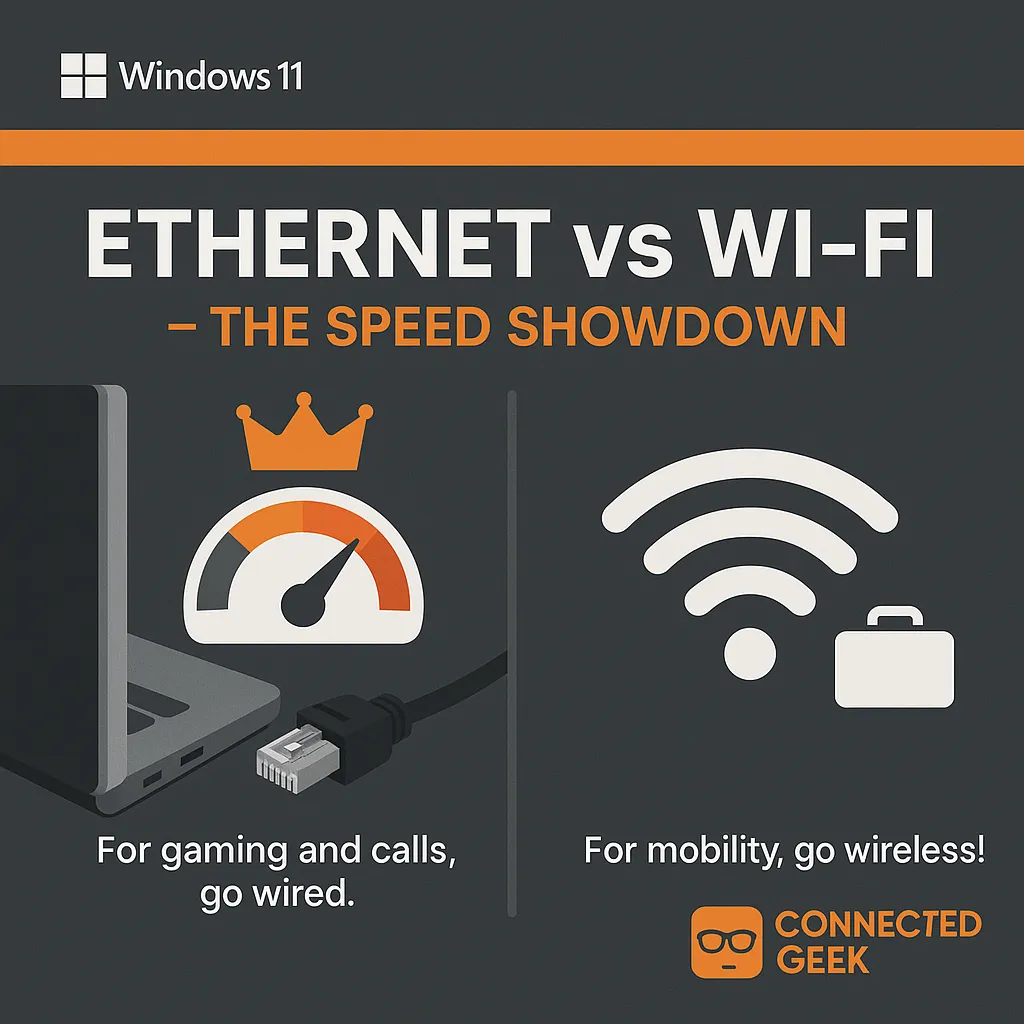
A simple rule of thumb works well: use Ethernet whenever performance really matters, and Wi‑Fi when convenience matters more. On a Windows 11 desktop or gaming laptop that mostly sits in one place, plugging in an Ethernet cable is the better long‑term choice.
Choose Ethernet for gaming, video calls, and streaming. Online games feel smoother with lower latency, video meetings on Teams or Zoom are less likely to freeze or drop, and 4K streaming on services like Netflix or Disney+ is more consistent. If you have ever shouted at a laggy match or a stuttering call, a wired connection can make a real difference.
Stick with Wi‑Fi for mobile devices and everyday convenience. Your phone, tablet, and lightweight Windows 11 laptop are meant to be portable, and Wi‑Fi lets them shine. For light work, browsing, and casual streaming on the go, the flexibility far outweighs the small trade‑offs in speed and stability.
In many homes, the best setup is a mix: wire up key Windows 11 PCs with Ethernet where you can, and let everything else enjoy the freedom of Wi‑Fi. That way, you get the best of both worlds without overthinking your network.
SEO Title: Ethernet vs Wi‑Fi on Windows 11: Best Connection for Gaming, Streaming, and Everyday Use
Meta Description: Comparing Ethernet and Wi‑Fi on Windows 11? Learn when a wired connection is better for gaming, streaming, and video calls, and when wireless is best for mobile devices and everyday convenience.
