Save Laptop Battery in Windows 11: Turn Off Wi-Fi and Bluetooth When Idle
Published on: 22/05/2026
Wi-Fi and Bluetooth constantly scan for signals in the background — toggling them off via Win+A Action Centre saves meaningful battery during offline focus sessions.
Windows 11battery savingWi-FiBluetoothlaptop batterypower management

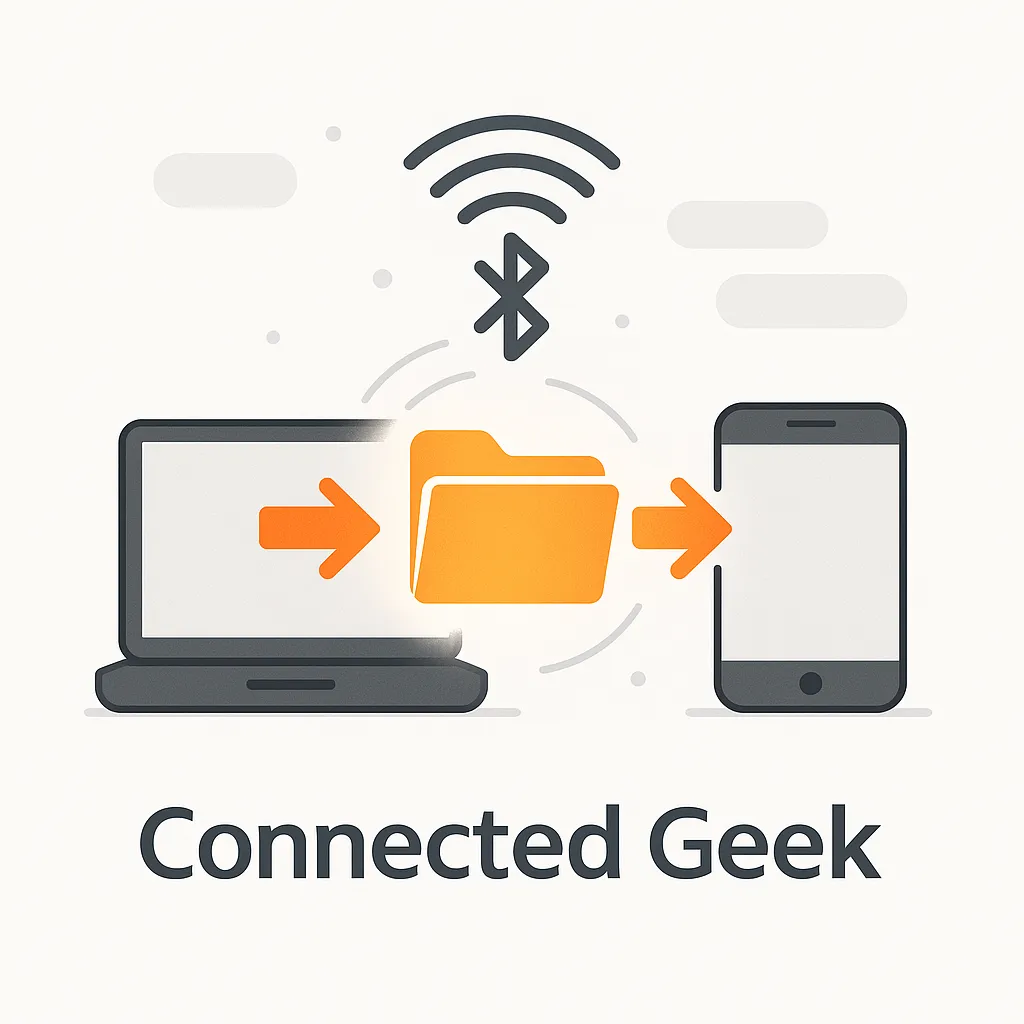
How to Send Files via Bluetooth in Windows 11 Without Cables or Cloud
Published on: 21/05/2026
Send files directly between devices over Bluetooth in Windows 11 — right-click the Bluetooth tray icon, choose Send a file, pick the device, and share instantly.
Windows 11Bluetoothfile sharingsend filesreceive filesNearby Sharing
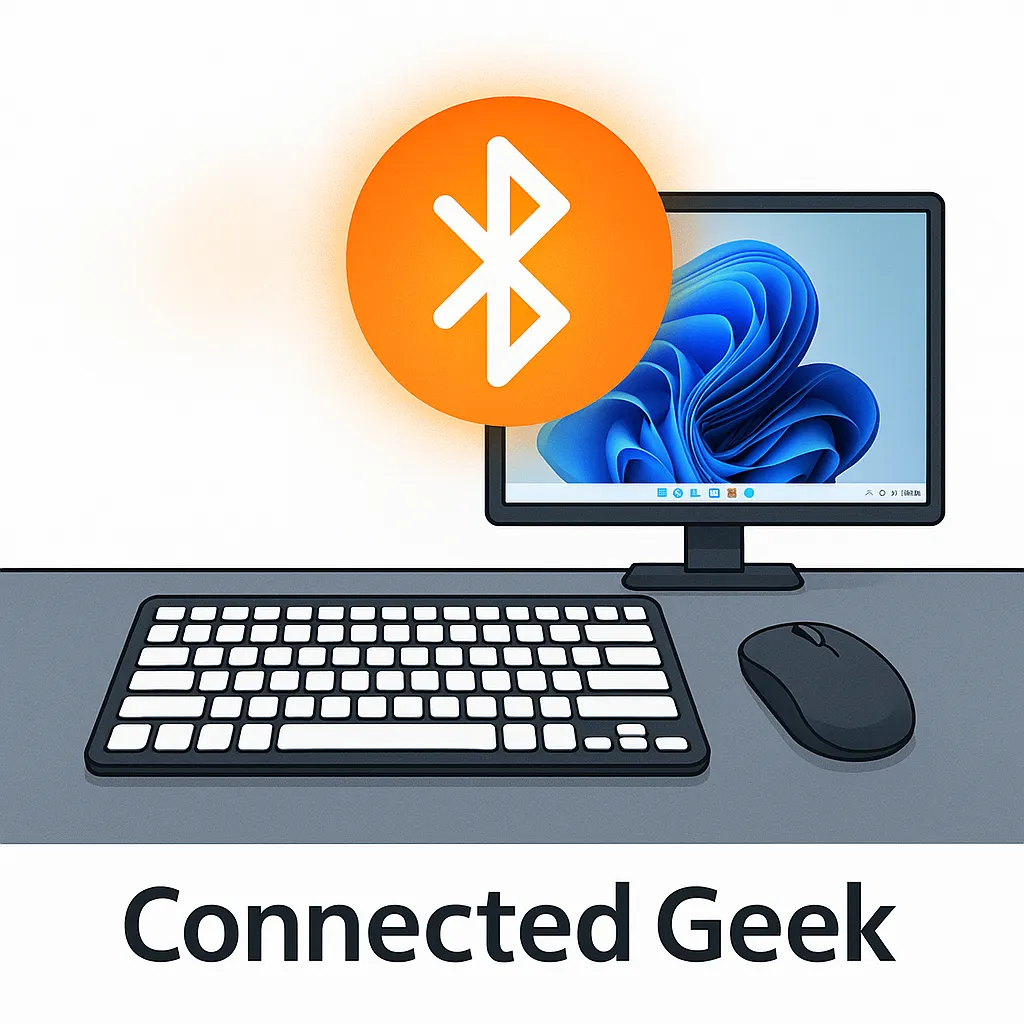
Wireless Mouse and Keyboard in Windows 11: USB Dongle vs Bluetooth Explained
Published on: 21/05/2026
USB dongle wireless peripherals plug in and work instantly. Bluetooth pairs to multiple PCs and saves USB ports. Here's how to connect each type in Windows 11.
Windows 11wireless micewireless keyboardsUSB dongleBluetoothconnect devicesPC accessories
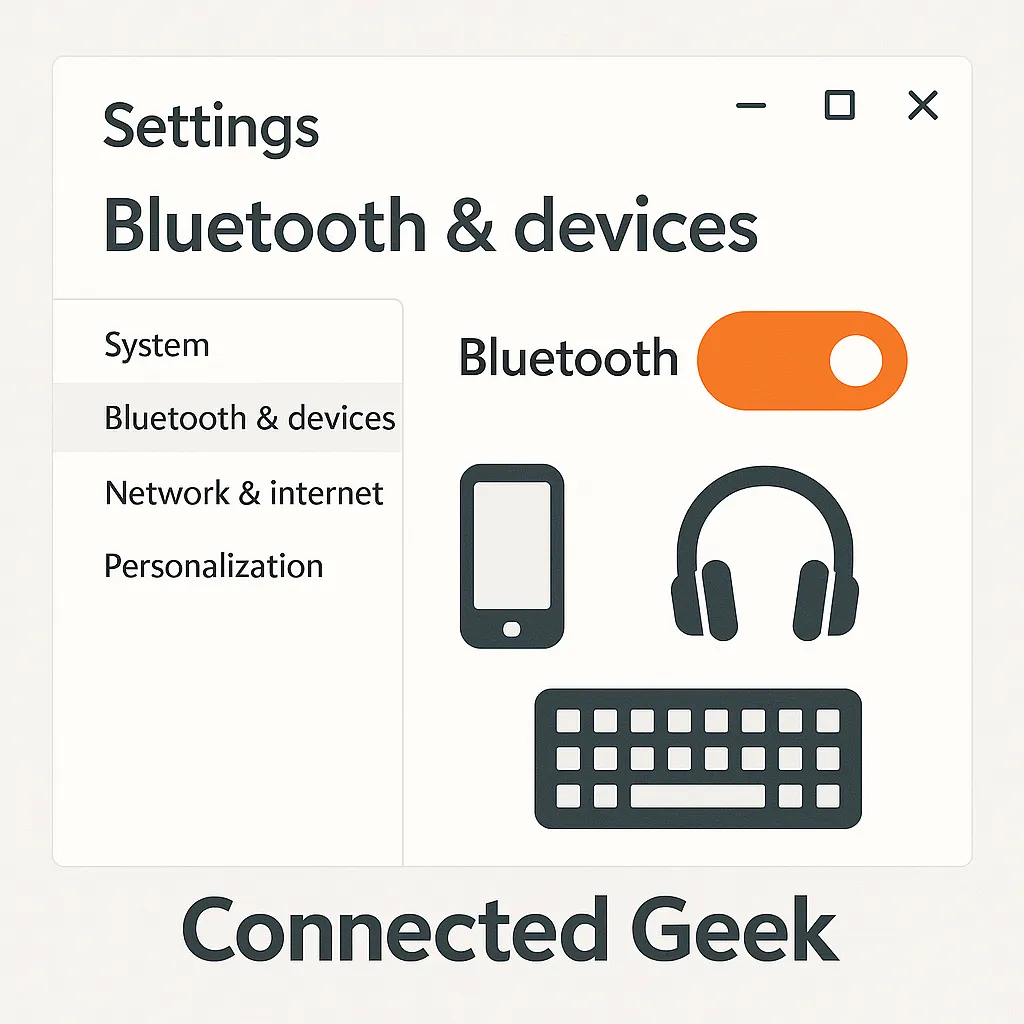
Windows 11 Bluetooth & Devices Settings: Everything You Can Do from One Page
Published on: 21/05/2026
Settings → Bluetooth & devices is Windows 11's wireless command centre — toggle Bluetooth, manage paired devices, check battery levels, add new devices, and use Swift Pair.
Windows 11Bluetoothdevicesdevice managementtroubleshootingperipheralswireless