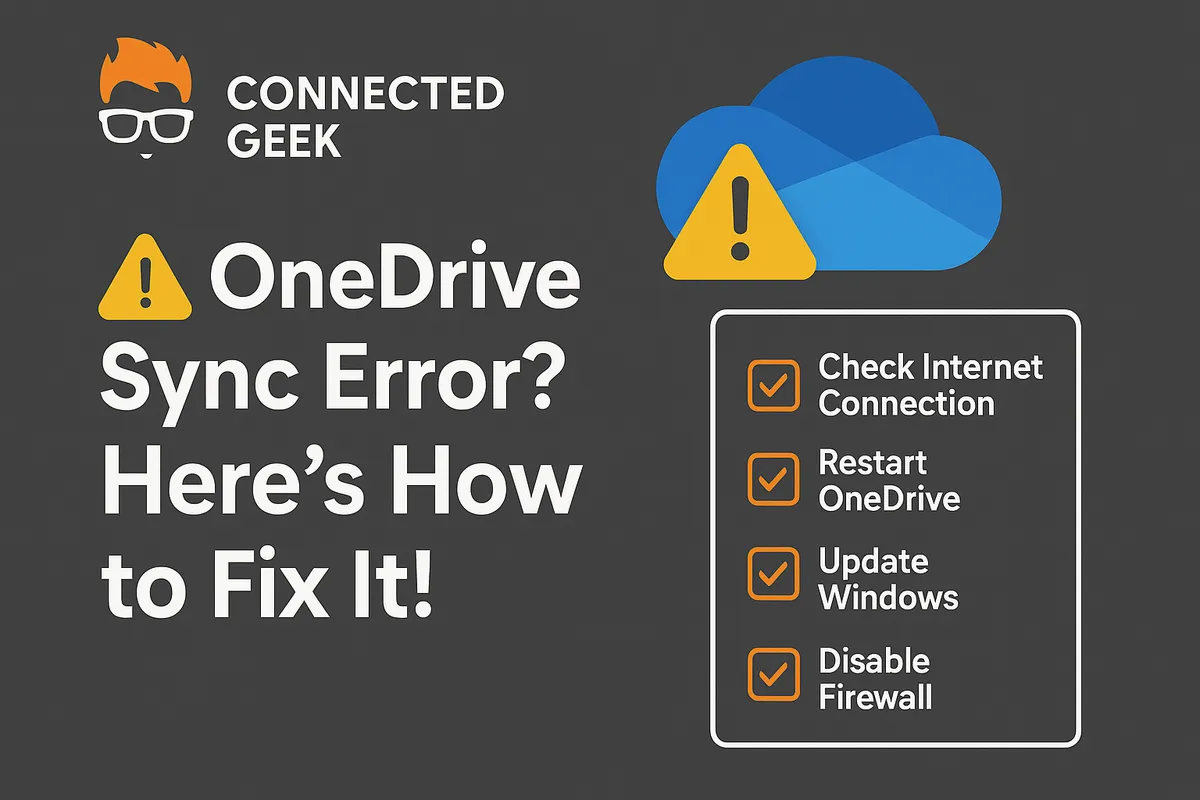
OneDrive Sync Errors Explained: What Each Error Means and How to Fix It
Published on: 17/05/2026
OneDrive sync errors decoded — storage full, file name invalid, file in use, no internet, sync stuck. Learn what each error means and the exact fix.
OneDriveWindows 11sync errorstroubleshootingfile upload issues
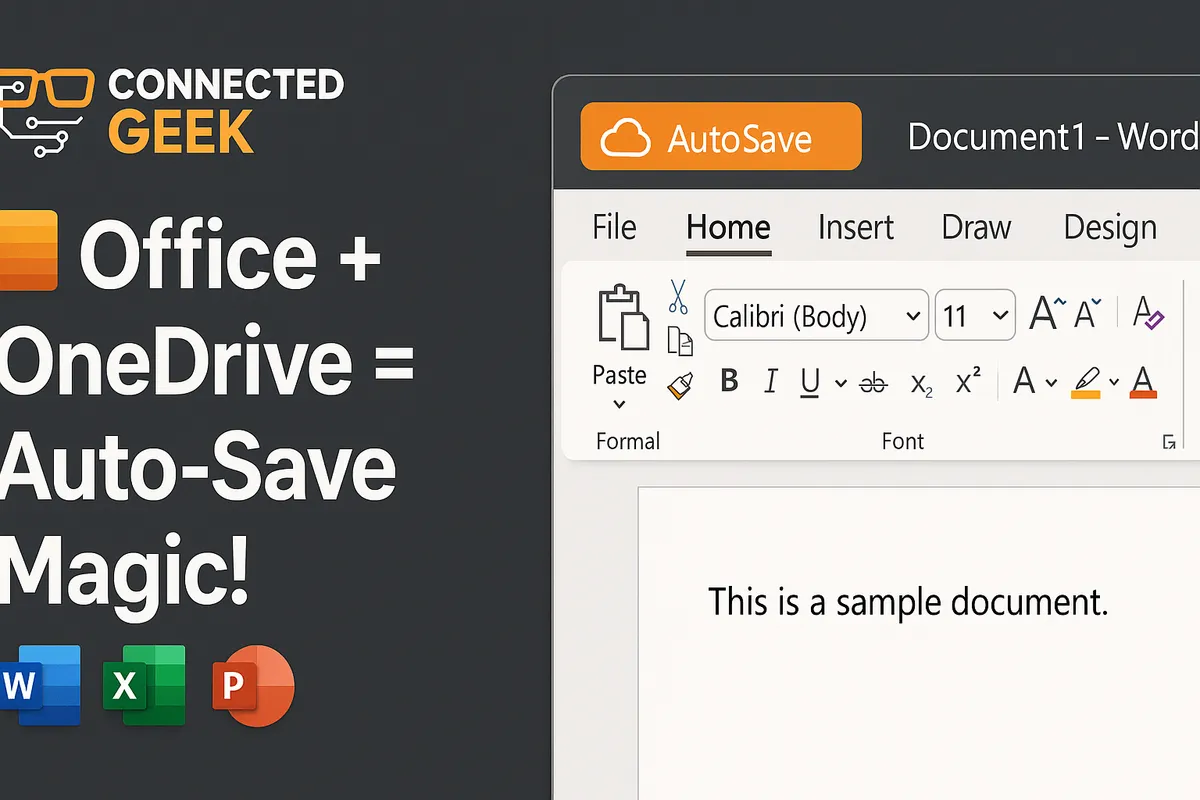
Protect Files with OneDrive AutoSave in Office Apps
Published on: 16/05/2026
Learn how OneDrive AutoSave secures your Word, Excel, and PowerPoint files effortlessly.
OneDrive AutoSaveMicrosoft Officefile protectionWordExcelPowerPointcloud storage
OneDrive Not Syncing in Windows 11? Try These Quick Fixes
Published on: 16/05/2026
OneDrive stopped syncing? Check the taskbar icon for errors, try signing out and back in, restart OneDrive, check your internet, or rename files with long names.
OneDriveWindows 11sync issuestroubleshootingcloud storagefile backup
How OneDrive Integrates with File Explorer in Windows 11
Published on: 16/05/2026
OneDrive feels completely native in Windows 11 — browse cloud files in File Explorer, pin folders to Quick Access, drag and drop, and share directly from right-click.
Windows 11OneDriveFile Explorercloud storageintegrationfile management