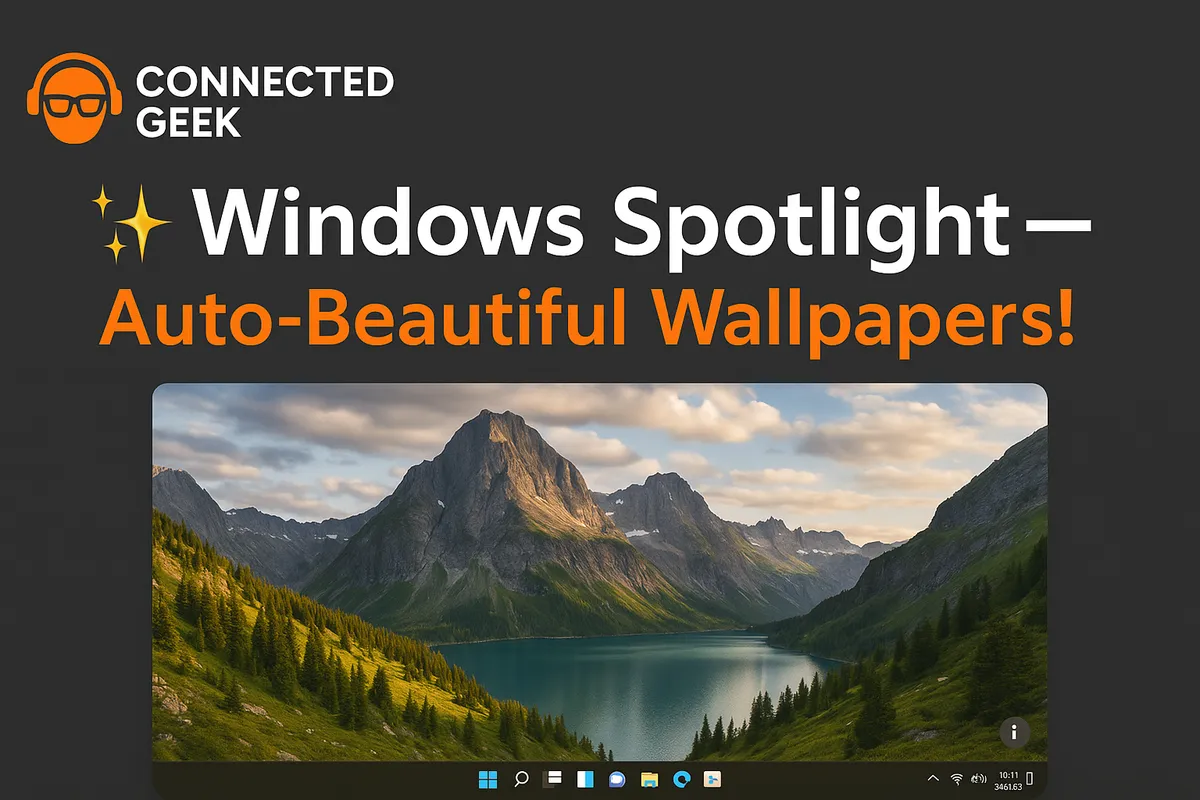
Windows 11 Windows Spotlight: Free Daily Wallpapers Delivered Automatically
Windows 11, Personalisation, Windows Spotlight
Transform Your Windows 11 Desktop with Windows Spotlight
Windows Spotlight in Windows 11 turns your PC into a constantly changing gallery of breathtaking photography, automatically refreshing your desktop and lock screen with professional images from around the world — all completely free and with almost no effort from you.
What Is Windows Spotlight and Why Is It So Exciting?
Windows Spotlight is one of the most delightful features in Windows 11, and yet many people do not even realize it is there. Instead of staring at the same static wallpaper every day, Windows Spotlight automatically downloads and displays a rotating collection of stunning, professional photos as your desktop background and lock screen. Think dramatic mountain ranges, glowing city skylines at night, serene beaches, lush forests, and even awe-inspiring shots from space — all carefully curated and refreshed regularly so your PC always feels new and visually inspiring.
The best part is how effortless it is. You do not have to search for wallpapers, download them, or organize folders of images. Once you turn Windows Spotlight on, it quietly takes care of everything in the background. Every time you sit down at your computer, you are greeted by a fresh, high-quality image that makes your desktop feel polished, modern, and full of personality. It is like having your own personal art curator, and it costs absolutely nothing.
Why Windows Spotlight Is Perfect for Everyday Windows 11 Users
If you are an everyday Windows 11 user who simply wants your PC to look great without spending time tweaking settings, Windows Spotlight is made for you. It is simple, automatic, and endlessly fresh. You do not need design skills, you do not need to hunt for wallpaper packs, and you do not need to worry about image sizes or resolutions. Microsoft handles all of that behind the scenes, delivering crisp, professional photos that look fantastic on modern displays, from compact laptops to large external monitors.
This makes Windows Spotlight especially appealing if you:
- Want your desktop to feel fresh and inspiring every day without lifting a finger.
- Enjoy travel, nature, architecture, or space photography and love discovering new places visually.
- Prefer a set-it-and-forget-it approach to personalising your PC, rather than constantly tweaking themes and backgrounds.
- Appreciate that all of this is completely free and does not require any third-party apps or downloads.
In short, Windows Spotlight brings a touch of everyday joy to your computer. It turns a routine moment — sitting down at your desk or waking your laptop — into a small visual surprise that can brighten your mood and spark curiosity about the world.
How to Enable Windows Spotlight on Your Desktop Background
Turning on Windows Spotlight in Windows 11 is wonderfully straightforward. In just a few clicks, you can switch from a static background to a dynamic, ever-changing showcase of imagery. Here is exactly how to enable it via Settings → Personalisation → Background → Windows Spotlight:
- Click the Start button (the Windows icon on your taskbar) or press the Windows key on your keyboard.
- Select Settings. You can also press Windows + I as a shortcut to open Settings instantly.
- In the Settings window, click on Personalisation in the left-hand menu. This is where you control how Windows 11 looks and feels, including themes, colours, and backgrounds.
- Within Personalisation, choose Background. You will see options for how your desktop background is handled, such as Picture, Solid colour, Slideshow, and — the star of the show — Windows Spotlight.
- Open the drop-down menu under Personalise your background and select Windows Spotlight.
The moment you choose Windows Spotlight, your desktop background will switch to a Spotlight image. From now on, Windows 11 will automatically download and display new photos over time, keeping things lively and engaging. There is no need to manage anything manually; Windows handles the updates for you in the background, so your only job is to enjoy the view.
Interacting with Windows Spotlight: The “ℹ️ Like what you see?” Button
One of the most delightful aspects of Windows Spotlight is that it is not just a passive slideshow. Windows 11 gives you a simple, friendly way to interact with the current image using the “ℹ️ Like what you see?” desktop button. This little control lets you react to each photo, learn more about it, and even swap it out if you are in the mood for something different — all without digging through any complicated menus.
Where to Find the “ℹ️ Like what you see?” Button
When Windows Spotlight is enabled on your desktop background, look toward one of the corners of your screen (typically the upper-right or lower-right area of the desktop) for a subtle icon that appears on top of the image. This is the “ℹ️ Like what you see?” button. It is intentionally unobtrusive so it does not spoil the beauty of the photo, but it is always there when you want to interact with the current background.
What You Can Do with “ℹ️ Like what you see?”
Click the “ℹ️ Like what you see?” button, and you will see options that let you respond to the current image and control what you see next. Depending on the specific build and configuration of Windows 11, options can vary slightly, but they typically include:
- Like this picture — Let Windows know you enjoy this style of image. Over time, this helps Spotlight choose similar types of photos that match your tastes, whether that is dramatic landscapes, dreamy coastlines, or vibrant city scenes.
- Not a fan — If a particular photo does not appeal to you, tell Windows you are not a fan. Spotlight will take the hint and adjust future images accordingly, helping you see more of what you love and less of what you do not.
- Switch to a new picture or similar wording — In the mood for something different right now? Use this option to swap the current photo for a new one immediately. It is like flipping to the next page in a beautiful photo book, on demand.
- Learn about this picture — Curious where that striking landscape or architectural shot was taken? This option can give you more information about the location or subject of the image, turning your background into a fun, bite-sized discovery experience.
The “ℹ️ Like what you see?” button is your friendly control panel for Spotlight. With just a quick click, you can save the current photo to your preferences, ask for something new, or dig deeper into what you are seeing. It is a wonderfully simple way to make the experience feel personal and interactive, rather than random and distant.
Always Fresh, Always Free, and No Manual Downloads Required
One of the most exciting advantages of Windows Spotlight is how effortless it is from start to finish. Once you have enabled it, Windows Spotlight works quietly in the background, downloading new images over time and rotating them across your desktop and lock screen. There is no subscription to pay for, no gallery to manage, and no need to visit websites or apps to fetch wallpaper packs. It is all built right into Windows 11 and is completely free to use.
No More Hunting for Wallpapers
Many people have spent time digging through endless websites, downloading zip files of wallpapers, and then manually setting them in Windows. It can be time-consuming, and you often end up with images that are the wrong size or look blurry on high-resolution displays. Windows Spotlight eliminates all of that hassle. It delivers carefully selected, professional photos that are optimised for modern screens, so everything looks sharp, vibrant, and polished right away.
Automatic, Regularly Updated Imagery
Windows Spotlight backgrounds are always fresh. The images change regularly, giving you a new visual experience without you needing to think about it. You might see a misty forest one day, a futuristic city skyline the next, and a star-filled galaxy after that. This constant variety keeps your desktop from feeling stale and turns everyday computer use into a more enjoyable, visually rich experience.
No Manual Downloads or Maintenance
Perhaps the most satisfying part is that you never have to worry about managing files. There are no manual downloads to keep track of, no folders of images to organise, and no need to clear things out later. Windows handles the download and rotation process automatically, using your internet connection in the background without disrupting your work or entertainment. It is a wonderfully low-maintenance way to enjoy high-quality visuals every day.
Windows Spotlight on the Lock Screen: Beauty Before You Even Log In
Windows Spotlight is not limited to your desktop background. It also shines on your Lock Screen, giving you another layer of beautiful imagery every time you wake your PC or sign in. Instead of a plain or static lock screen, you are greeted by the same kind of rich, high-quality photos that make your desktop feel special. It is a simple touch, but it makes starting your computing session feel more inviting and enjoyable.
You may already have noticed Spotlight images on the lock screen in previous versions of Windows, but in Windows 11 the feature feels even more cohesive and polished. The lock screen and desktop can both take advantage of Spotlight, surrounding your entire experience with vibrant, curated visuals from the moment you power on to the moment you shut down.
Enabling Spotlight on the Lock Screen (Quick Overview)
While this article focuses primarily on using Windows Spotlight as your desktop background, it is worth enthusiastically highlighting that you can also choose it for your lock screen. In the Lock Screen section of Settings → Personalisation, you can select Windows Spotlight as the background option there as well. Once you do, your lock screen will join your desktop in showcasing fresh imagery, turning a simple login step into a moment of visual delight.
Everyday Ways Windows Spotlight Enhances Your PC Experience
It is easy to underestimate how much a background image can influence your mood and perception of your computer. But once you live with Windows Spotlight for a while, you start to notice how much more alive, modern, and personal your PC feels. Here are a few everyday scenarios where Spotlight quietly makes a big difference:
- Starting your day on a positive note: When you first sit down in the morning, being greeted by a tranquil lake at sunrise or a colourful cityscape can instantly lift your spirits and make starting work feel more pleasant.
- Breaking up long tasks: If you spend hours at your PC, having the background change over time keeps your environment from feeling static. Each new image is a subtle reminder to pause, stretch, or simply enjoy a fresh view for a moment.
- Inspiring curiosity: Many Spotlight images showcase lesser-known destinations or intriguing natural formations. Clicking to learn more about them can spark your curiosity about geography, travel, or nature, turning a quick glance at your desktop into a mini learning moment.
- Impressing others: If you share your screen in meetings or have colleagues, friends, or family looking over your shoulder, your PC instantly feels more polished and professional when it is framed by a beautiful, high-resolution background.
These might sound like small touches, but together they add up to an experience that is more engaging and enjoyable. Windows Spotlight turns the everyday act of using your PC into something that feels a bit more special, every single time.
Quick Recap: Why You Should Turn on Windows Spotlight Today
If you are still wondering whether Windows Spotlight is worth enabling, it absolutely is — especially because it is so easy and so rewarding. Here is a quick, enthusiastic recap of what makes it such a standout feature for everyday Windows 11 users:
- It automatically displays stunning, professional photos from nature, cities, and space as your desktop background and lock screen.
- You can enable it in moments via Settings → Personalisation → Background → Windows Spotlight, with no complex setup required.
- The “ℹ️ Like what you see?” desktop button lets you interact with each image, save your favourites, and swap to a new photo whenever you like.
- It is completely free, always fresh, and requires no manual downloads or wallpaper management. Windows does the work for you.
- It also appears on the Lock Screen, giving you another layer of beautiful imagery before you even log in.
Final Thoughts: Let Your PC Surprise You
Windows 11 includes many powerful features, but Windows Spotlight stands out as one of the most charming and accessible. It is a reminder that technology can do more than just help us work; it can also delight, inspire, and surprise us in small but meaningful ways. By turning your desktop and lock screen into a rotating gallery of world-class photography, Spotlight brings a sense of wonder to your everyday computing routine — all without any extra cost or complexity.
So, if you have not already, open Settings → Personalisation → Background, choose Windows Spotlight, and let your PC surprise you. The next time you sit down to work, study, or relax, you might find yourself pausing for a moment just to admire the view — and that is a wonderful way to start anything.
