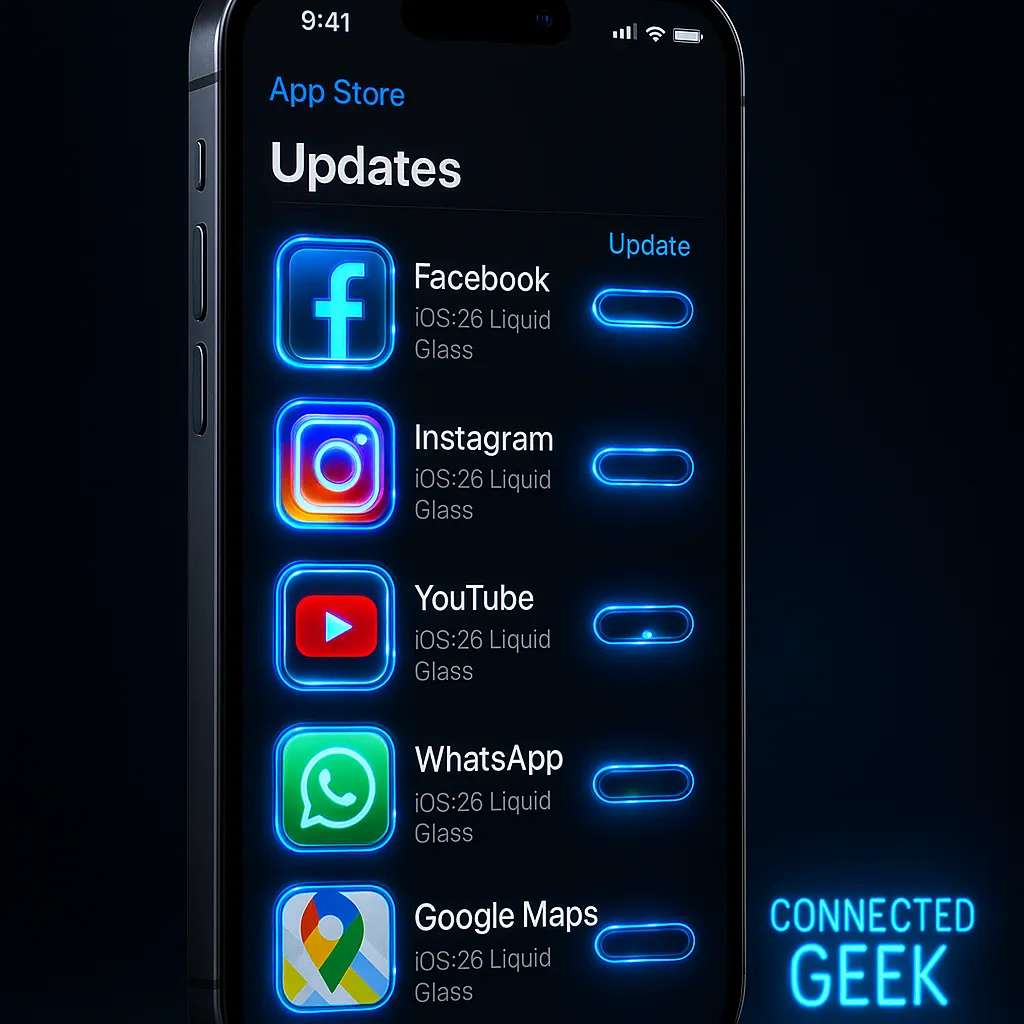
Update Third-Party Apps for iOS Liquid Glass
iOS, Liquid Glass, App Updates
Third-Party Apps & Liquid Glass — What to Expect and How to Update
As a senior iOS engineer, I’ve been living with Apple’s new Liquid Glass design for months. If you’re wondering when your favorite third‑party apps will match Apple’s refreshed look—and what you need to do—rest assured: the transition is underway, and it’s simpler than it might seem.
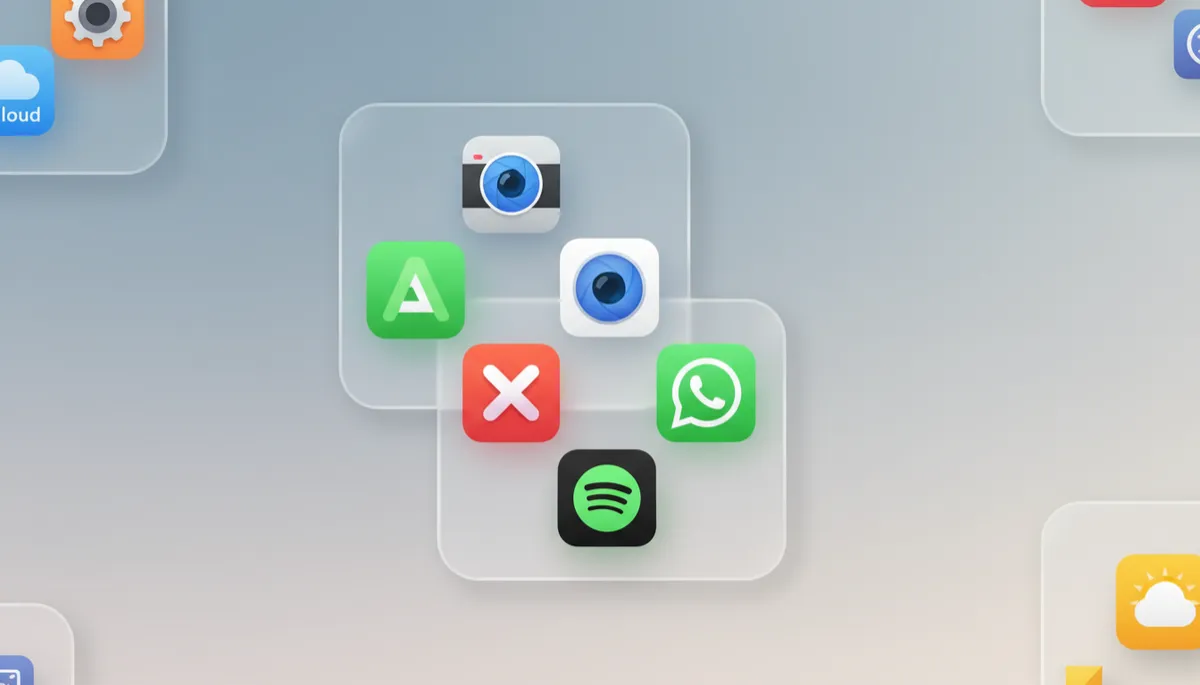
Apple Opened Liquid Glass to All Developers
Liquid Glass started as a system-only visual language, but with the latest SDKs Apple has fully opened the framework to every developer via standard SwiftUI and UIKit components. That means any app compiled with the newest tools can adopt the same translucent, light‑bending surfaces you see in core iOS 27 screens—without custom hacks or risky redesigns. Apple’s own documentation emphasizes that accessibility settings like Reduced Transparency are honored automatically, so you can trust that apps using Liquid Glass will stay readable and comfortable to use.
How Apple’s Own Apps Already Use Liquid Glass
You’re already seeing Liquid Glass every day. Here’s what changed in Apple’s built‑in apps:
- Messages: Translucent navigation bar, floating input field, and glassy conversation headers that subtly react to wallpaper colors.
- Phone: Liquid Glass call sheet and keypad background, with gently refracted wallpaper behind buttons.
- Camera: Semi‑transparent mode bar and settings tray that let your viewfinder peek through while staying legible.
- Photos: Glassy bottom toolbar and info panels that float above your images with softened edges and depth.
- Safari: Translucent tab bar and URL field, especially noticeable in compact tab view and the tab switcher.
- Mail: Liquid Glass navigation and toolbar areas that subtly separate message lists from content.
- Calendar: Translucent headers and bottom bars that keep dates and controls visually layered but calm.
- Maps: Floating search bar, route cards, and bottom sheets rendered in Liquid Glass above the map canvas.
- App Store: Glassy tab bar and card headers that subtly react to featured artwork and your wallpaper.
- Settings: Translucent navigation bar and section headers with improved separation between grouped options.
Third-Party Apps: Rolling Updates, Not Instant Swaps
Major third‑party apps are adopting Liquid Glass, but each team ships on its own schedule. Instagram is gradually testing translucent navigation and story controls. WhatsApp has started rolling out a Liquid Glass bottom bar and chat header on newer builds, with more screens to follow. Spotify is experimenting with glassy playback controls and a translucent Now Playing sheet. You may see the new look on one device before another, or in some screens but not others—that’s normal while they iterate and A/B test. The key point: nothing is “wrong” with your phone if an app still looks like classic iOS 18; it just hasn’t flipped the new design switch yet.
How to Update All Your Apps at Once
To make sure you’re seeing the latest Liquid Glass updates as soon as developers release them, it helps to refresh your apps regularly:
- Open the App Store.
- Tap your profile photo in the top‑right corner.
- Scroll down and tap Update All.
Doing this once a week is a simple, low‑effort habit that keeps you current without needing to track individual release notes or design announcements.
If an App Hasn’t Updated Yet, Don’t Worry
If your favorite app still looks like it did on iOS 18, that’s perfectly okay. Functionality is unchanged; you’re not missing features, just visual polish. Developers often prioritize stability and bug fixes over cosmetic changes, especially for apps with millions of users. As they rebuild with the new SDKs, Liquid Glass will arrive automatically in many places, and they can refine the rest over time. Until then, everything continues to work exactly as you expect.
How Easy Apple Has Made This for Developers
From the engineering side, Apple has made Liquid Glass pleasantly low‑friction. Standard UIKit components like UINavigationBar, UITabBar, and toolbars now ship with Liquid Glass built in when compiled with the latest SDK. In a typical Swift app, enabling a glassy background can be as simple as a few lines:
let appearance = UINavigationBarAppearance()
appearance.configureWithDefaultBackground()
appearance.backgroundEffect = UIBlurEffect(style: .systemThinMaterial)

UINavigationBar.appearance().standardAppearance = appearance
UINavigationBar.appearance().scrollEdgeAppearance = appearance
For you as an iPhone user, this is good news: developers don’t have to rewrite their apps from scratch to “fit in.” As they adopt these small configuration changes and rebuild with current tools, your third‑party apps will naturally start to look and feel more like Apple’s own—smoothly, safely, and over time rather than overnight.
