Safari iOS 26: Enhanced Privacy and Design
iOS, Safari, Privacy
Safari in iOS 26 — More Beautiful and More Private Than Ever
Safari in iOS 26 is designed for people who want the web to feel calm, clear, and firmly under their control. With a lighter Liquid Glass look and stronger privacy protections turned on by default, this version of Safari makes it easier to enjoy the sites you love without feeling like you are being watched.
Liquid Glass: A Lighter, More Focused Address Bar
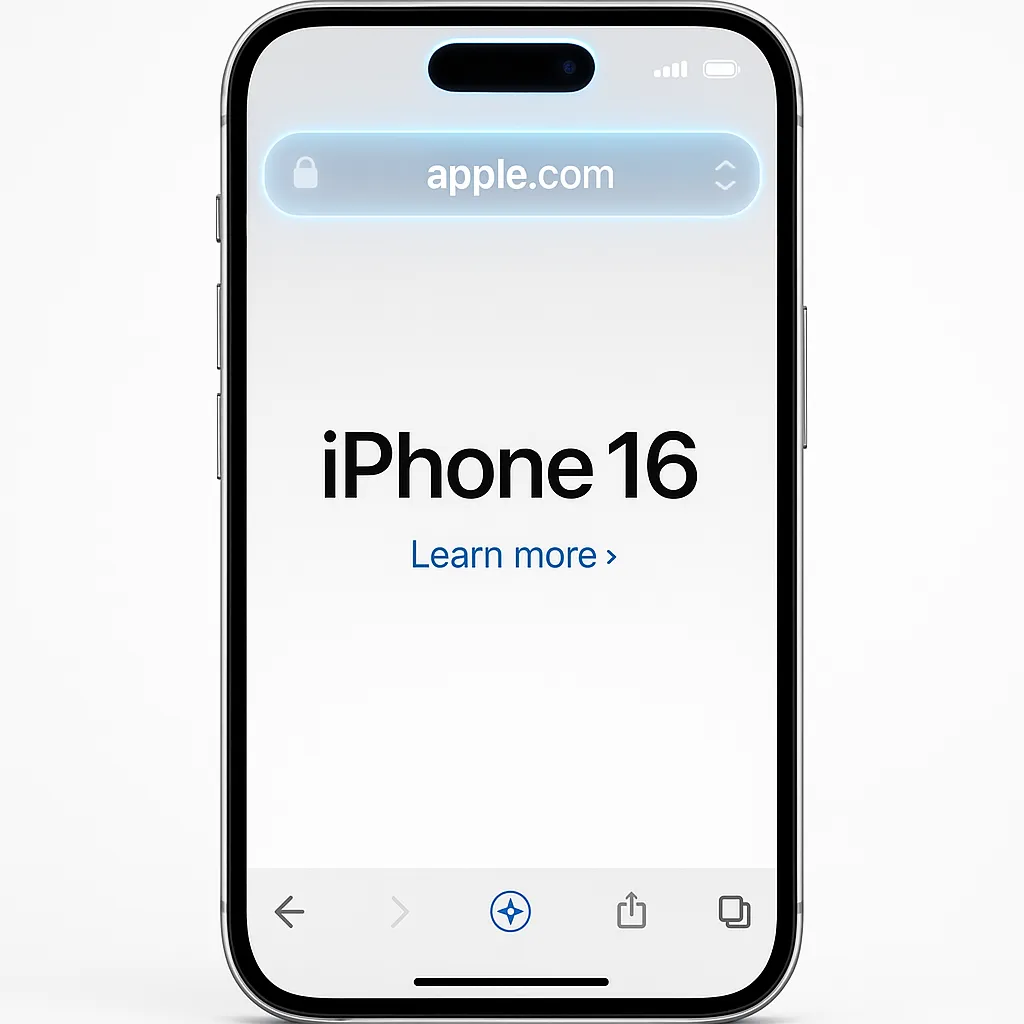
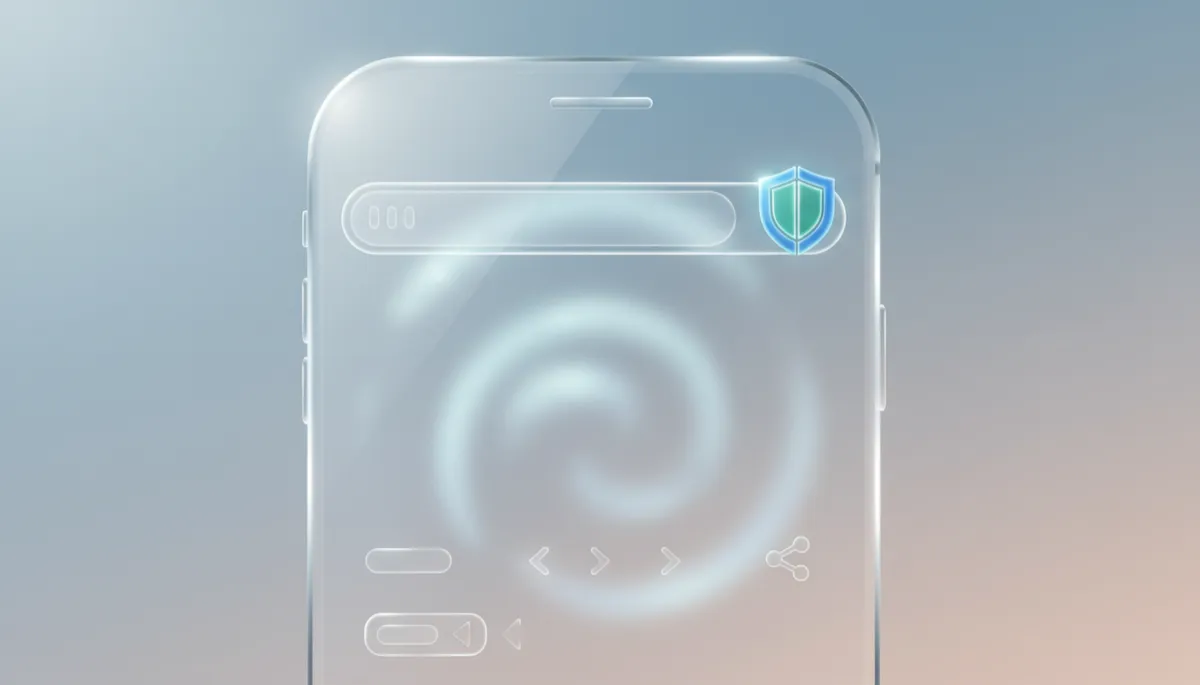
The first thing you notice in Safari on iOS 26 is the new Liquid Glass address bar. It floats above your page like a sheet of translucent glass, letting more of the website’s colors and content shine through. When you tap it, the bar gently glows, giving you a clear visual cue that you are in control of the address and search field. Your site’s favicon stays visible, so you always know exactly where you are, even while typing. The overall effect is a lighter, airier browsing experience that keeps your attention on the page, not on the browser chrome around it.
An Intelligent Tab Bar That Gets Out of Your Way
Safari’s tab bar in iOS 26 is now intelligent and adaptive. As you scroll down a page, the full toolbar gracefully collapses into a slim, URL-only bar, giving more space to the content you care about. Scroll back up, and the full controls reappear exactly when you need them. This shrinking behavior keeps the interface present enough to feel reassuring, but never so loud that it competes with the article, video, or document you are focused on.
Advanced Fingerprinting Protection — Now for All Browsing
The most important change in iOS 26 is invisible: Advanced Fingerprinting Protection is now on by default for every tab, not just Private Browsing. To understand why this matters, it helps to know what fingerprinting is.
Fingerprinting is a tracking technique where websites try to identify you based on your browser’s technical characteristics instead of cookies. They look at things like your device model, screen size, installed fonts, system language, and even tiny timing differences. Combined, these details can form a “fingerprint” that is surprisingly unique, allowing sites and trackers to recognize you across different pages and sessions, even if you block or clear cookies.
In iOS 26, Safari fights this by standardizing what websites see. Instead of exposing highly specific details about your device, Safari now presents a more generic, consistent profile to sites. Advanced Fingerprinting Protection also blocks known fingerprinting scripts and limits access to certain APIs that reveal hardware or network characteristics. The result is simple but powerful: you blend into the crowd, making it dramatically harder for trackers to single you out.
Smarter Tools: Highlights, Web Apps, and Reading Mode
Safari in iOS 26 also introduces thoughtful features that respect your privacy while making everyday browsing smoother:
- Copy Link with Highlight: Select text on a page, tap and hold, then choose Copy Link with Highlight. Safari creates a link that opens the page with your chosen passage emphasized, so friends see exactly what you meant to share—without any tracking clutter added to the URL.
- Web Apps on the Home Screen: Any site you add to your Home Screen can now open as a full-screen web app, giving you an app-like experience with no browser distractions. It is ideal for services you use daily, while still benefiting from Safari’s privacy protections underneath.
- Improved Reading Mode: Reading Mode now does an even better job of stripping away ads, overlays, and visual noise, leaving clean typography and simple controls. It is a calm, focused way to read long articles without constant visual tracking cues.
Privacy Reports You Can Actually Understand
To help you see how well you are protected, Safari now offers a Privacy Report for each site. Checking it is straightforward:
- Open the site in Safari.
- Tap the AA button in the address bar.
- Choose Privacy Report.
You will see which trackers Safari blocked and how often they tried to follow you. This simple view turns complex privacy technology into information you can act on—helping you decide which sites to trust, which to limit, and when to switch to Reading Mode or a web app instead.
Browsing That Feels Beautiful, Private, and Yours
With its Liquid Glass design, intelligent tab bar, and Advanced Fingerprinting Protection everywhere, Safari in iOS 26 shows that a browser can be both visually delightful and deeply private. The new tools—Copy Link with Highlight, full-screen web apps, improved Reading Mode, and clear Privacy Reports—put you in the driver’s seat. Every time you open Safari, you are not just loading a page; you are choosing a browsing experience that keeps your information safer by default.
