Liquid Glass: Apple's iOS 26 Redesign Revolution
Apple, iOS 26, Design
Liquid Glass — Apple's Biggest Redesign Since 2013
iOS 26 doesn't just give your iPhone a fresh coat of paint — it makes the whole interface feel alive. Apple's new Liquid Glass design language turns buttons, panels, and icons into shimmering, translucent layers that react to light, motion, and the wallpaper beneath. It's the boldest visual change since iOS 7 in 2013, and it instantly makes your phone feel brand new.
What Exactly Is Liquid Glass?
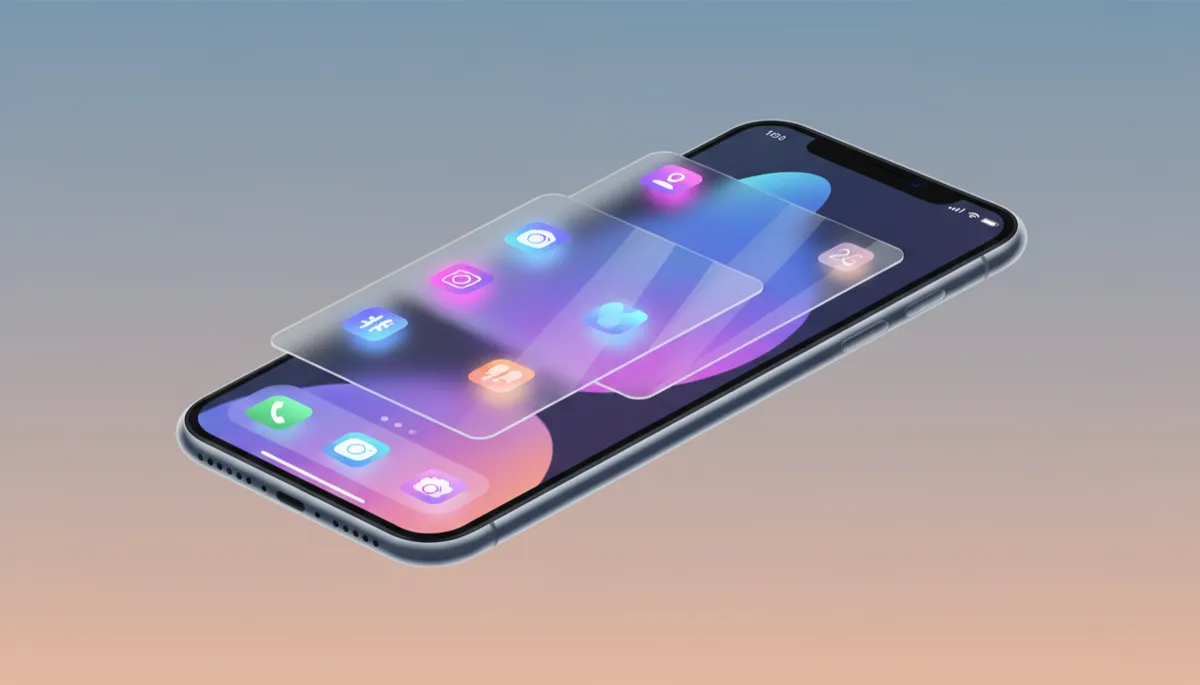
Liquid Glass is Apple's new, system‑wide visual style for iOS 26, first unveiled at WWDC 2025 (MacRumors). Instead of flat blocks of color, you now see translucent, glass‑like surfaces everywhere — from the tiniest toggle to the biggest panel. These elements gently blur what's behind them, bend light as you tilt your phone, and subtly shift their highlights as you interact.
Think of it as digital glass that feels fluid: layered, dimensional, and responsive. Icons, toolbars, and buttons no longer look pasted on; they float above your wallpaper like pieces of frosted crystal. It's inspired by earlier Apple looks like Aqua and the original iOS 7 blur, but pushed into a more modern, dynamic, and tactile direction (Apple Developer).
A Home Screen That Feels Like a Glass Desk
The first place you'll feel the difference is the Home Screen. App icons are now built from stacked layers of Liquid Glass, so they have gentle depth instead of being totally flat (MacRumors). You can choose between Light, Dark, Tinted, and a wild new Clear mode, where icons are almost fully transparent and soak up the colors of your wallpaper underneath.
The dock, folders, and widgets all share the same frosted, translucent look, with soft reflections that shift as you move your iPhone. Combined with the freedom to place apps and widgets anywhere on the grid, your Home Screen suddenly feels like a carefully arranged glass workspace instead of a rigid grid of squares.
A Lock Screen That Comes to Life
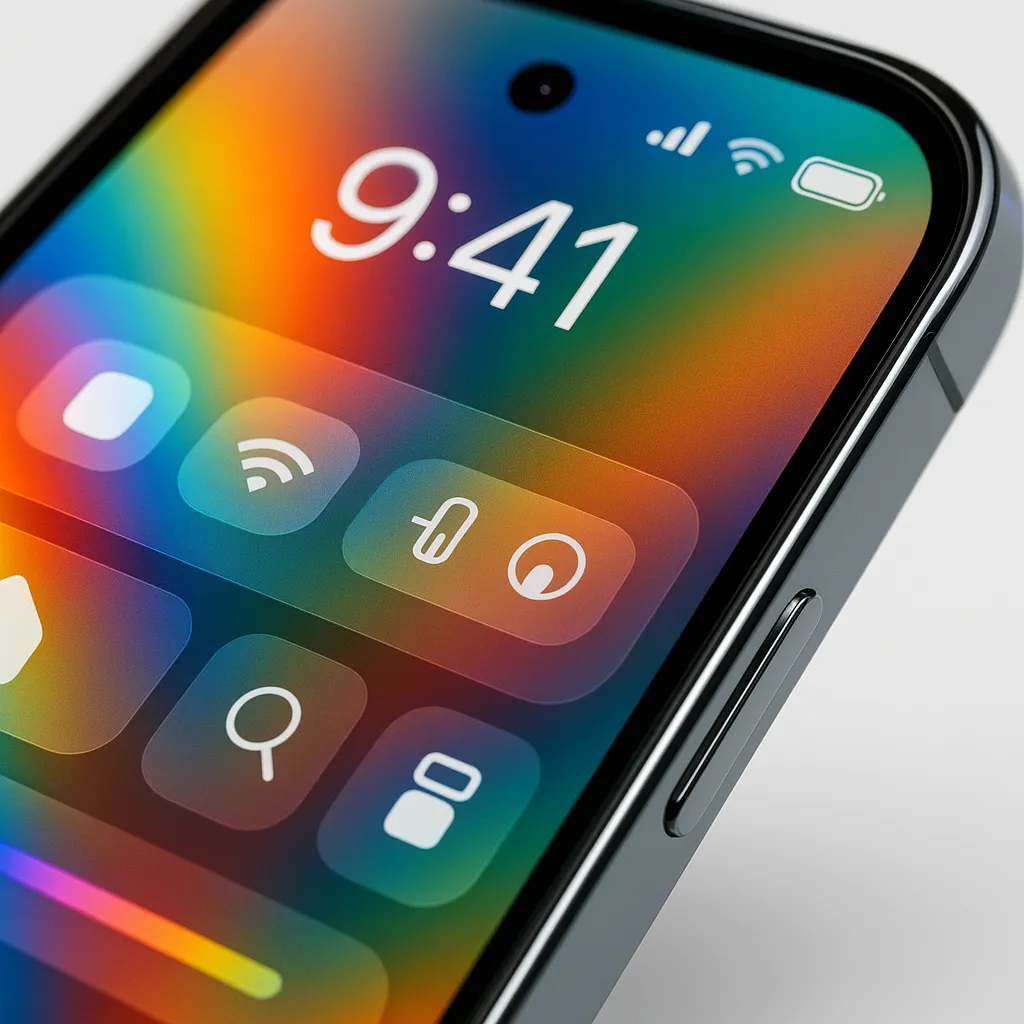
On the Lock Screen, Liquid Glass makes the clock, buttons, and notifications feel like they're floating above your wallpaper. The new Glass clock style turns the time into a frosted pane that gently reveals the image behind it while staying easy to read (MacRumors).
The clock now adapts its size and position to your photo, and spatial wallpapers add a subtle 3D effect as you tilt your phone (Apple Support). Widgets and quick actions sit on their own tiny glass panels near the bottom, perfectly placed for one‑handed use. The whole Lock Screen feels like a living postcard covered with layers of glass.
Control Center, Reimagined in Frosted Layers
Swipe down, and the Control Center now appears as a sheet of dark, frosted Liquid Glass, hovering over whatever you were doing. Toggles, sliders, and brightness controls are rounded, softly glowing capsules instead of sharp squares (MacRumors).
Apple has tuned the opacity so everything stays readable, while still letting a hint of your background peek through. Even new tools, like the audio input picker for choosing microphones, sit inside sleek glass tiles. It feels more like a high‑end control surface than a simple menu of switches.
Apps That Float Above Your Content
Open your favorite apps, and you'll notice Liquid Glass everywhere. Navigation bars, tab bars, and toolbars are now floating panels that hover above your content instead of being solid blocks (Apple). In Safari, the tab bar slims down and shifts as you scroll. In Camera, menus pop out as glassy bubbles. Apps like Messages, Music, Photos, and Maps all use slender, rounded translucent bars that adapt as you move through them.
Even simple buttons and switches feel more tactile. They catch the light, reflect a hint of what's behind them, and animate with a smooth, liquid motion. Without learning anything new, everyday actions — sending a text, starting a playlist, checking the weather — feel more delightful.
Why Liquid Glass Is Such a Huge Deal
Apple hasn't shaken up the iPhone's overall look this dramatically since iOS 7 in 2013. For more than a decade, we've lived with variations of the same flat, minimal style. Liquid Glass in iOS 26 is a clear line in the sand: it brings back depth, personality, and motion, but in a carefully controlled, modern way (MacRumors).
Because it's built right into Apple's design system, third‑party apps can tap into Liquid Glass almost automatically using the latest tools (Apple Developer). That means your whole phone — not just Apple's own apps — can share the same luminous, glassy feel over time.
If you've been using iPhone for years, installing iOS 26 with Liquid Glass is like unboxing a brand‑new device without spending a cent. It's familiar, but transformed — brighter, deeper, and far more fun to use every single day.
