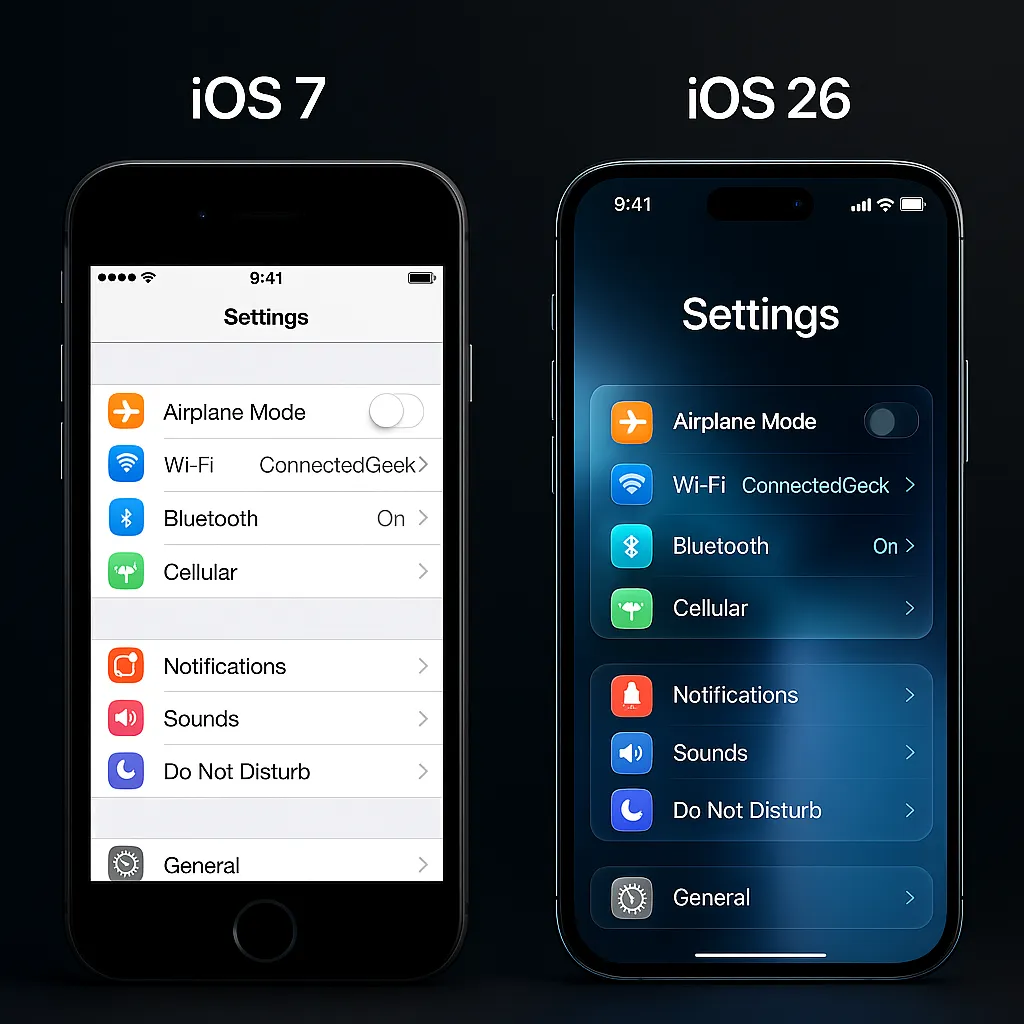
iOS 26: Discover Apple's Liquid Glass Design
iOS, Design, Liquid Glass
Liquid Glass — The Science & Design Behind iOS 26's Biggest Change
If you've updated to iOS 26 and thought, “Wow, my iPhone suddenly looks different,” you’re not imagining it. That fresh, glassy look everywhere? That’s Apple’s new Liquid Glass design language — and it’s more than just a pretty facelift.
So… what exactly is Liquid Glass?
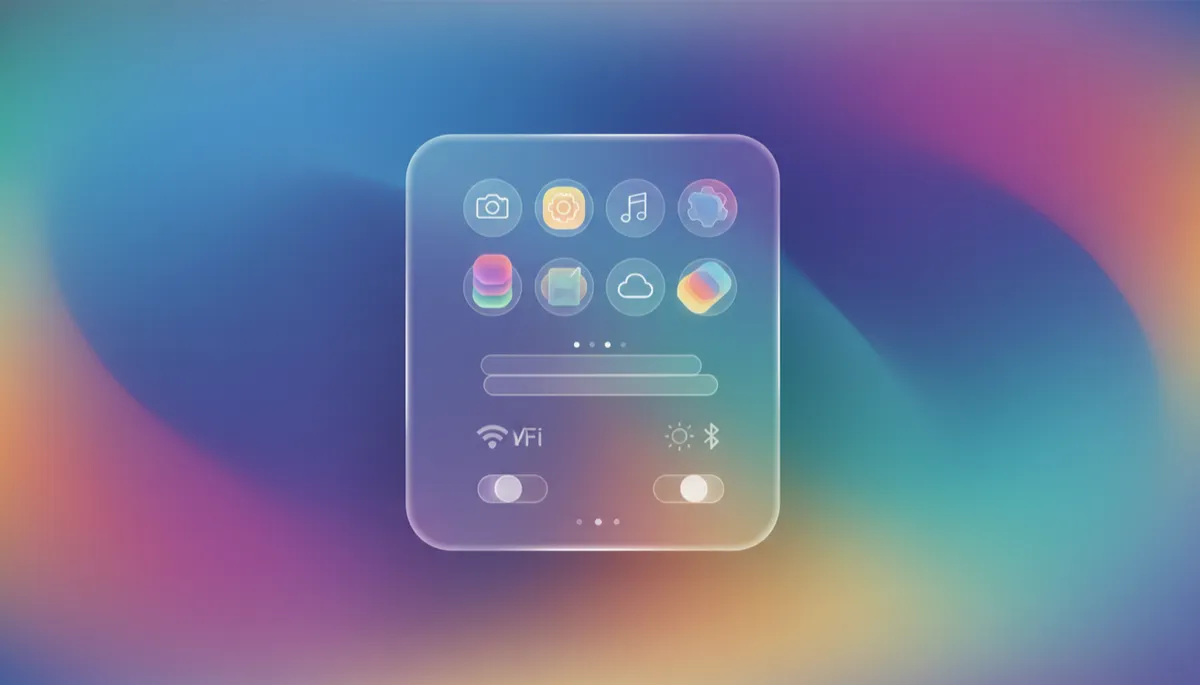
Technically, Liquid Glass is a new translucent interface material that iOS 26 uses almost everywhere. Think of it as a virtual sheet of frosted glass that sits on top of your wallpaper. Instead of being a flat color, it samples your wallpaper in real time, then blurs, tints, reflects, and refracts those colors behind the scenes.
Under the hood, iOS constantly looks at the pixels behind each Liquid Glass panel — for example, the area under the Dock or a notification. It analyzes brightness and color, applies a soft blur, then adds subtle highlights and shadows so it feels like real glass catching light. When you move your phone or scroll, those reflections shift, giving the interface a gentle sense of depth and motion (Apple describes this as a unified, glass-like material across the system — see iOS 26 overview, en.wikipedia.org).
Why did Apple create it now?
In 2013, iOS 7 threw out skeuomorphic leather and felt in favor of flat design. That look has lasted more than a decade, but by iOS 26, it was starting to feel a bit… static. Meanwhile, Apple’s newer platforms — especially visionOS on Apple Vision Pro — leaned heavily into floating, translucent “panels” that live in 3D space around you (macrumors.com, WWDC 2025 coverage).
Liquid Glass is Apple’s way of evolving beyond flat without going back to fake leather. It keeps things clean and minimal, but adds:
- Depth — layers feel like they float above your wallpaper.
- Motion — light and reflections respond as you move and interact.
- Consistency — iPhone, iPad, Mac, and Vision Pro now share the same glassy language.
Where you’ll see Liquid Glass on your iPhone
Once you know what to look for, you’ll notice Liquid Glass everywhere in iOS 26:
- Home Screen icons & widgets — App icons sit on subtly translucent tiles, and widgets feel like stacked glass cards.
- Lock Screen clock & notifications — The clock and banners float over your wallpaper with a frosted, glowing edge that changes with the photo behind them.
- Control Center & Notification Center — Toggles, sliders, and cards sit on glass panels that let your wallpaper softly show through, improving contrast while feeling airy (macrumors.com, iOS 26 guides).
- Safari address bar & tab bars — In Safari, Messages, Mail, Music, Notes, and more, toolbars and tab bars are now “floating” glass strips that shrink and expand as you scroll.
- All system apps — Buttons, sliders, menus, and alerts use the same material, so everything feels like it belongs to one unified glass surface.
How it adapts to your wallpaper in real time
One of the most delightful parts of Liquid Glass is how personal it feels. Change your wallpaper, and the entire system subtly changes with it — instantly.
With a light wallpaper, Liquid Glass tends to pick up soft, bright tones. Panels look airier, with gentle highlights so text still stands out. Switch to a dark wallpaper, and the glass deepens: the blur darkens, colors become richer, and white text pops for readability. iOS is constantly recalculating these effects as you swipe between pages, open apps, or bring up Control Center, so the glass always feels anchored to whatever’s behind it.
Which iPhones support Liquid Glass?
Liquid Glass isn’t a special kind of physical screen — it’s part of iOS 26 itself. That means any iPhone that can run iOS 26 gets the new design. Apple supports devices with an A13 Bionic chip or newer (en.wikipedia.org, iOS 26 compatibility), which boils down to:
- iPhone 11, 11 Pro, 11 Pro Max and every iPhone released after that: iPhone 12, 13, 14, 15, 16, and 17 families.
If you’re on iPhone XS, XS Max, or XR, those models can’t install iOS 26, so they miss out on Liquid Glass. But if you’ve got an iPhone 11 or newer, you’re already living in Apple’s new glassy future.
In short, Liquid Glass is Apple’s way of making your iPhone feel lighter, more alive, and more “you” — all by turning the humble wallpaper into the star of the entire interface.
