iOS 26 Feature Cheat Sheet: Key Updates & Changes
iOS, Apple, Feature Guide
iOS 26 Complete Feature Cheat Sheet
iOS 26 is one of the biggest iPhone updates in years, with a fresh Liquid Glass look, deeper Apple Intelligence tools, and smarter ways to communicate. Use this cheat sheet as a quick, scannable reference to the major changes, organized by area of your phone so you can jump straight to what matters most.
Custom HTML/CSS/JAVASCRIPT
Design: Liquid Glass & Redesigned Apps
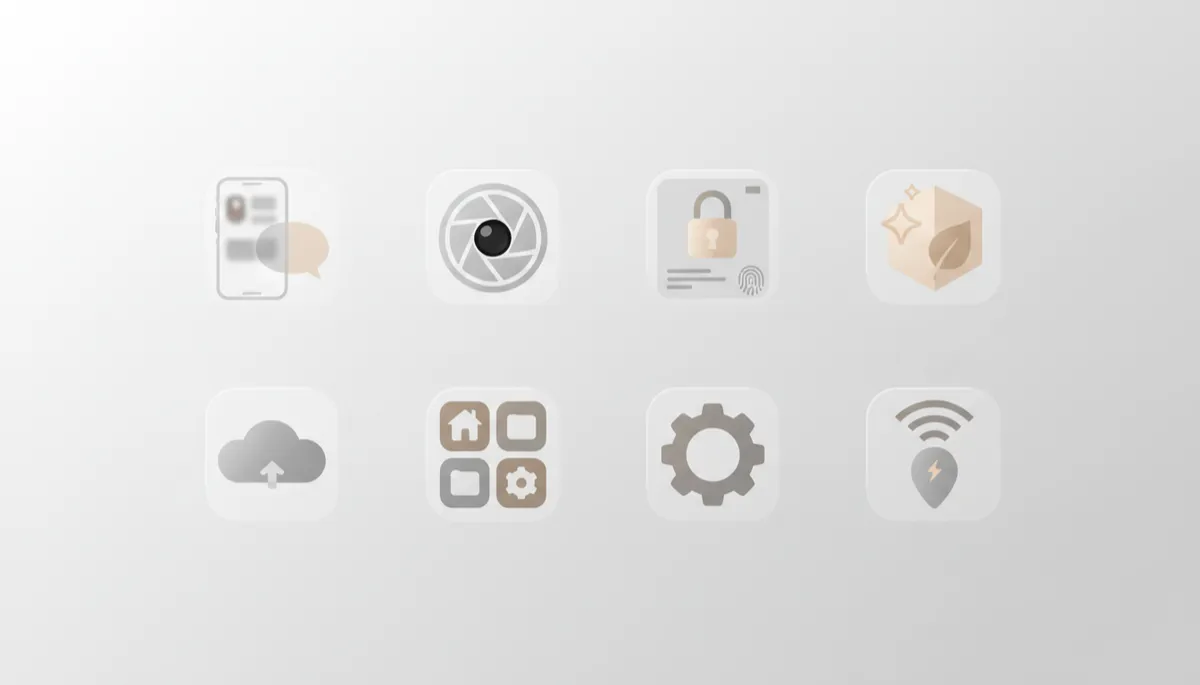
- Liquid Glass UI: Translucent, reflective panels across Home Screen, Lock Screen, and system menus make the interface feel lighter and more layered, while staying familiar (Apple, 2025).
- Icon refresh: App icons gain subtle depth, soft highlights, and optional tints, with “Clear,” “Light,” “Dark,” and tinted Liquid Glass styles to match your wallpaper (MacRumors, 2025).
- Redesigned system apps: Phone, Photos, Safari, Maps, and Music all adopt cleaner layouts, rounded tiles, and easier-to-reach controls that fit the new visual language.
Home Screen: Customization, Widgets, Dock
- Liquid Glass tiles: Widgets and folders now share the same translucent look, blending more smoothly with your wallpaper and theme.
- Deeper layout control: Finer grid spacing, more icon size options, and better alignment tools make it easier to build a clean, minimal Home Screen or a dense power-user setup.
- Smarter dock: The dock adapts to Liquid Glass styles and can surface context-aware suggestions (like Maps or Wallet) next to your pinned favorites.
Lock Screen: Liquid Glass Clock & Widgets
- Liquid Glass clock: The time floats in a translucent, glass-like capsule that adapts to your wallpaper and shifts size based on what’s on screen (TechRadar, 2025).
- Notification redesign: Alerts group more clearly, with cleaner banners and better separation between priority notifications and quieter updates.
- New Lock Screen widgets: More compact widgets for weather, fitness, Live Activities, and Apple Intelligence suggestions make the Lock Screen a quick-glance dashboard.
Apple Intelligence: Everyday AI Helpers
- Writing Tools: System-wide AI can rewrite, summarize, or adjust tone in Mail, Notes, and third‑party apps, helping you polish messages in a tap (Apple, 2025).
- Image Playground: Generate playful illustrations or quick visuals from prompts, right inside supported apps, without leaving your current screen.
- Priority Notifications: Apple Intelligence learns which apps and people matter most, pushing those alerts to the top while quietly bundling the rest (Apps.apple.com, 2025).
- Smarter Siri: Tighter Apple Intelligence integration helps Siri understand context, reference what’s on screen, and chain tasks together more reliably across apps.
- Clean Up in Photos: An AI-powered retouch tool that lets you remove small distractions from photos—like power lines or background clutter—while preserving detail.
Phone & Messages: Calls, Voicemail, RCS
- New call UI: A unified Phone app shows Favorites, Recents, and Voicemail in one streamlined view, with Liquid Glass cards for each section (Apps.apple.com, 2025).
- Live Voicemail improvements: Clearer real‑time transcriptions and smarter spam detection help you decide whether to pick up or let calls go to voicemail.
- RCS messaging (beta): On supported carriers, iOS 26.5 adds encrypted RCS for richer chats with Android users—typing indicators, better media, and larger group conversations (Apple Support, 2026).
Camera: New Photo Modes
- Smarter shooting modes: iOS 26 adds refinements to Night, Portrait, and Action modes, with better motion handling and more natural skin tones powered by on-device intelligence.
- Apple Intelligence suggestions: The Camera app can suggest switching modes—like macro or telephoto—based on what it detects in the frame.
Privacy & Security: Stronger Protection
- Stolen Device Protection: Enabled by default in iOS 26.4, this adds extra checks for sensitive actions (like changing Apple ID settings) when your phone is away from familiar locations (MacRumors, 2026).
- Anti‑snatching safeguards (26.6 beta): Early testing shows a new feature that can lock your iPhone if it detects it being forcibly taken from your hand (MacRumors, 2026).
- Expanded parental controls: Communication Limits now apply to third‑party apps, letting parents manage who kids can contact across messaging and games (Apps.apple.com, 2025).
Other Notable Changes
- Apple Games app: A new hub for all your games, Apple Arcade titles, friend challenges, and gaming activity in one place (Apps.apple.com, 2025).
- Preview on iPhone: Mark up PDFs and images with the familiar Mac-style Preview tools, now built into iOS (MacRumors, 2025).
- Maps & Wallet upgrades: Visited Places in Maps helps you recall where you’ve been, while Wallet adds order tracking for purchases (Apple, 2025).
- Accessibility boosts: Accessibility Reader, Braille Access, and new App Store accessibility labels make it easier for more people to use iPhone effectively.
