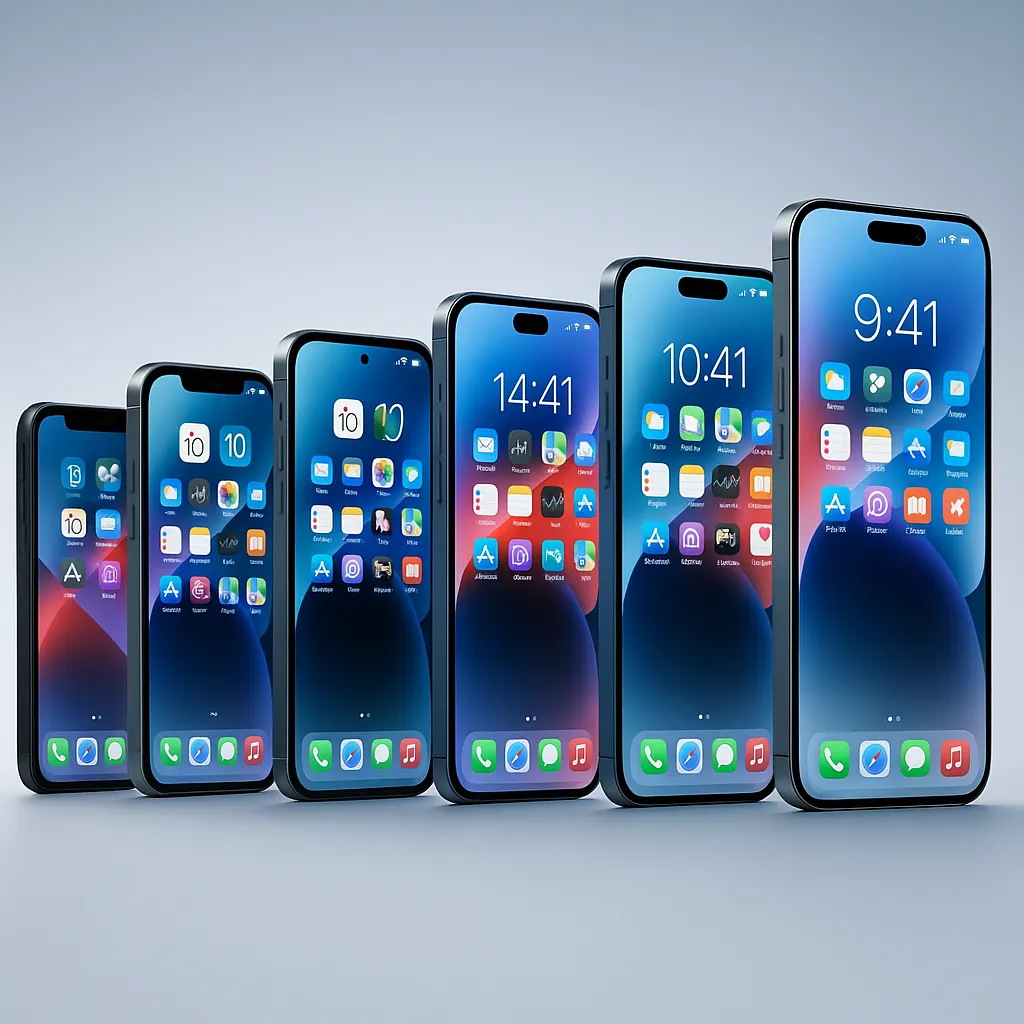
iOS 26 Compatibility: iPhone Features & Updates
iOS, iPhone Compatibility
iOS 26 Compatibility — Which iPhones Get What
Wondering whether your iPhone is ready for iOS 26, and which of the headline features you’ll actually see once you update? This clear breakdown walks through supported models, the new Liquid Glass look, Apple Intelligence, and what “limited features” really means for older phones.
Full List of iPhones That Support iOS 26
Apple’s official list for iOS 26 starts with the A13 Bionic chip and newer, which means the practical cutoff is the iPhone 11 family and later (en.wikipedia.org). That includes:
- iPhone 11 series: 11, 11 Pro, 11 Pro Max
- iPhone SE: SE (2nd generation), SE (3rd generation)
- iPhone 12 series: 12, 12 mini, 12 Pro, 12 Pro Max
- iPhone 13 series: 13, 13 mini, 13 Pro, 13 Pro Max
- iPhone 14 series: 14, 14 Plus, 14 Pro, 14 Pro Max
- iPhone 15 series: 15, 15 Plus, 15 Pro, 15 Pro Max
- iPhone 16 series: 16, 16 Plus, 16 Pro, 16 Pro Max, 16e
- iPhone 17 lineup: 17, 17 Pro, 17 Pro Max, iPhone Air, 17e
Older A12-based phones — iPhone XS, XS Max, and XR — do not support iOS 26 and stay on earlier versions with security updates only (phonearena.com).
Liquid Glass Redesign: Available on Every Supported iPhone
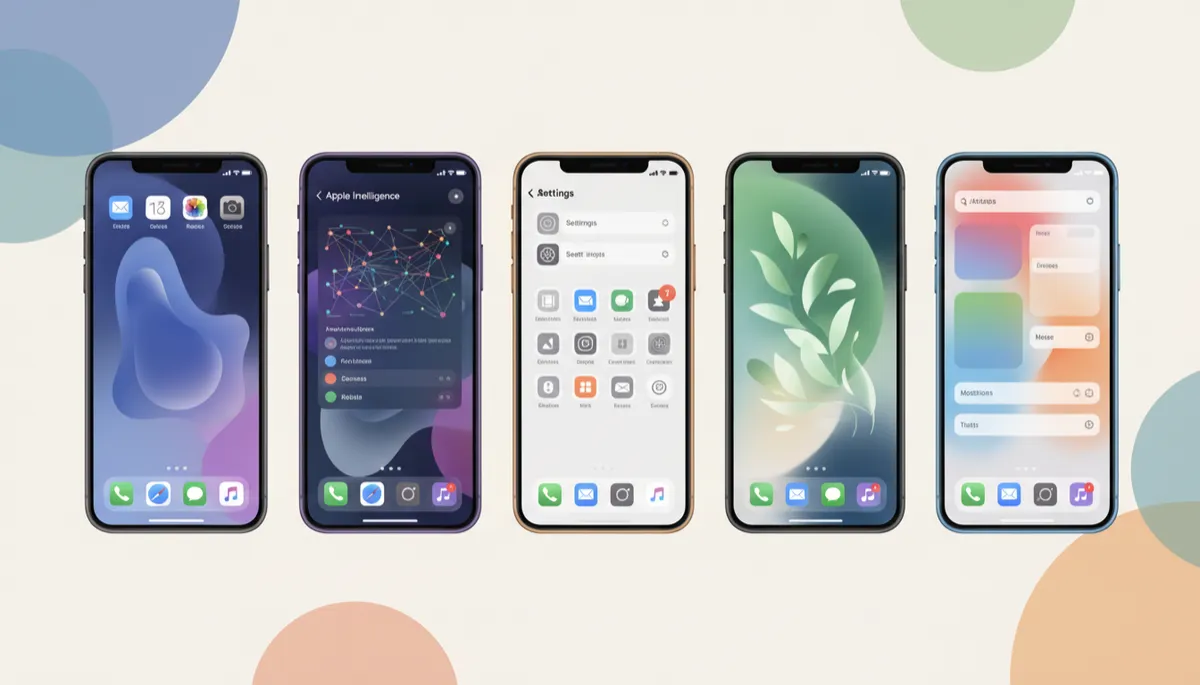
The good news: if your iPhone can install iOS 26, you get the new Liquid Glass design. This system-wide refresh brings translucent panels, reflective highlights, and a more fluid lock screen to all supported models — from iPhone 11 and SE (2nd gen) right up to the latest iPhone 17 series (macrumors.com).
You might see smoother animations on newer devices, but the overall look and layout are consistent. So even on an older iPhone 11, your home screen and core apps will feel current.
Apple Intelligence: Only on iPhone 15 Pro and Newer
Apple’s most advanced AI features in iOS 26 — grouped under Apple Intelligence — need the A17 Pro chip or better. That limits full access to:
- iPhone 15 Pro and 15 Pro Max
- All iPhone 16 models (16, 16 Plus, 16 Pro, 16 Pro Max, 16e)
- All iPhone 17 models, including iPhone Air and 17e
On these phones, you get on‑device language models, smarter writing tools, Live Translation in calls and messages, and richer visual intelligence features (apple.com).
Older Models with iOS 26 but Limited Features
If you have an iPhone 11, 12, 13, 14, 15 (non‑Pro) or either iPhone SE, you still benefit from iOS 26 — just without Apple Intelligence. Here’s what you can expect:
- The full Liquid Glass interface, refreshed Control Center, and smoother navigation.
- New and improved apps like Games, Preview, and an upgraded Journal.
- Better call screening, Messages tools, Live Activities, CarPlay widgets, and accessibility upgrades.
What you don’t get on these older or non‑Pro models are the headline Apple Intelligence perks like Genmoji, on‑device text summarisation, and advanced AI‑powered automation. The experience is still modern and secure — just less focused on AI.
Should You Update — or Upgrade?
If your iPhone is on the compatibility list, updating to iOS 26 is an easy recommendation for security, the Liquid Glass refresh, and quality‑of‑life tweaks. If you want the full Apple Intelligence package, though, you’ll need to look at iPhone 15 Pro or newer when you next upgrade.
