iOS 26 Apple Intelligence & Privacy: How Your Data Stays Safe
iOS, Apple Intelligence, Privacy
iOS 26 Apple Intelligence & Privacy: How Your Data Stays Safe
If you have updated to iOS 26, you have probably seen Apple Intelligence suggestions, smarter Siri replies, and new writing tools popping up across your iPhone. Along with the excitement comes the big question: is this actually safe, and is Apple reading my messages? Let’s walk through how Apple Intelligence works, why privacy is built into it, and how you can double‑check every setting yourself.
1. Is Apple Intelligence safe? Does Apple read my messages?
Apple designs Apple Intelligence with a simple promise: your personal data should stay under your control. Messages, emails, photos, and documents are used to power features like better suggestions or summaries, but they are not turned into a profile about you, and they are not sold to advertisers. Apple has long framed privacy as a “fundamental human right” and has carried that philosophy into iOS 26 and Apple Intelligence.
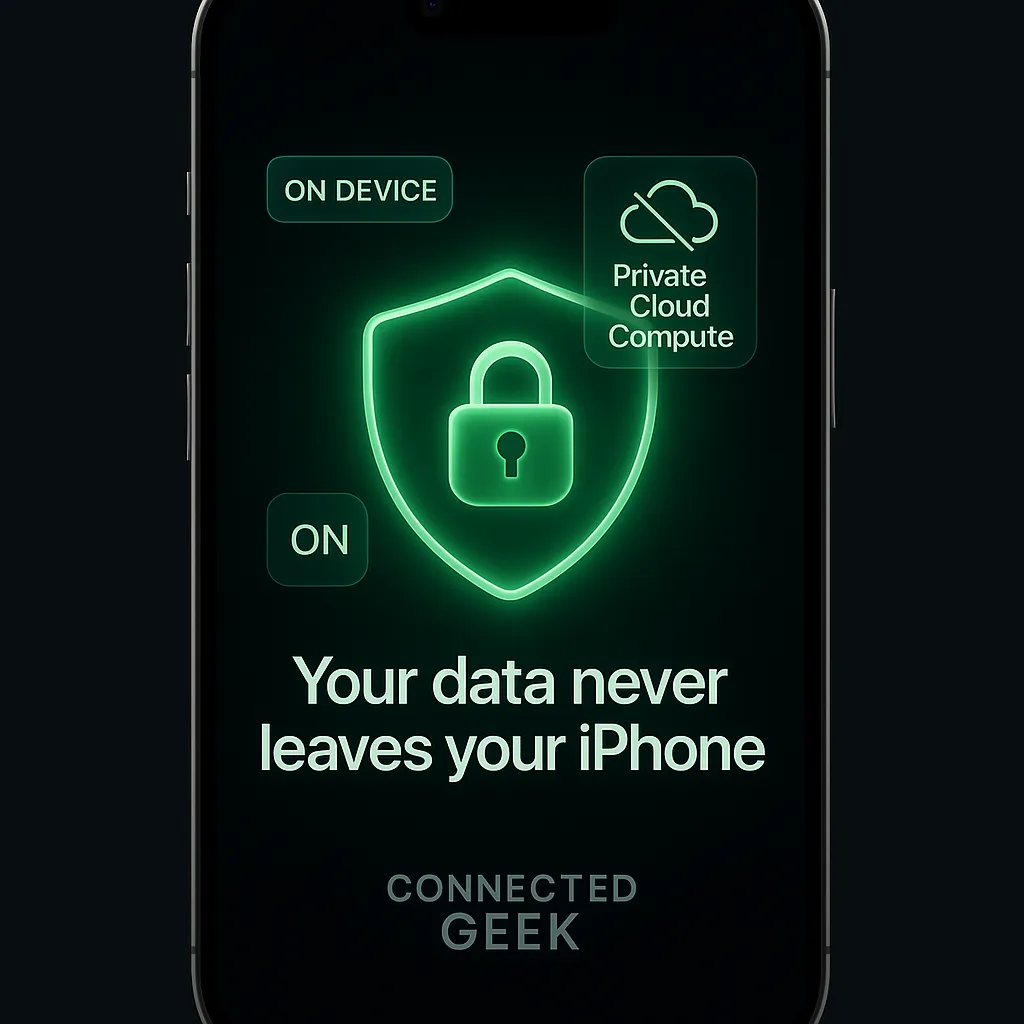
When Apple Intelligence analyzes a text conversation to suggest a reply, or looks at your calendar to help Siri understand your schedule, that information is processed either directly on your device or through a tightly controlled system called Private Cloud Compute. In both cases, Apple’s systems are designed so that Apple’s staff cannot read your personal content. iMessage and FaceTime remain end‑to‑end encrypted, and Apple Intelligence does not remove that protection.
2. On‑device processing: what stays on your iPhone
A core idea behind Apple Intelligence in iOS 26 is that most things never leave your iPhone at all. Modern iPhones, particularly those with A13 Bionic and later chips, are powerful enough to run advanced AI models locally. Apple leans on that power so your personal data does not have to travel to a remote server for many everyday features.
- Writing Tools (rewrite, summarize, proofread) can analyze the text on your screen entirely on‑device, so your draft email or note is not uploaded to Apple to be processed.
- Priority Notifications look at incoming alerts and your patterns to highlight what matters most, without sending your notifications stream to Apple’s servers.
- Smart Reply can suggest responses in Messages and Mail by examining the conversation right on your device.
- Clean Up in Photos, which removes distractions from your pictures, uses on‑device intelligence so your personal photos do not have to be uploaded for editing.
- Genmoji, Apple’s personalized emoji feature, can generate fun, custom characters based on your prompts, again relying primarily on local processing.
Because these features run on‑device, your data never leaves your iPhone for these tasks. That greatly reduces the chance of interception, misuse, or unexpected sharing, and aligns with Apple’s broader pattern of on‑device intelligence in areas like Face ID, Safari protections, and photo recognition.
3. Private Cloud Compute: extra power without giving up privacy
Some tasks are simply too heavy for a phone, even a modern one. When Apple Intelligence needs more horsepower—for example, for very long documents or complex image understanding—it can use Private Cloud Compute (PCC), a special type of Apple server designed specifically for private AI processing.
With PCC, your request is encrypted and sent to a hardened Apple server. That server runs only Apple‑signed code that is publicly documented and open to inspection by independent security researchers. According to Apple’s privacy documentation, the data is used solely to complete your request and is never stored or retained afterward. Security researchers can verify this behavior, and iOS 26.4 even adds an Apple Intelligence Report under Settings → Privacy & Security, allowing you to export attestation bundles that show which PCC nodes handled your requests.
The key reassurance: Apple designs PCC so that even Apple cannot see or keep your personal content. Cryptographic protections and code transparency are meant to prove that your data is not silently copied, logged, or used to build advertising profiles. This is very different from many traditional cloud AI systems, which routinely store prompts and outputs for later analysis or model training.
4. How Apple Intelligence differs from traditional AI services
Traditional AI services often follow a straightforward model: your data goes to the company’s servers, where they can store it, review it, and sometimes use it to train future models. Even when companies promise not to misuse that data, the architecture itself usually allows employees or systems to access it, at least in theory.
Apple Intelligence, by contrast, starts from a different place. First, it tries to handle as much as possible on your device. When cloud help is needed, it relies on PCC, where data is encrypted end‑to‑end and processed in a sealed environment. Apple does not hold a decryption key that would allow it to casually browse your content. This design means that, unlike many AI providers, Apple cannot simply “look up” your prompts later or use them to build a behavioral profile for targeted advertising.
5. What Apple Intelligence does not do with your data
- It does not send your messages or emails to Apple for human review.
- It does not create an advertising profile based on what you type, read, or say.
- It does not store your personal content on Apple’s servers after a PCC request is completed.
- It does not share your data with third‑party advertisers or data brokers.
Apple still may collect limited, privacy‑preserving analytics if you choose to share them, but these are designed to avoid identifying you personally. You can control this in Settings → Privacy & Security → Analytics & Improvements, and Apple documents what is collected at apple.com/privacy/features.
6. ChatGPT integration: optional and under your control
In iOS 26, Apple Intelligence can tap into ChatGPT for certain tasks—like creative writing help or deeper explanations—through a special extension. Importantly, this integration is off by default. You choose whether to use it, and you can always say no when prompted.
When Apple Intelligence thinks ChatGPT might help, you will see a clear prompt asking if you want to send your request to ChatGPT. Nothing is shared automatically. You can also manage this in Settings → Apple Intelligence & Siri → ChatGPT. If you prefer not to use ChatGPT at all, simply toggle it Off, and Apple Intelligence will stick to its own models and PCC.
If you do choose to use ChatGPT, the privacy rules depend on whether you connect an OpenAI account. Without an account, Apple and OpenAI state that your requests are used only to generate a response, with no IP address shared and no retention for training. With an account, your usual OpenAI data settings apply. Either way, you remain in charge of whether ChatGPT is involved at all on your iPhone.
7. Siri’s personal context: helpful, but still private
One of the most noticeable upgrades in iOS 26 is a more capable Siri. Siri can now understand your personal context better—things like upcoming calendar events, message threads, or recent emails—so it can answer questions like “When is my dentist appointment?” or “What time does my flight leave?” more naturally.
The reassuring part is that this context is processed on your device. Siri’s improved understanding comes from Apple Intelligence models running locally, not from shipping your entire inbox or calendar to Apple’s servers. Your email accounts, messages, and calendar entries remain protected by the same security and encryption as before; Apple Intelligence simply gives Siri a smarter, more private way to work with them.
8. How to verify each feature’s privacy settings yourself
If you like to double‑check things (many of us do), iOS 26 makes it fairly straightforward to see what Apple Intelligence is allowed to do and to adjust it if needed. Here are a few simple steps:
- Open Settings and tap Apple Intelligence & Siri. Here you can see which Apple Intelligence features are enabled, adjust Siri behavior, and manage integrations like ChatGPT.
- Within this menu, tap ChatGPT to confirm whether it is on or off. If you ever feel unsure, you can simply switch it off; Apple Intelligence will still work, just without ChatGPT’s help.
- Go to Settings → Privacy & Security to review analytics sharing and, on iOS 26.4 or later, enable the Apple Intelligence Report if you are interested in more technical transparency about Private Cloud Compute usage.
Taking a minute to explore these settings can be surprisingly reassuring. You will see that Apple gives you clear switches for the most sensitive features, and that privacy options are not buried or hidden. Combined with on‑device processing and Private Cloud Compute, iOS 26 aims to let you enjoy powerful AI features while keeping your personal life exactly where it belongs: with you.
