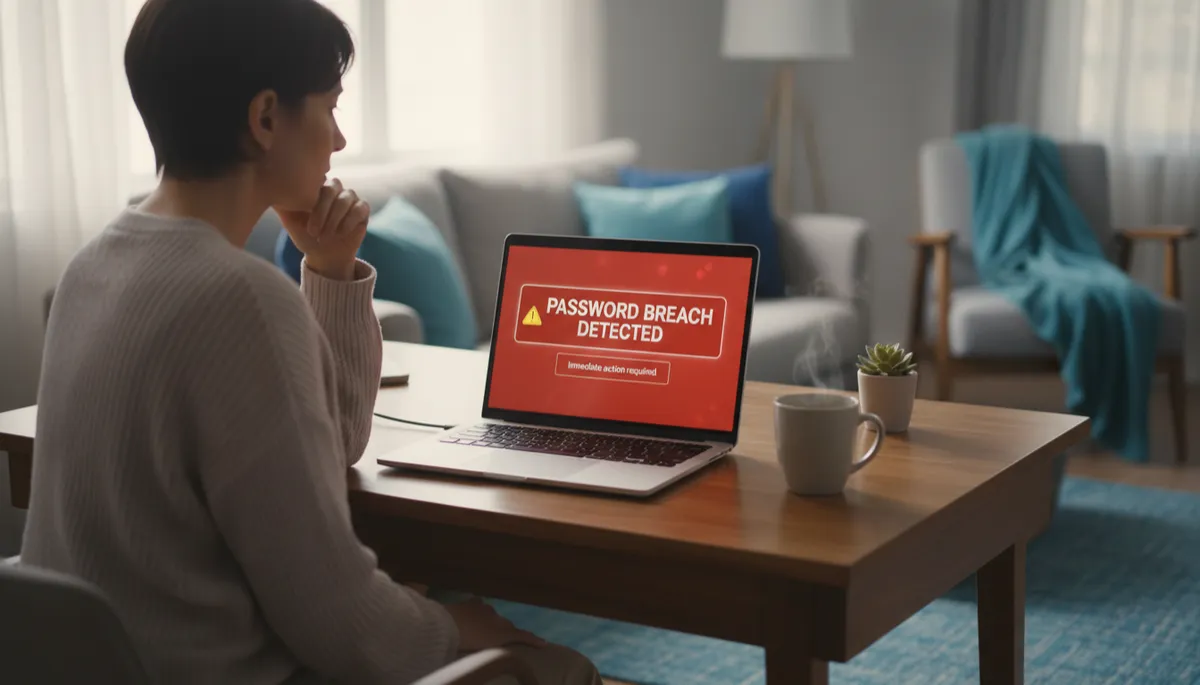
Weak and Reused Passwords: The #1 Security Risk Your Family Is Probably Ignoring
Family Cybersecurity, Password Security
The #1 Security Risk Families Ignore: Weak and Reused Passwords
Back-to-school season is when families buy notebooks, update schedules, and reset routines. It's also the perfect time to do something most homes skip entirely: a quick checkup on password security. If your family is like most, everyone is juggling school portals, gaming logins, streaming apps, email, and social media. And somewhere along the way, the same two or three reused passwords end up on almost every account.
Why Reusing Passwords Is So Dangerous
Reused passwords feel convenient in a busy household, but they quietly turn one small mistake into a whole-house problem. When you or your child uses the same password for school, email, and a favorite game, you're tying all those accounts together behind the scenes. If just one of those websites gets hacked, that shared password is now out in the wild for criminals to try everywhere else.
Think of it like using the same key for your house, car, locker, and mailbox. If someone copies that key once, they suddenly have access to everything. With digital logins, attackers don't even need to be nearby. They buy stolen username and password lists online and let computers do the dirty work for them, trying those same details across hundreds of popular sites in seconds.
Credential Stuffing: The "Copy and Paste" Attack Explained Simply
This is where a term you may have heard—credential stuffing—comes in. It sounds technical, but the idea is simple. "Credentials" are your login details: email or username plus password. In a credential stuffing attack, criminals take huge lists of stolen logins from one data breach and "stuff" them into login pages on other sites to see what works.
No one is sitting there typing these by hand. Software tries thousands of username and password combinations every minute. If your family reuses passwords, those stolen details from an old, forgotten account—maybe a game your child played years ago—can suddenly unlock their email, school account, or cloud storage today. That's why reused passwords are such a big, but often invisible, threat to family cybersecurity.
Real-World Consequences for Families and Students
It's easy to think, "We're not important enough to be targeted." But credential stuffing doesn't care who you are; it just looks for passwords that work. When it finds one, the fallout can be stressful and time-consuming for parents and students alike.
- School accounts hijacked: A reused password can let someone change assignment submissions, access class chats, or send messages pretending to be your child.
- Email takeovers: Once attackers control a parent's email, they can reset passwords for banking, shopping, or medical portals linked to that address.
- Unauthorized purchases: Saved cards in gaming platforms, app stores, or streaming services can quickly rack up unexpected charges.
- Privacy and reputation damage: Access to social media or messaging accounts can lead to embarrassing posts, bullying, or sharing of private photos and messages.
None of this is meant to scare you—it's to show why a simple back to school security review can be just as important as checking bus routes or buying new shoes. A few small changes can dramatically reduce the chances of any of these headaches ever happening to your family.
Quick Fix #1: Use Bitwarden to Stop Reusing Passwords
The easiest way to stop reusing passwords is to stop trying to remember them all. A password manager like Bitwarden safely stores every login for every family member, and can even generate strong, unique passwords for each site. You only need to remember one master password; Bitwarden handles the rest with just a click or tap.
For families, this means your child's school portal, your banking app, and your teenager's gaming accounts can all have different, complex passwords without anyone needing a notebook or sticky notes. Bitwarden offers a generous free plan, works across phones, tablets, and laptops, and makes good password security feel almost effortless once it's set up.
Quick Fix #2: Turn On Two-Factor Authentication (2FA)
The second simple step is enabling two-factor authentication (2FA) wherever it's offered. With 2FA, logging in requires your password plus a second proof that it's really you—often a code texted to your phone or generated by an app. Even if someone guesses or steals your password, they still can't get in without that extra code.
Start with your most important accounts: parent and student email, cloud storage, banking, and social media. Many school systems and learning platforms now support 2FA as well. Turning it on usually takes just a few minutes per account, and it closes the door on most credential stuffing attacks instantly.
Make Password Security Part of Your Back-to-School Routine
Between supply lists and sports signups, it's easy to push family cybersecurity to "later." But this season is actually the ideal time to sit down together, talk about reused passwords, and put better habits in place before the school year gets busy. A short family meeting now can prevent a lot of stress down the road.
Need Help? Book a $50 Back to School Security Review
If you'd like a friendly guide to walk you through all of this, you don't have to figure it out alone. From August 1 through October 31, 2026, you can book a $50 Back to School Security Review at connectedgeek.net. It's a remote session over Zoom, so your family can join from home, and we'll focus on practical steps that fit your real life.
During your session, you'll get help setting up Bitwarden, turning on two-factor authentication for key accounts, and creating a simple, age-appropriate plan to keep everyone safer online all year long. Consider it your family's back to school security review—quick, affordable, and designed to protect the people and information you care about most.
