Apple Intelligence: AI on iPhone, iPad, and Mac
Apple, AI, iPhone Tips
Apple Intelligence — What It Is & Why It Matters
If the words “artificial intelligence” make you think of confusing tech talk, you’re not alone. Apple Intelligence is Apple’s way of bringing AI to everyday life on iPhone, iPad, and Mac — in a calm, private, and helpful way that feels more like a friendly assistant than a science‑fiction robot.
So, what exactly is Apple Intelligence?
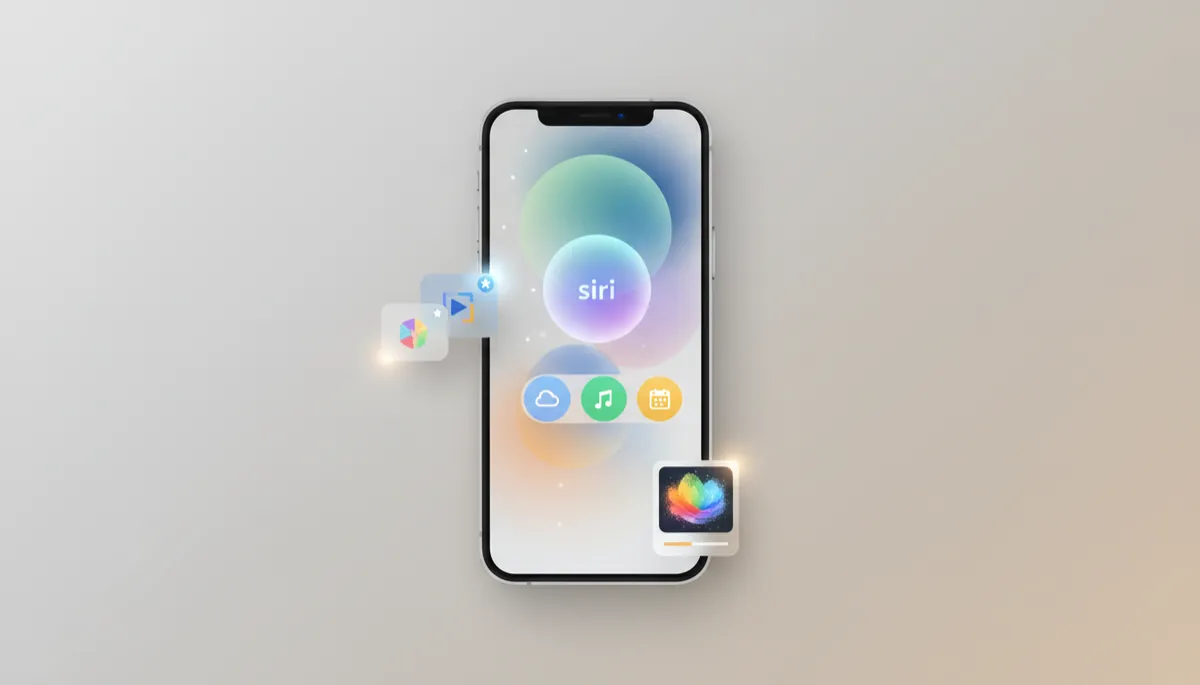
Apple Intelligence is Apple’s built‑in AI system that runs across your iPhone, iPad, and Mac. Think of it as a smart layer woven into the apps you already use: Messages, Mail, Notes, Photos, Safari, and more. Instead of being a separate app you have to open, it quietly steps in when it can save you time or reduce effort — while keeping your personal information protected.
What can Apple Intelligence actually do for you?
Apple Intelligence is less about flashy demos and more about everyday convenience. Here are some of the most useful ways it shows up:
- Smarter Siri: Siri becomes better at understanding what you mean, not just what you say. You can speak more naturally, correct yourself mid‑sentence, and ask follow‑up questions without starting over. Because it knows more about what’s on your device, it can help with things like “Show me the PDF Mom sent last week” or “Play that playlist I listened to on Sunday.”
- Writing Tools that rewrite and proofread: When you’re writing an email, a note, or even a social post, Apple Intelligence can rewrite your text to sound more professional, more friendly, or more concise. It can also proofread for spelling and grammar, so you can send that important message with confidence.
- Image Playground for fun visuals: Want a playful illustration for a birthday message or a custom image for a group chat? Image Playground lets you generate light‑hearted images from simple prompts, directly on your device, without needing a separate AI art app.
- Clean Up in Photos: Ever take a great photo spoiled by a stranger in the background or a distracting object? Clean Up in Photos helps you remove those small annoyances so the focus stays on what you actually cared about when you tapped the shutter.
- Priority Notifications: Instead of a wall of alerts, Apple Intelligence highlights what truly matters — like a message from a close family member or an urgent delivery update — and quietly pushes less important notifications out of the way until you’re ready.
Beyond these headline features, you’ll see small, thoughtful touches everywhere: smarter suggestions in apps, better summaries of long emails or articles, and gentle help when your day feels overloaded.
Which devices support Apple Intelligence?
Because Apple Intelligence does so much processing on the device itself, it needs Apple’s latest chips. On iPhone, that means:
- iPhone 15 Pro and iPhone 15 Pro Max
- The iPhone 16 series and newer models
Similar requirements apply on iPad and Mac, where newer Apple silicon chips are designed to handle these AI features smoothly. If you’re unsure, Apple’s settings and website clearly list which models support Apple Intelligence, so you don’t have to guess.
How is this different from ChatGPT and other AI tools?
You may have heard of ChatGPT and similar AI services that run in the cloud. Apple Intelligence takes a different approach. Its key promise is privacy.
Instead of sending all your personal data to distant servers, Apple Intelligence does as much as possible locally on your device. That means things like your photos, messages, emails, and notes stay on your iPhone, iPad, or Mac while the AI works. Apple’s long‑standing focus on on‑device processing and privacy‑preserving machine learning backs this up, as highlighted in their AI strategy and research. When the system does need extra power from the cloud, Apple designs it so your data is protected and not used to build advertising profiles about you.
In simple terms: tools like ChatGPT are powerful, general‑purpose chatbots. Apple Intelligence is a built‑in companion that quietly understands your day, respects your privacy, and helps you get things done faster on the devices you already love.
